
How to create charts from your WordPress posts
Visualizer Pro can pull data directly from your WordPress posts, allowing you to build charts that update automatically as your content changes.
📝 Note: This is a feature of the premium version of Visualizer, which you can get from here.
1. While editing a chart, navigate to the Source tab and click on Import from WordPress.
2. Click on the 1. Choose Data Source button.
3. Select from the dropdown the post type you want to plot in the graphs, then the elements.
4. Use the 2. Set Sync Schedule option to pick from the dropdown how often you wish to refresh the data from WordPress.
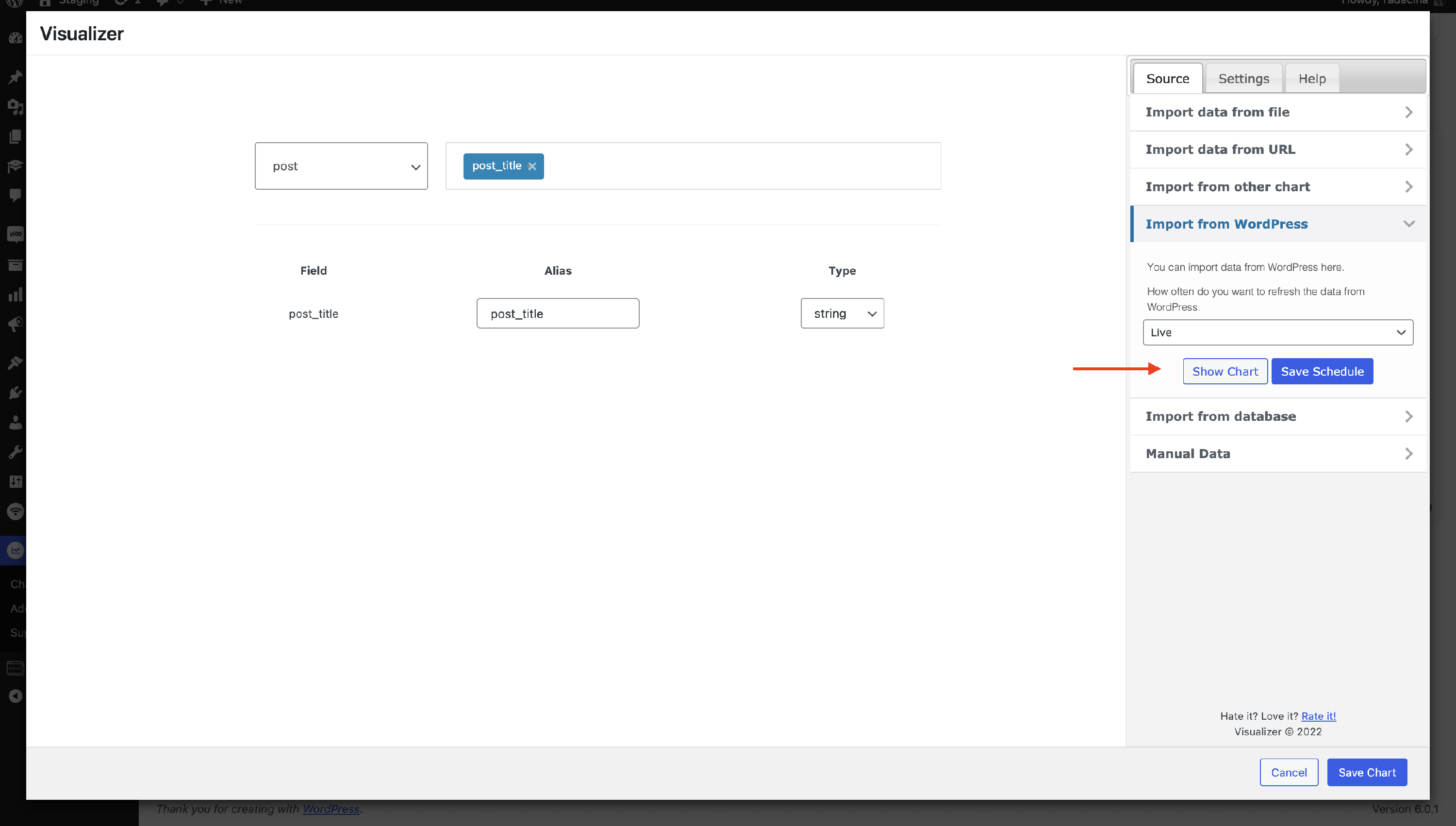
Example
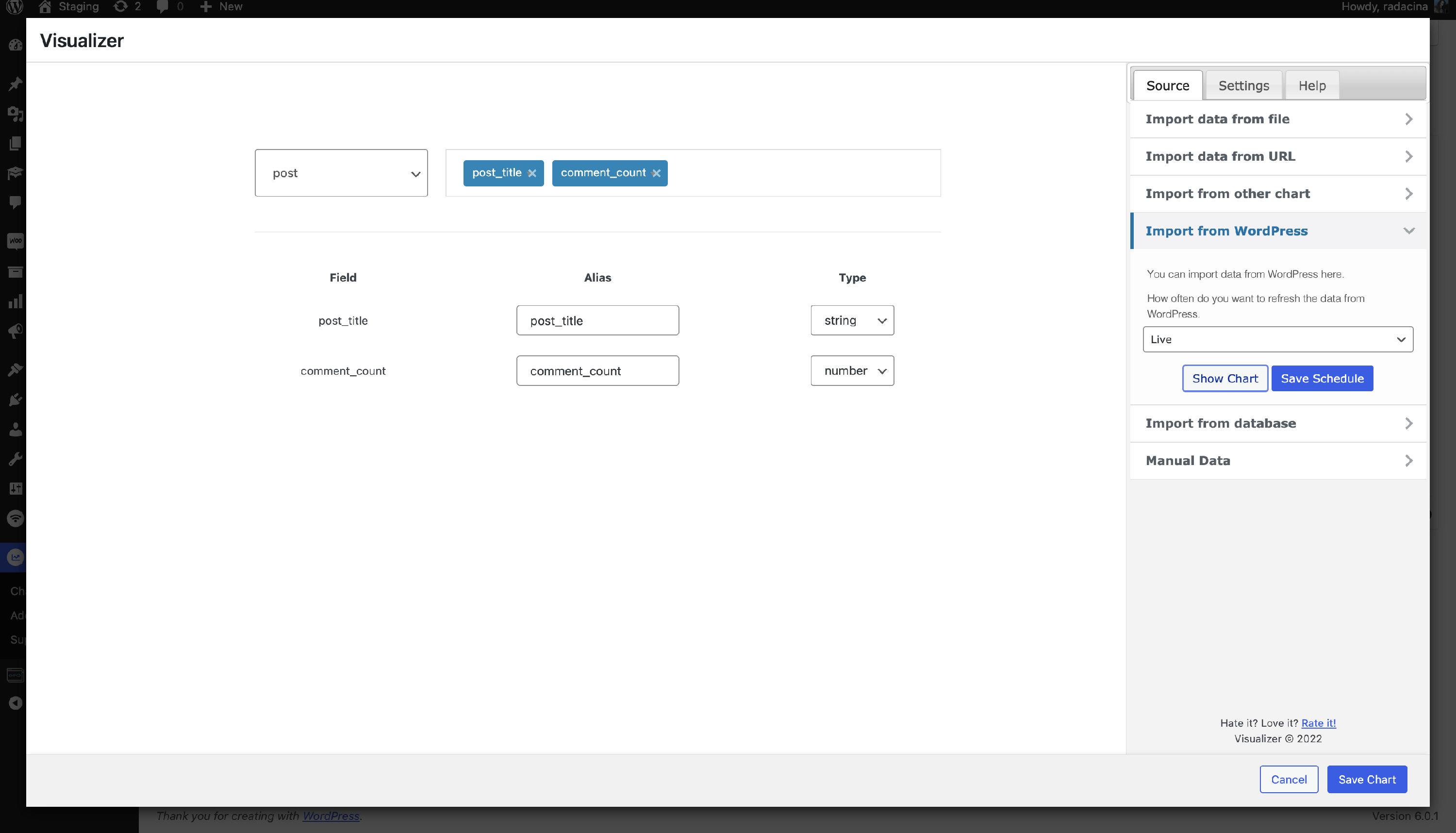
- elements that we want to display in the charts
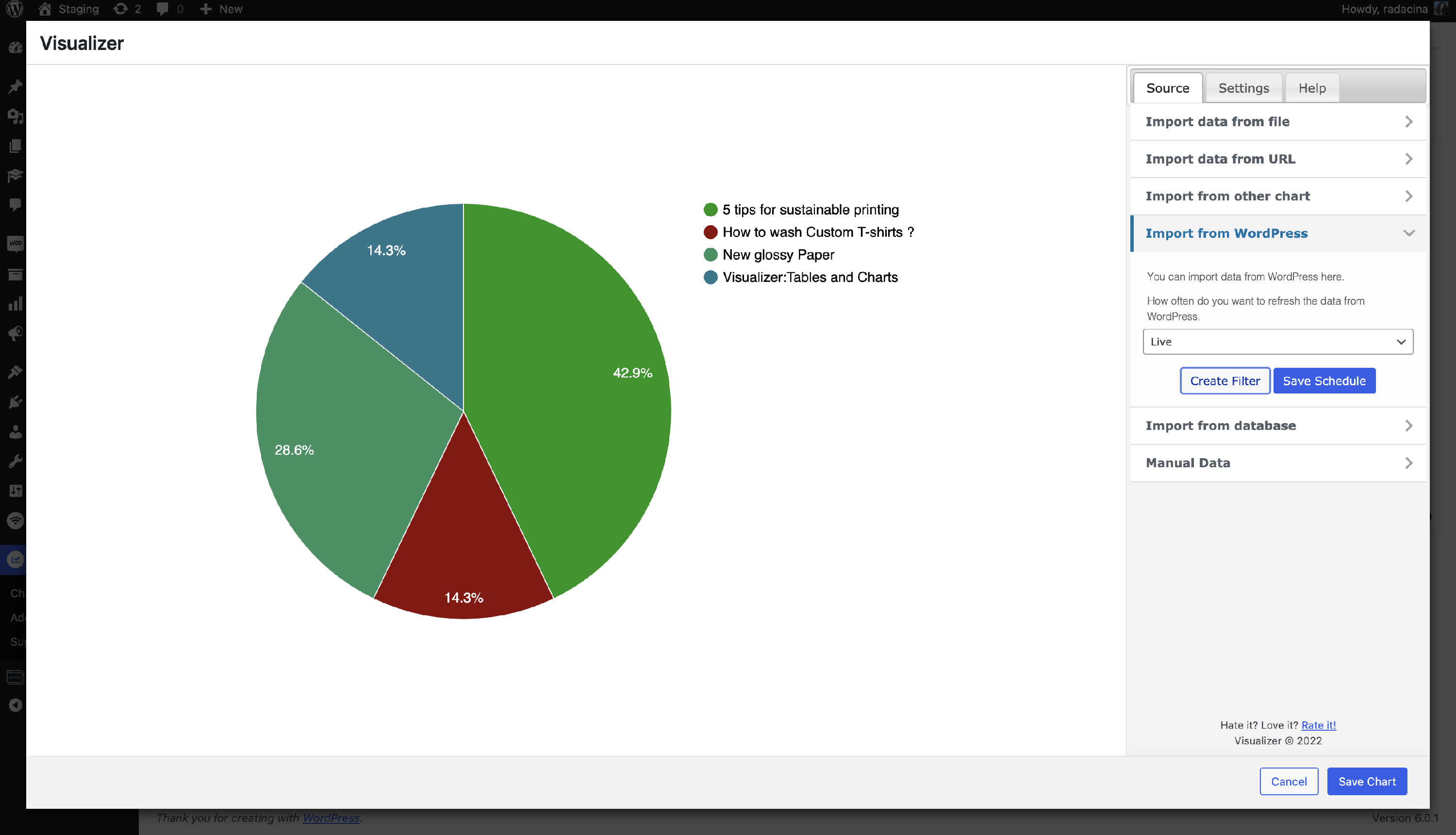
- how the chart appears
📝Note: You can modify the alias of the elements and pick the data type.