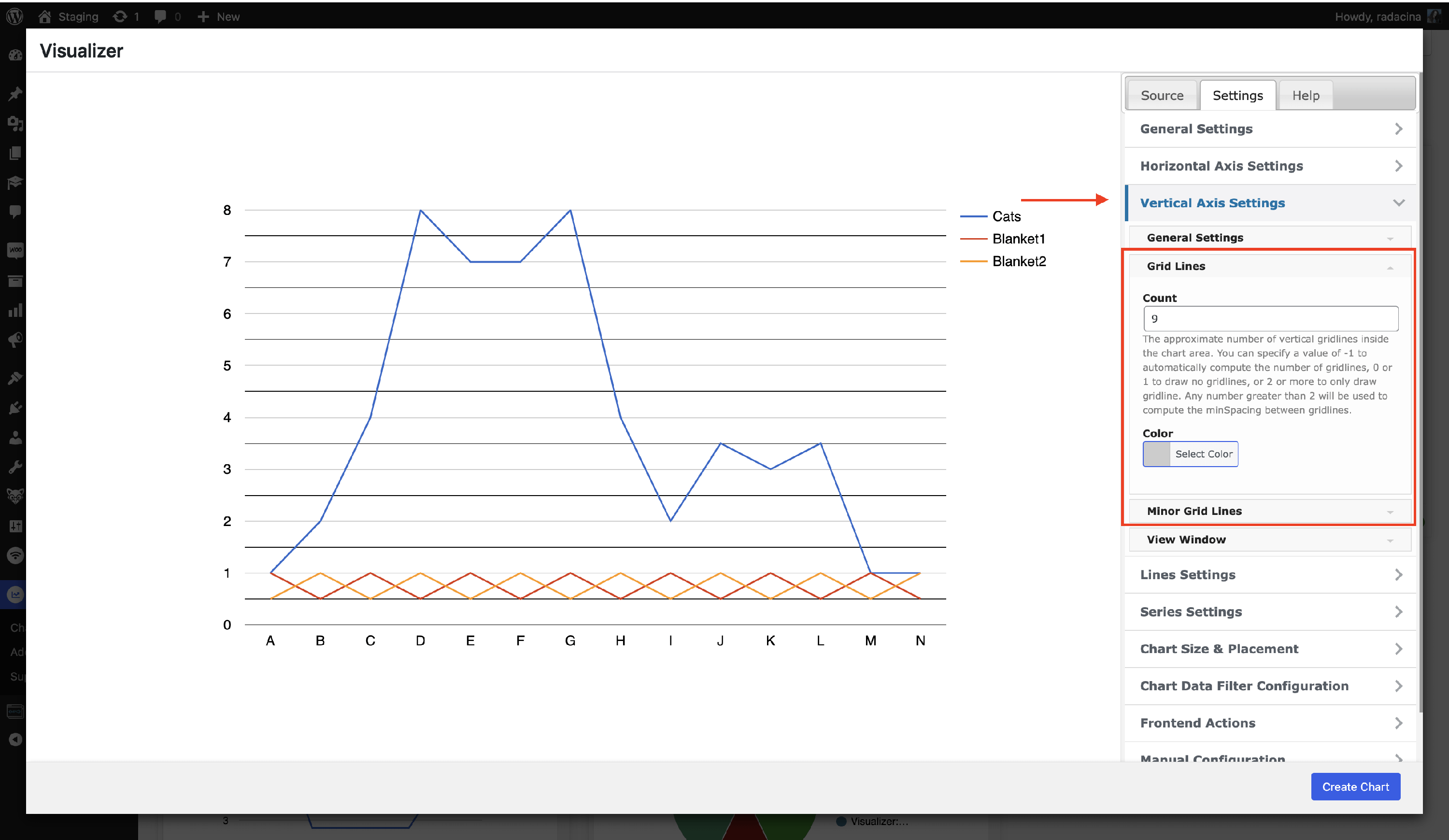
How to add Grid Lines to the Graph?
You can easily add grid lines to the chart, following these steps:
1. Navigate to Visualizer > Chart Library and pick the desired one.
2. Go to the Settings Tab > Vertical Axis Settings.
3. Adjust the colors and settings of the Grid Lines and Minor Grid Lines.