How can I delete a chart?
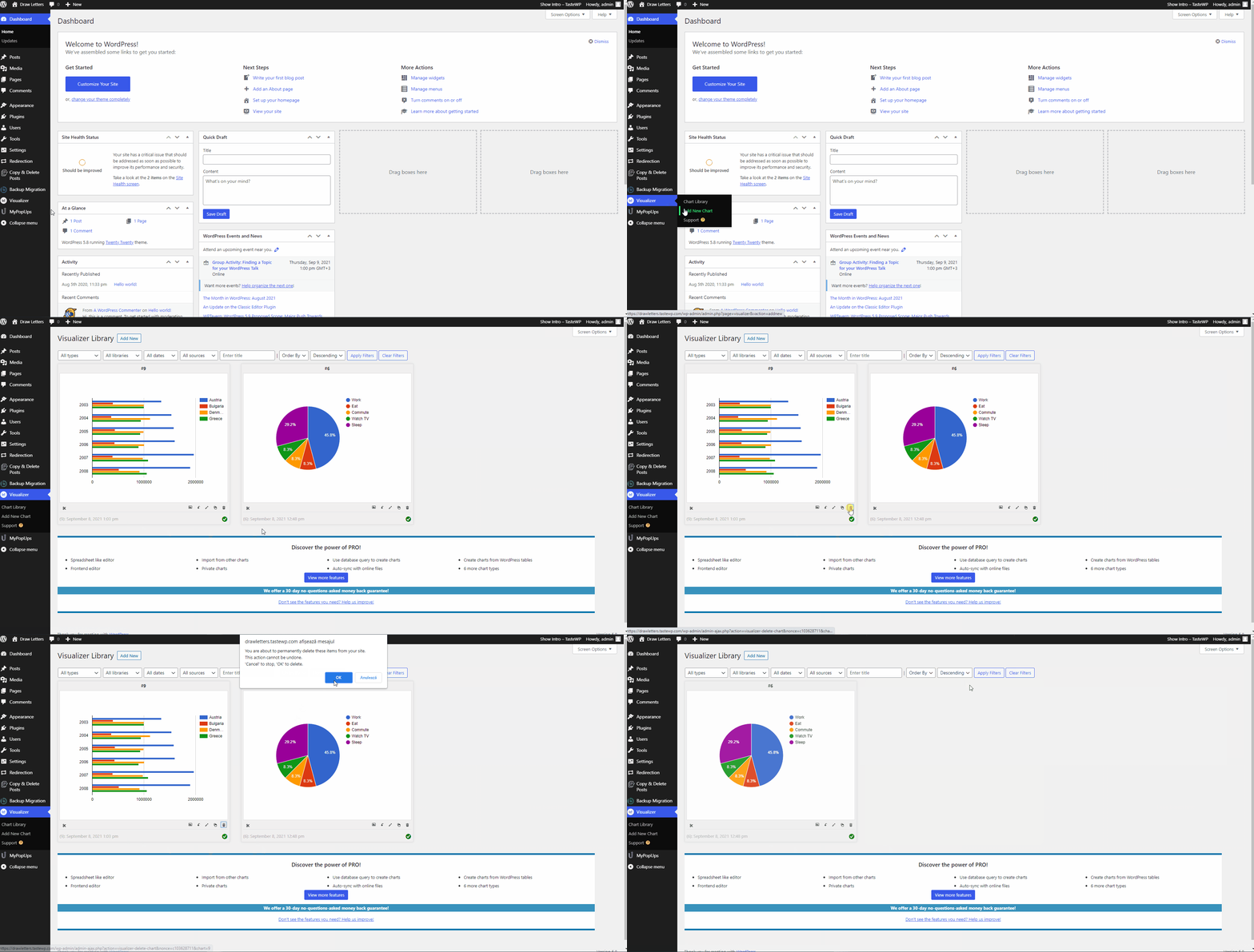
The process of deleting a chart is quite simple:
1. Navigate to Dashboard > Visualizer > Chart Library.
2. Pick the chart that you want to delete.
3. Click on the 🗑️ icon.
4. A pop-up will appear, asking if you are sure that you want to delete the chart. If you are, click on "OK".