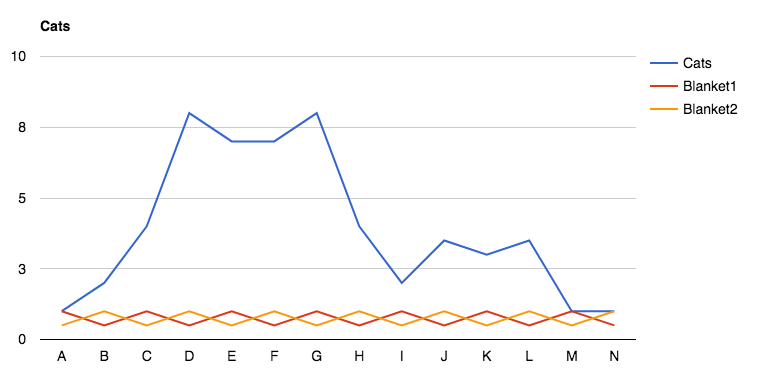
How can I add title to a chart in Visualizer
You can add a title to any Visualizer chart through the chart's Settings panel.
1. After you have created a chart, go to Visualizer > Chart Library
2. Click edit on the chart already created, select your chart, and on the next page, click Settings.
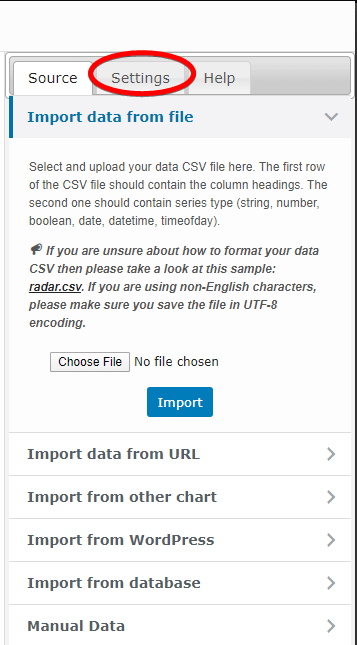
3. Go to General Settings > Title
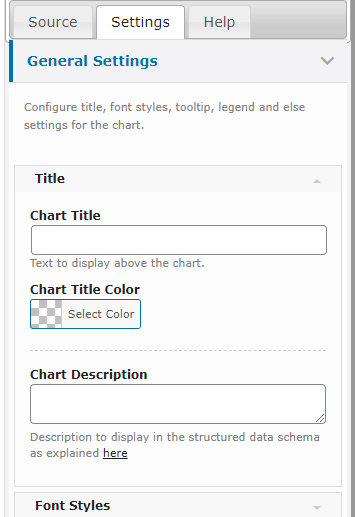
4. Then Enter your desired title in Chart Title input field.
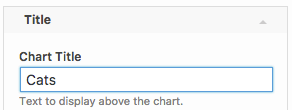
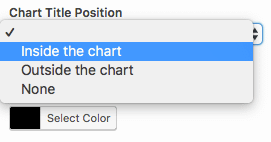
5. For graph-based Google Charts (such as Line, Bar, Column, and Area), you can also set where you want to display the title using the Chart Title Position option. This option is not available for Pie/Donut, Geo, Gauge, Table, or ChartJS charts.
6. Click on Save Chart button, and see the title on your chart!