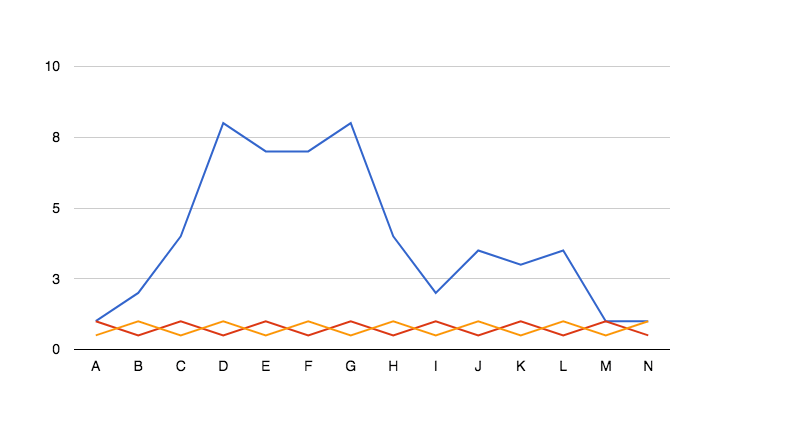
How can I disable legends in charts in Visualizer
Visualizer displays legends on charts by default; you can disable them through the chart's General Settings.
1. After you have created a chart, go to Visualizer > Chart Library
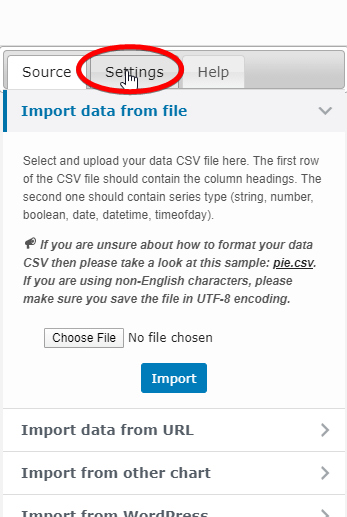
2. Click edit on the chart already created, select your chart, and on the next page, click Settings.
3. Go to General Settings > Legend, and under the Position option, select Omit the legend option.
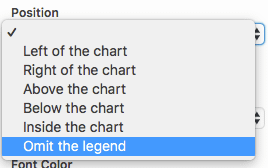
4. Click on Save Chart button, and the legend has been removed from your charts.