How can I edit the data manually
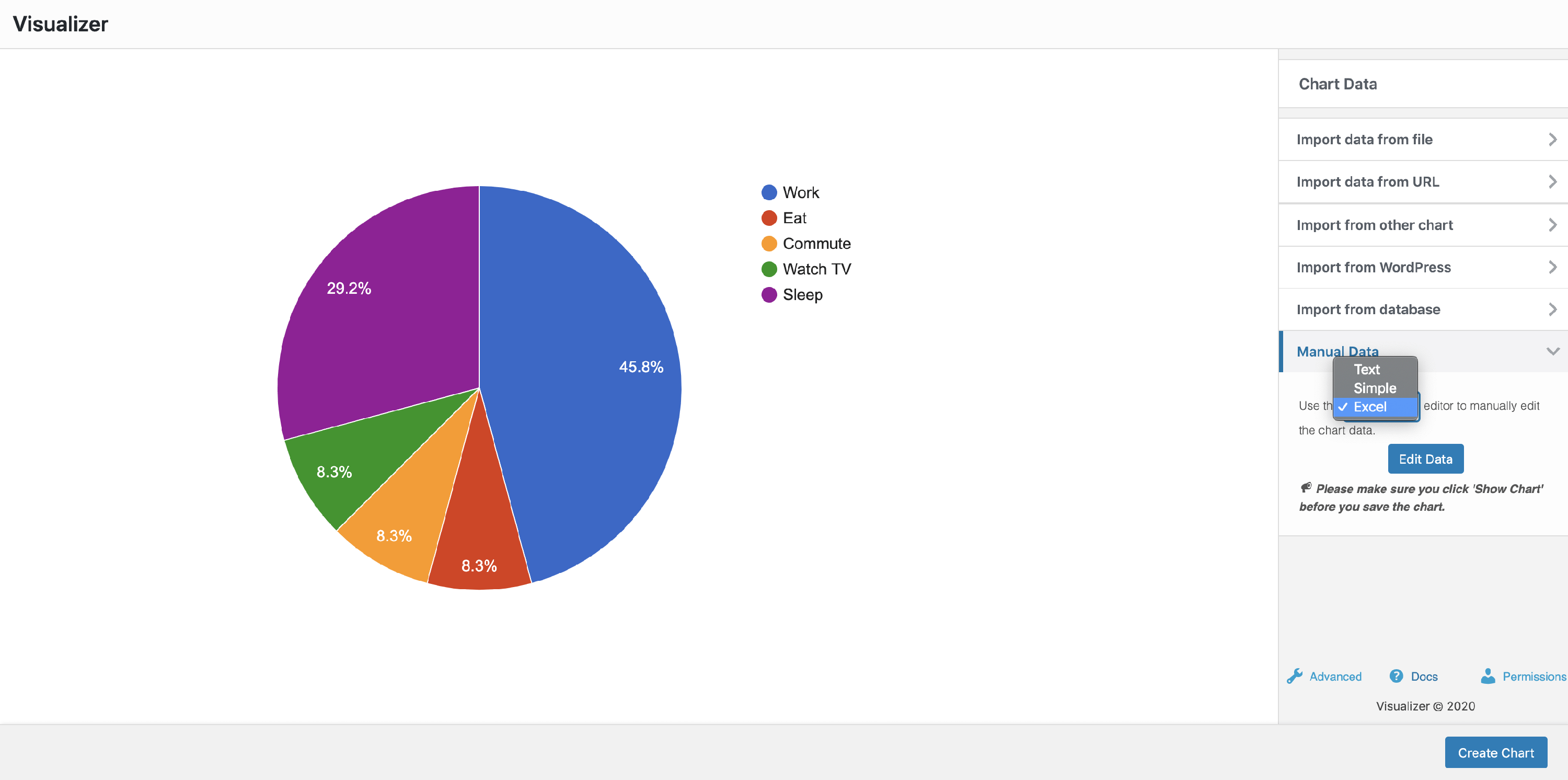
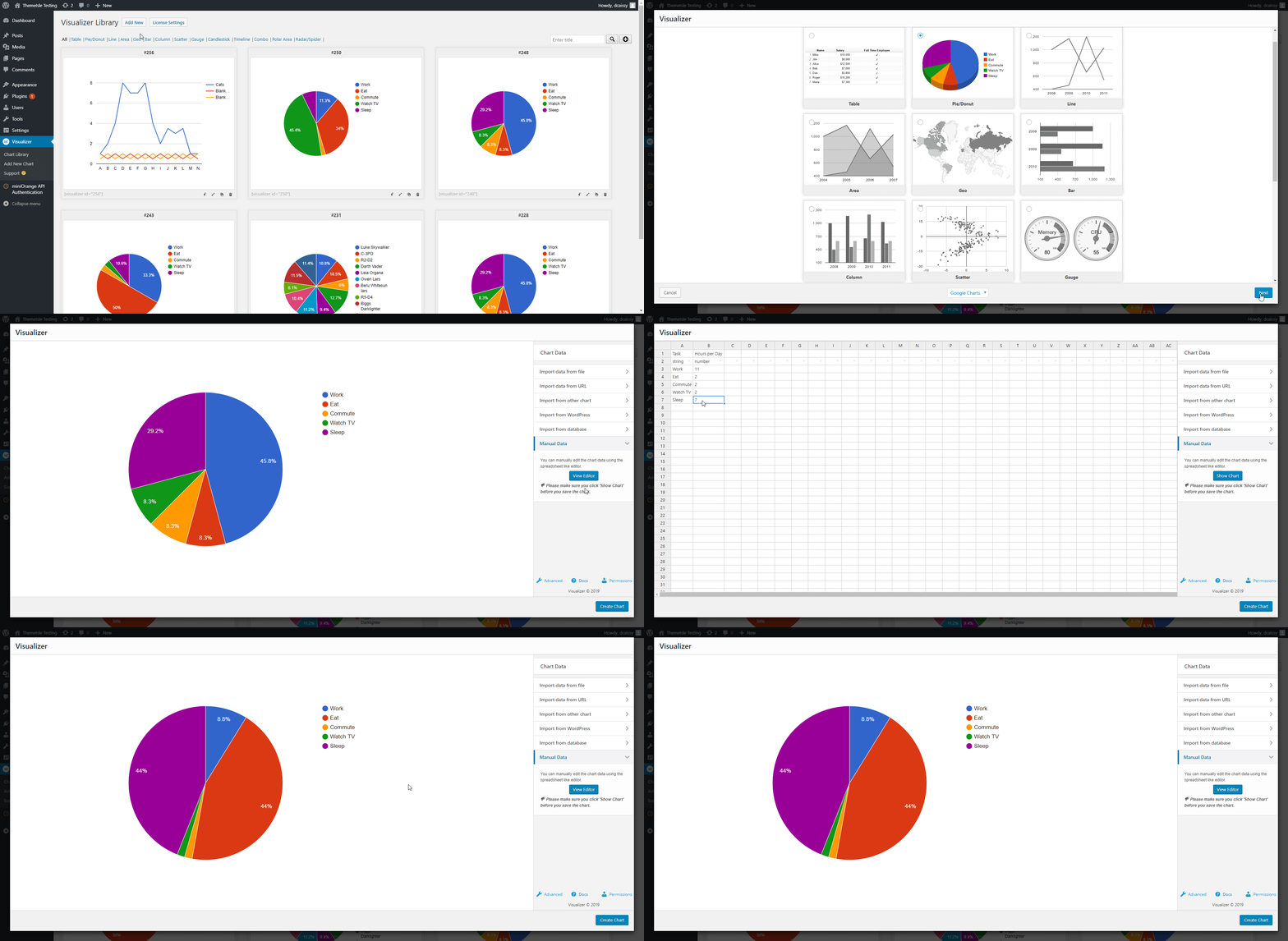
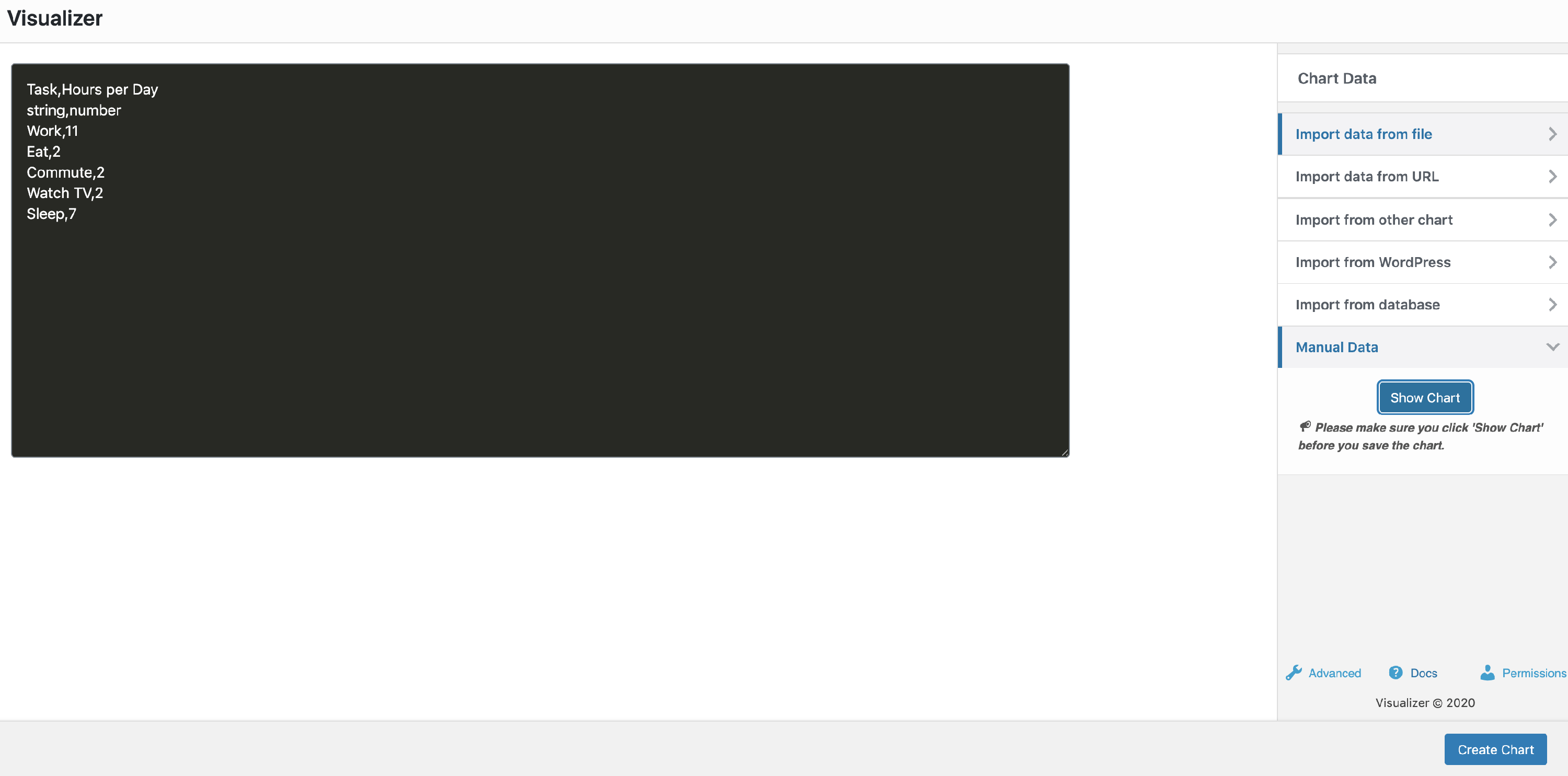
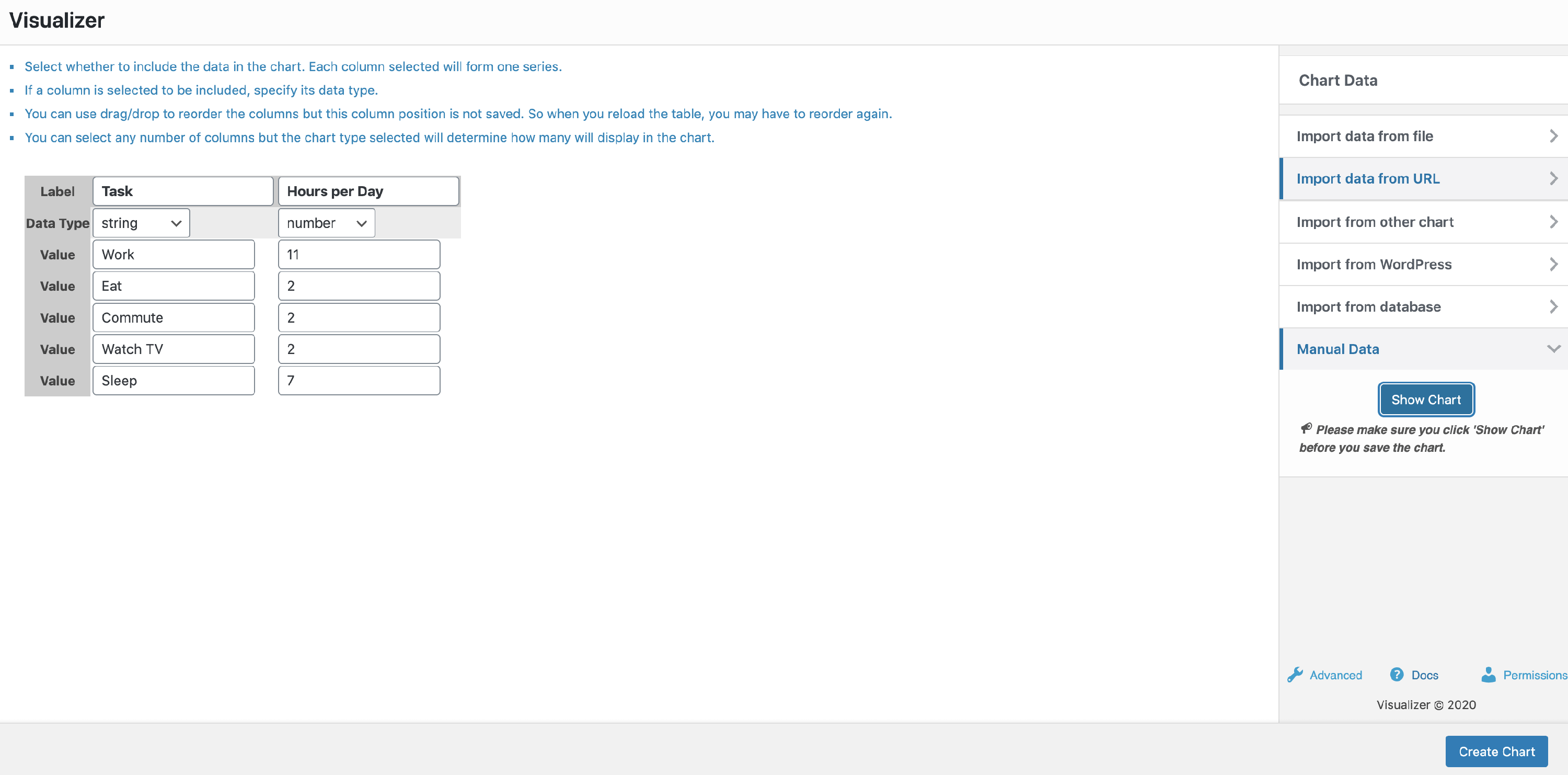
After entering the creation or editing of a chart, click Manual Data, and select the editor of your choice. There you can view and modify the data manually. Make sure you click on Show Chart after you did all the changes, and before clicking on Create Chart.
Note: The Excel editor is available just in the Premium version of Visualizer.
In this article
Text Editor
Simple Editor
Excel Editor