
Lazy loading feed items with Feedzy
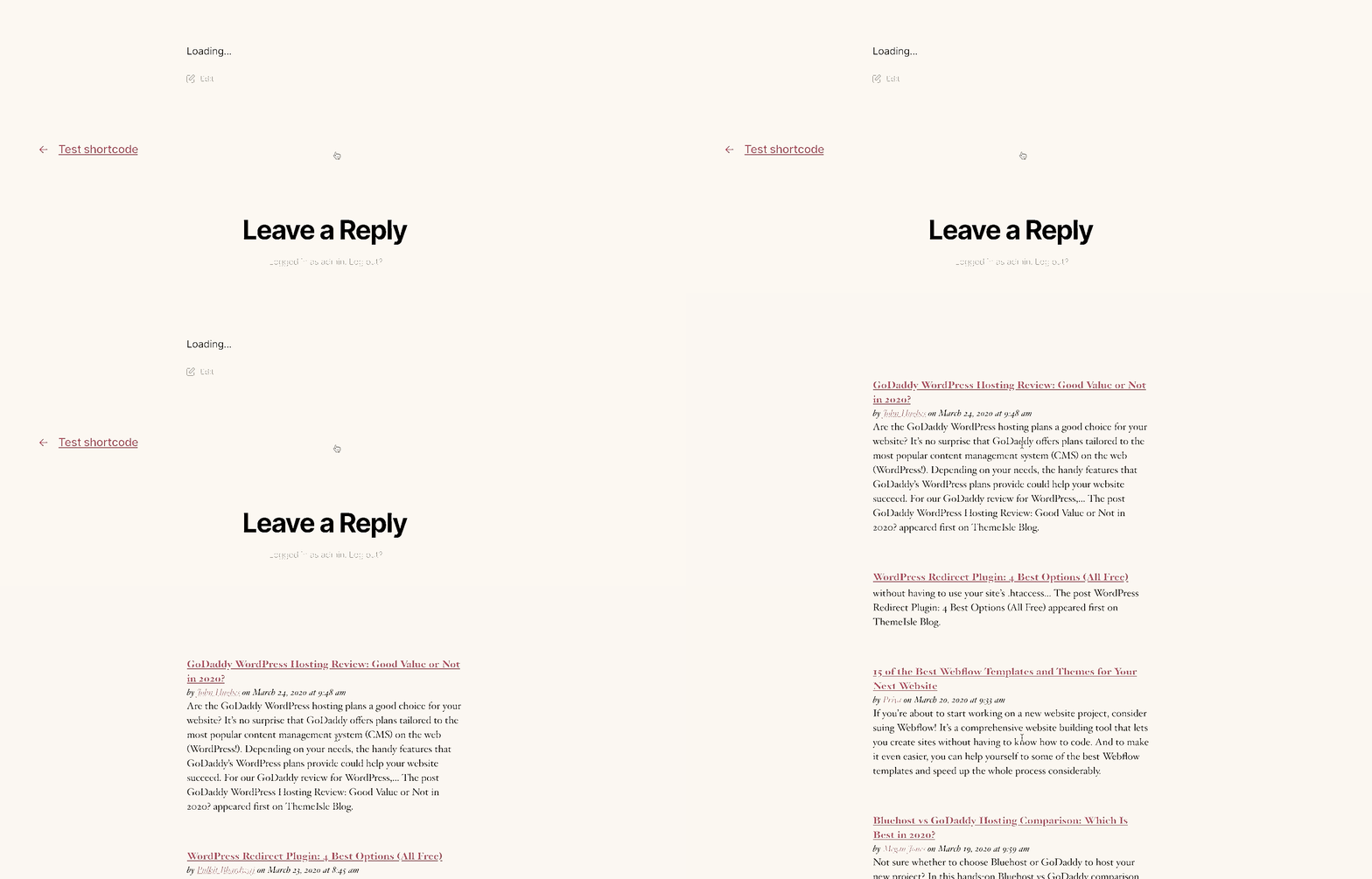
Feedzy offers a lazy loading option that can be used to display the feed content only after the entire content is fully loaded ( and cache the content, improving the performance of the page ). Until then, a spinner is displayed alongside a Loading... message.
1. Enable lazy loading when using a shortcode
Just add the lazy="yes" parameter to the shortcode as in the next example.
[feedzy-rss feeds="https://www.codeinwp.com/feed/" lazy="yes" max="30"]2. Enable lazy loading when using the Feedzy RSS Feeds block in the editor
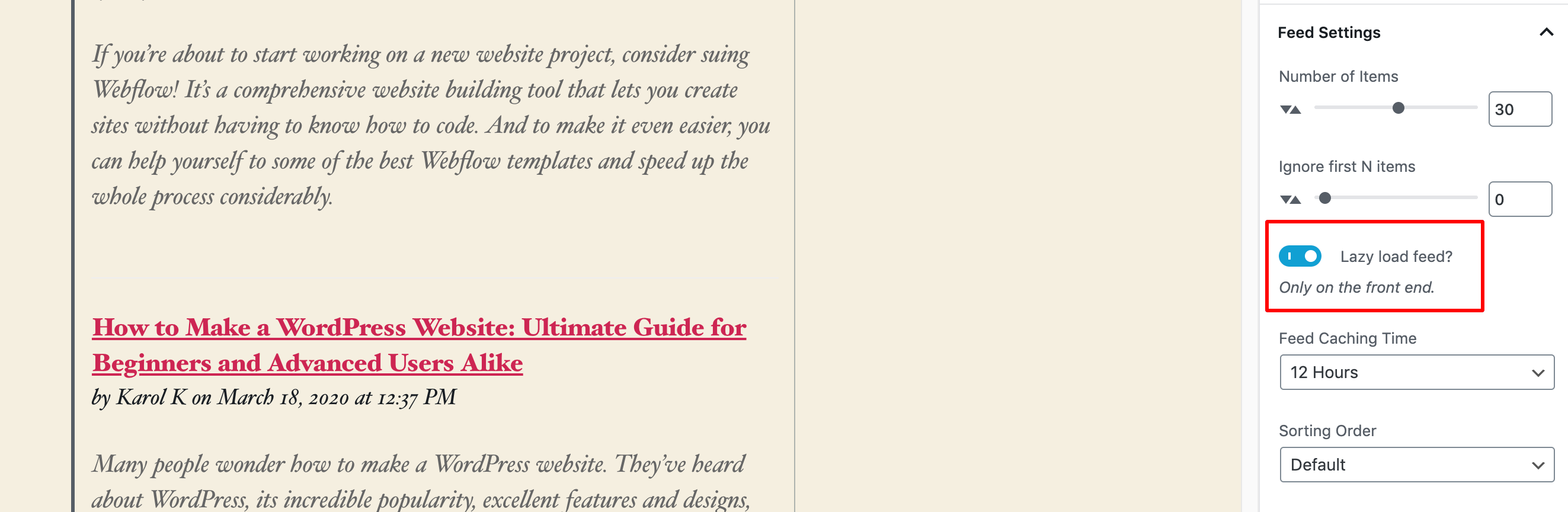
Just enable the Lazy load feed? option from the block's settings.
3. Enable lazy loading when using the Feedzy RSS Feeds widget
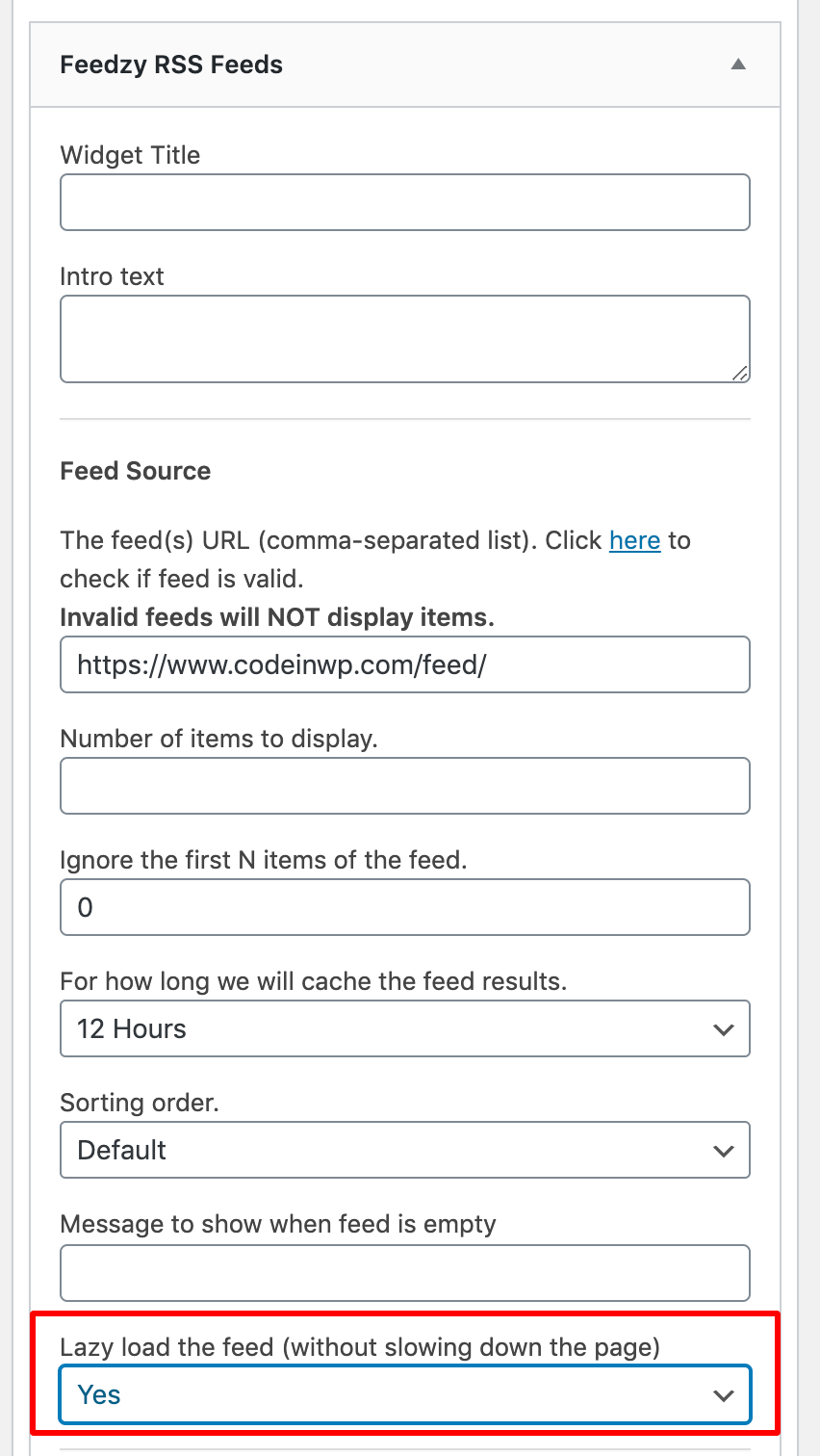
Choose Yes for the Lazy load the feed (without slowing down the page) option in the Feedzy RSS Feeds widget, as in the image below.
Custom codes
These custom codes can be added to the functions.php file of your theme or child theme.
a) Change the loading message
By default, the loading message is Loading... . This is the code you can use to change it.
add_filter( 'feedzy_lazyload_loading_msg', function( $msg, $feed_url ) {
	$msg = 'please wait...';
	return $msg;
}, 10, 2 );
b) Change the cache time
By default, the lazy-load cache follows the feed's refresh interval (12 hours when the shortcode does not set one). Use this code to override that cache time.
add_filter( 'feedzy_lazyload_cache_time', function( $time_in_s, $feed_url ) {
		$time_in_s = 3600;
		return $time_in_s;
	}, 10, 2 );