
How to Replace Content in Feed to Post?
Feedzy's Search and Replace feature lets you find and replace words, regex patterns, wildcards, and URLs in imported RSS content as part of the Feed to Post import process. Use it to adapt vocabulary, remove unwanted text, standardize phrasing, or rewrite source links across imported posts.
📝 Note: The Search and Replace feature is part of the Feed To Post import method in Feedzy RSS Feeds.
In this article
Using the Feature
1. In Step 1: Sources configuration, confirm the feed source you want to import from.
2. Open Step 3: Map Content > General.
3. In the Content field, click on the ➕ sign and select one of the action-supporting tags from the list.
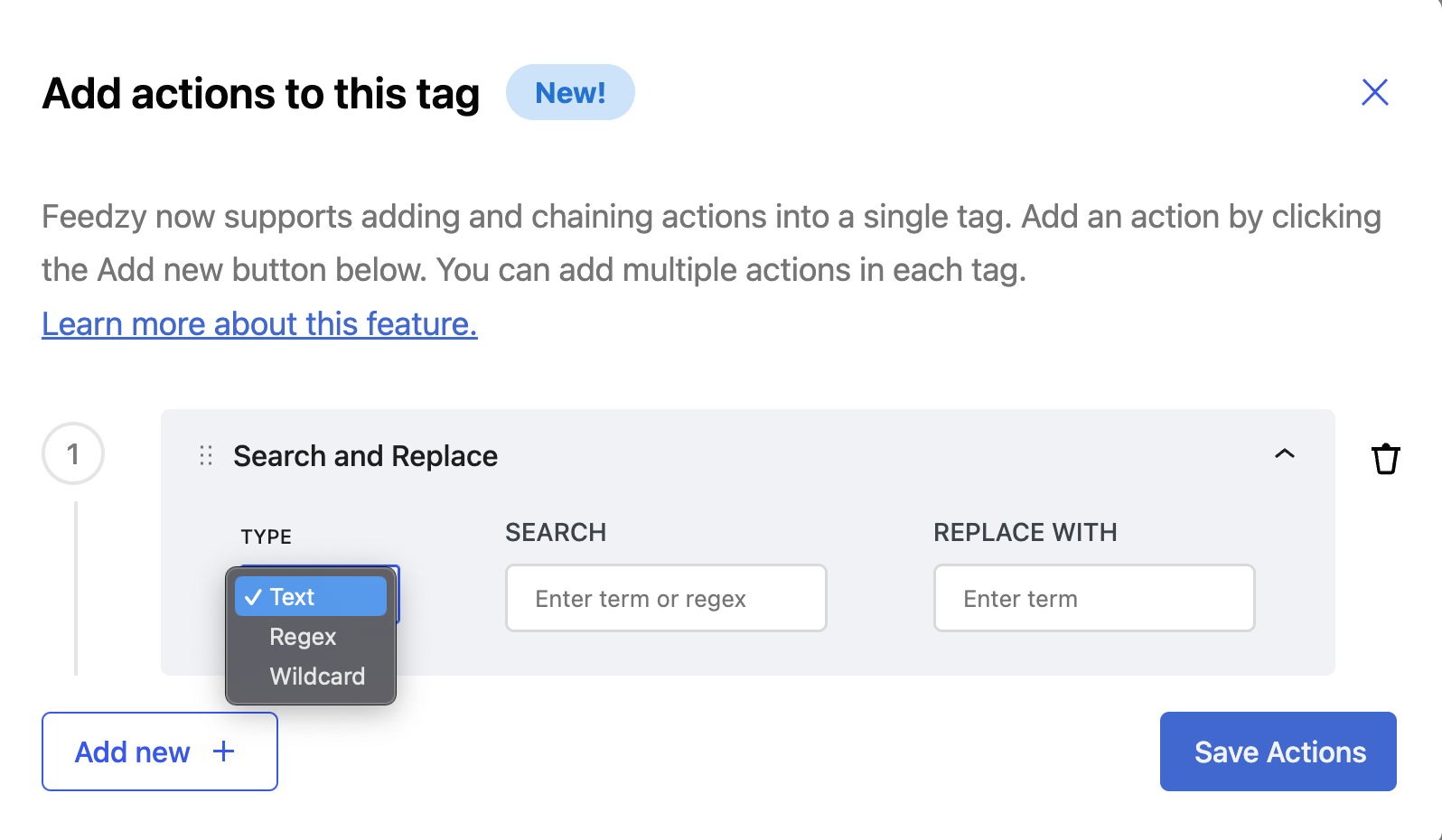
4. In the Add actions to this tag modal, click on Add new.
5. From the dropdown, select the Search and Replace action.
6. Insert the desired word, URL, regex phrase, or wildcard and its corresponding replacement.
7. Click on Save Actions.
Use Cases
- ✍️ Adjust vocabulary based on the targeted audience (e.g., replacing "post" with "article") using Text
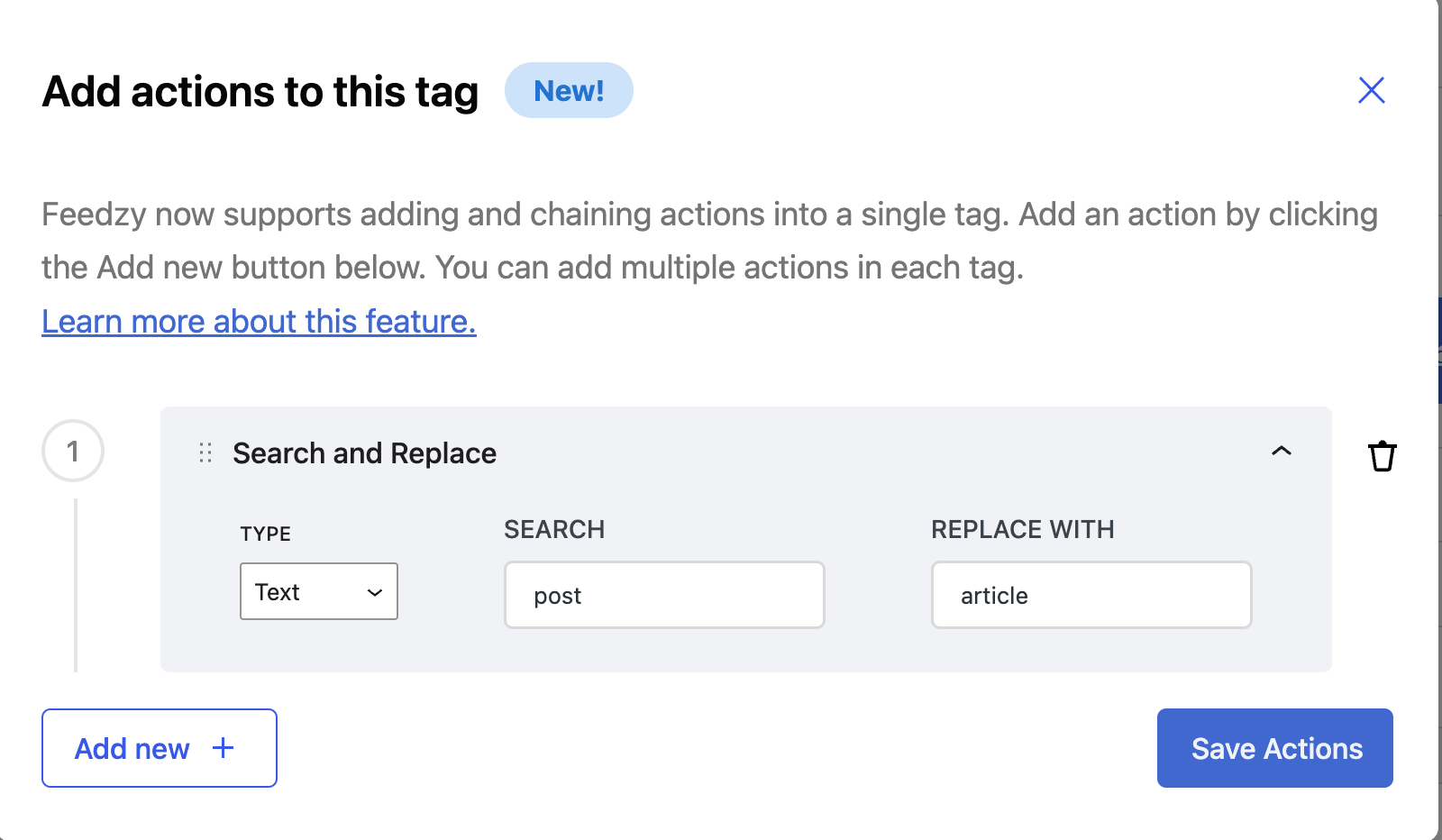
Dashboard Condition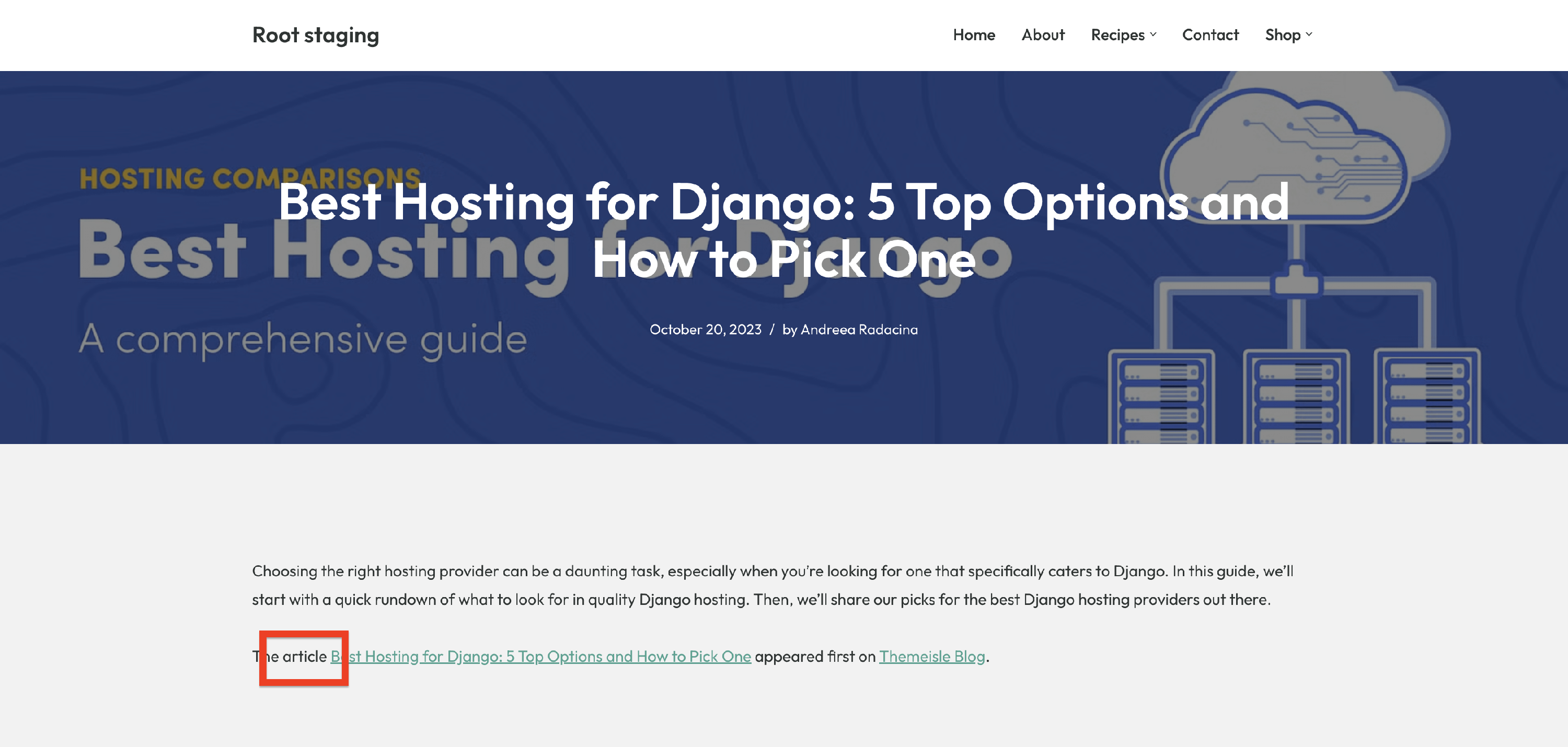 Replaced 'post' with 'article'
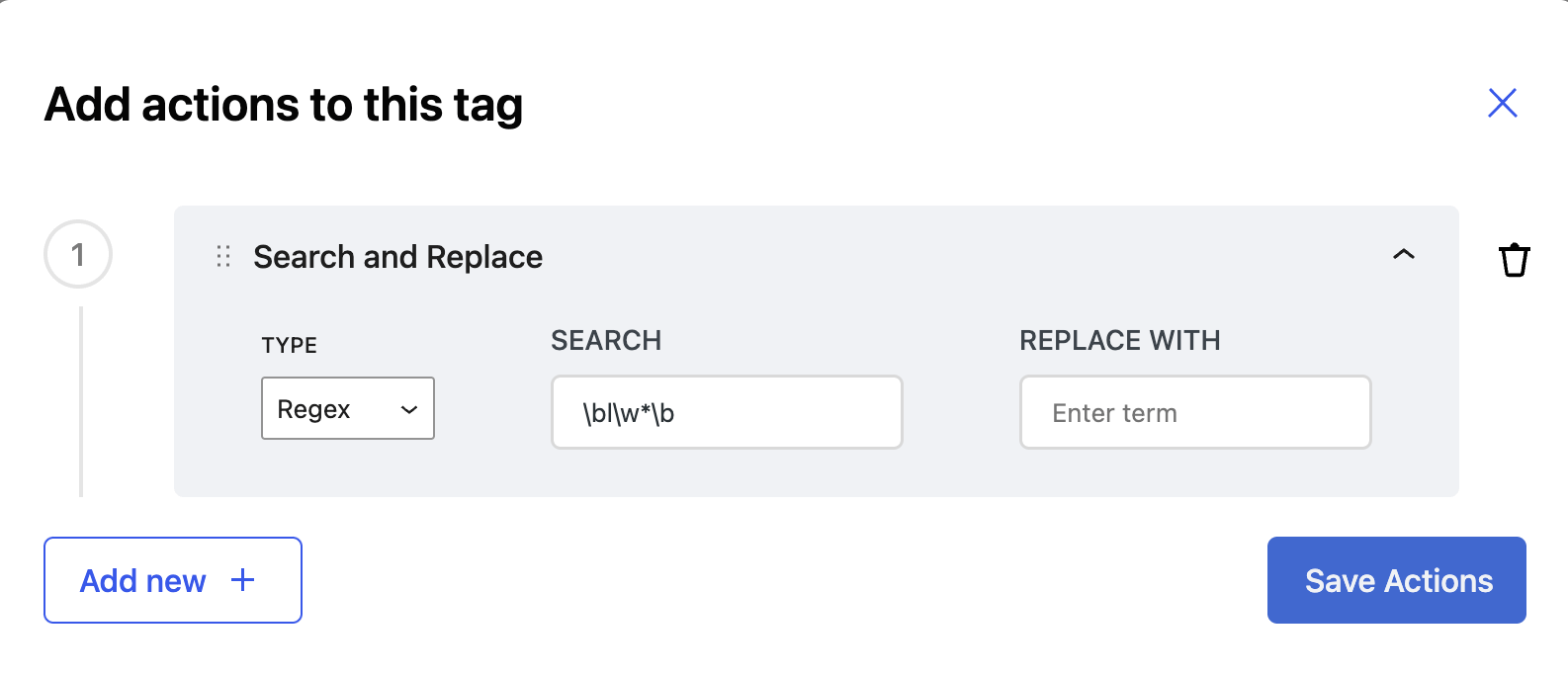
Remove specific words: Remove all words starting with "l" using Regex
Search: \bl\w*\bReplace with : *(Leave empty to remove the words)*
Match and replace variations of a phrase using Wildcard
Scenario:
Replace occurrences of WordCamp followed by a location and year (e.g., WordCamp India 2025) with a generic term like Event.
Wildcard Syntax:
Search: WordCamp * 2025
Replace with: Event
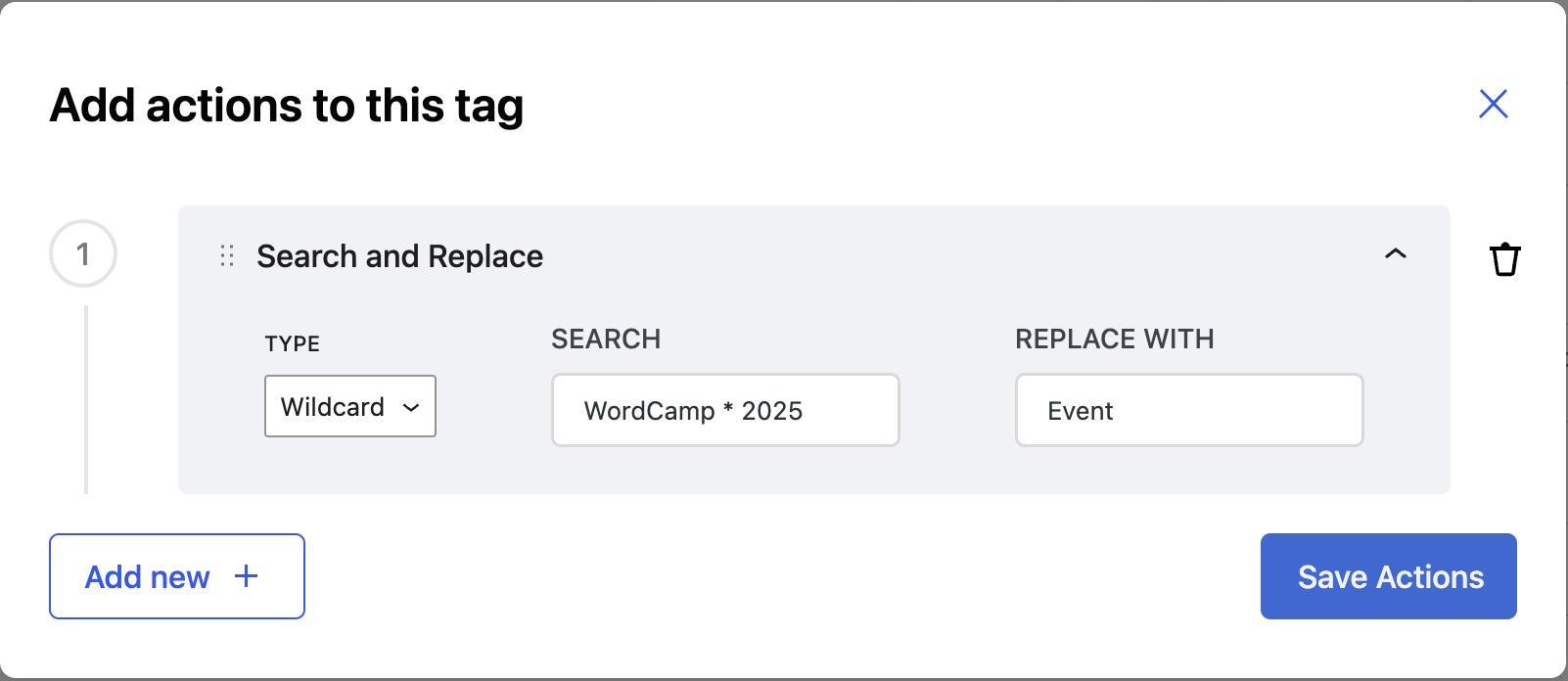
Rewrite source URLs in imported posts
If imported posts still contain links to the original source domain, the Search and Replace action is either missing, attached to the wrong tag, or was added after those posts were already imported.
When you configure this rule, first check Step 1: Sources configuration to confirm the correct feed source. Then check Step 3: Map Content > General > Content and attach the action to the tag that outputs the links you want to rewrite (including href links in imported HTML):
[#item_content][#item_full_content][#item_description]
If the action is attached to a different tag, Feedzy will not rewrite those URLs.
Domain replacement example
Use Text mode when you only need to swap one domain with another and keep the rest of each URL unchanged.
- Search:
https://source.example - Replace with:
https://mapped.example
Example:
- Before:
https://source.example/news/product-launch?utm_source=rss - After:
https://mapped.example/news/product-launch?utm_source=rss
Custom redirect or affiliate URL example
Use Regex mode when you need to transform matched source URLs into a redirect or affiliate format.
- Search:
https:\/\/source\.example(\/[^"'\s<]*) - Replace with:
https://redirect.example/?partner=YOUR_ID&target=https://source.example$1
Example:
- Before:
https://source.example/deals/summer?coupon=20 - After:
https://redirect.example/?partner=YOUR_ID&target=https://source.example/deals/summer?coupon=20
⚠️ Warning: In Regex mode, do not wrap the pattern in /.../. Escape literal / as \/, and use capture groups like ( ... ) with $1, $2, and so on in the replacement. If your replacement URL already contains query parameters, append extra ones with & (not ?) to avoid malformed links.
Search and Replace vs Referral URL
Use Search and Replace in Feed to Post to rewrite links embedded in imported post content.
Use Referral URL only for feed displays (shortcode, block, or widget) when changing the main item URL, as shown in How to add affiliate referrals to feed URLs in Feedzy.
If your goal is changing links inside imported content, configure Search and Replace on the mapped content tag.
If you want to remove links instead of rewriting domains, follow How to remove links from Thumbnails and Titles in Feedzy.
Test the rule before automatic publishing
- Save the import job after adding the action.
- Set Post Status to Draft (or test with a controlled new item).
- Run the import and open the newly created draft post.
- Check each rewritten URL and confirm paths and query parameters are still valid.
- Switch back to automatic publishing only after you confirm the output is correct.
Changes apply to future imports
Search and Replace updates items processed after the rule is saved. It does not retroactively update links already stored in existing WordPress posts.
To fix older imported posts, edit them directly or run a separate bulk replacement workflow in WordPress.
📝 Note: Do not use purge/reset options only to repair old links. Those controls are for import state management and can have broader side effects on your imported content history.
Action-Supporting Tags
- [#item_content]
- [#item_full_content]
- [#item_description]
- [#item_categories]
- [#item_title]