
How to use the Translating Service in Feedzy
Feedzy's built-in translating service automatically translates imported RSS article titles and content into your chosen language, without requiring a separate translation plugin. It is available exclusively in the Agency plan as a tag action within the Feed to Post import wizard.
📝 Note: The translating service is part of the feed-to-post import method, and it is available only in the Agency plan, which you can get from here.
In this article
Using the feature
This built-in service allows you to translate articles' content or titles automatically. You don't need any translating plugin to do this.
Translate Content
1. In the Import wizard, open the Map content tab > General panel.
2. In the Content field, click on the ➕ sign and select one of the action-supporting tags from the list.
3. In the Actions modal, click on Add new.
4. From the dropdown, select the Translate with Feedzy action.
5. Select the Language from the dropdown to which content should be translated to and click on Save Actions. 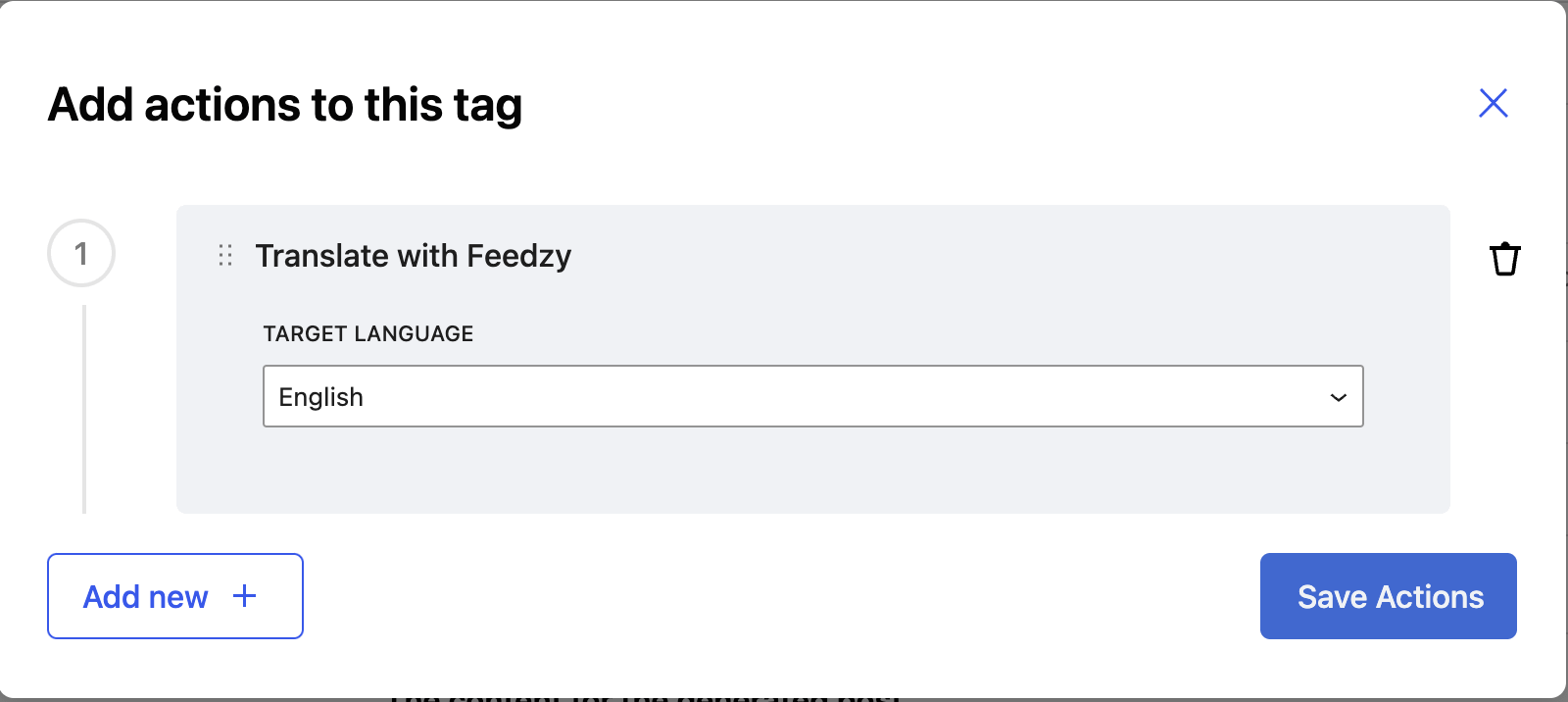
Translate Title
1. In the Import wizard, open the Map content tab > General panel.
2. In the Post Title field, click the + insert-tag icon and add the Translate with Feedzy action.
3. Select the Language from the dropdown to which content should be translated to and click on Save Actions.
Action-Supporting Content Tags
- [#item_content]
- [#item_full_content]
- [#item_description]
- [#item_categories]
- [#item_title]
Use Cases
- Post Title and Content translation

Translated title and content