How to Use GPT4 or other models in Feedzy AI features?
📝 Note: Using the steps below implies having a Developer or Agency subscription, which gives you access to the AI features.
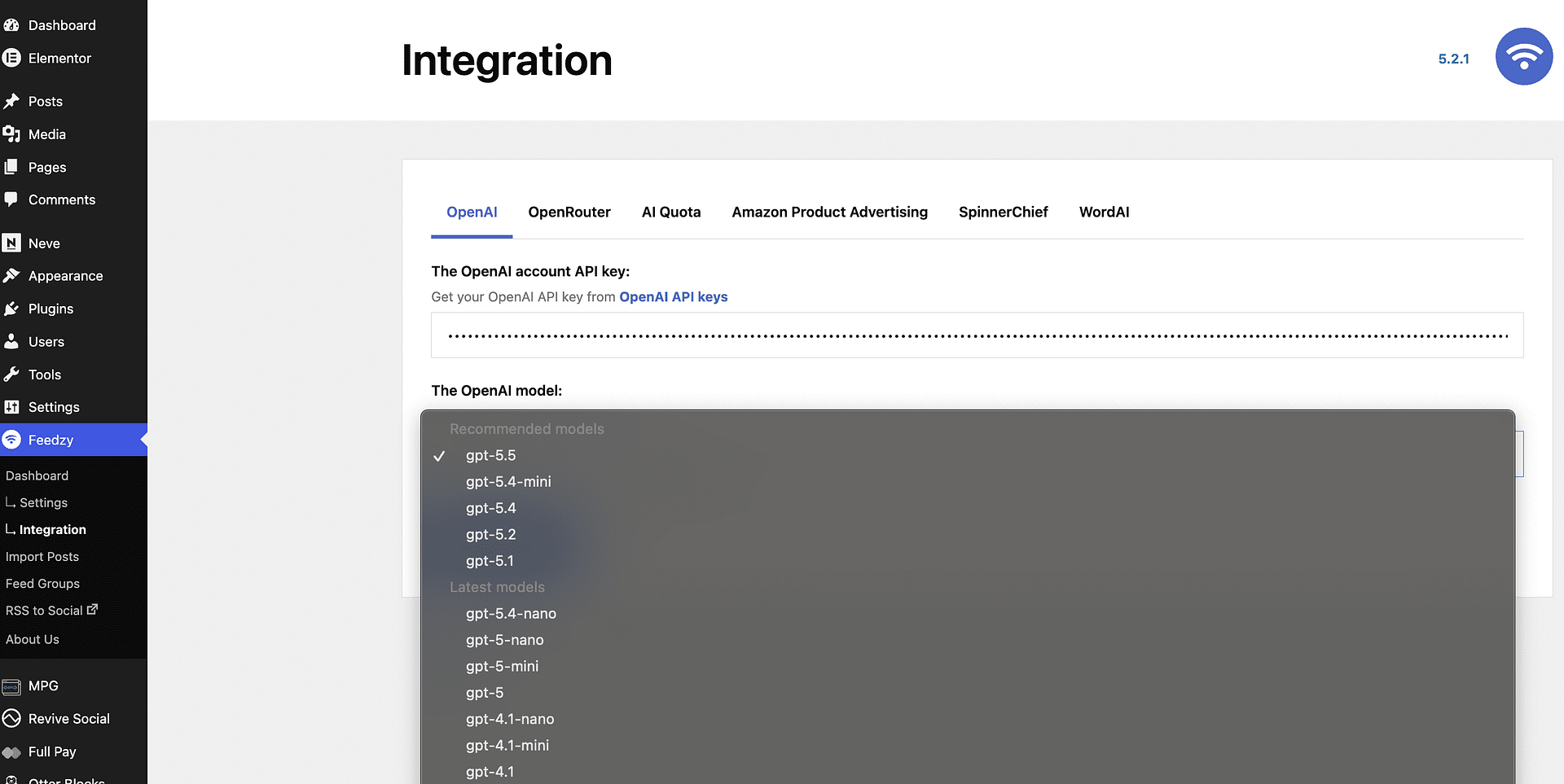
Feedzy Pro includes a model selector for AI actions. The selector highlights Recommended models first, followed by Latest models and Deprecated models.
For most sites, you can choose one of the recommended or latest models directly from the dropdown. If a high-reasoning model times out on very large articles, switch to a faster lightweight model.
If you need to add a model that is not included in the default list, use the filter below.
1. To use the code we prepared, you can install the Woody Code Snippets plugin.
2. Then, go to Woody snippets > Add PHP snippet
3. Add a suggestive title and paste the code.
📝 Note: You can replace the model slug with the one you need, and you can find them here.
add_filter(
	'feedzy_openai_models',
	function ( $models ) {
		$models[] = 'gpt-4o'; // Model slug (use one that is not already in the built-in list).
		return $models;
	}
);
Result
Once you do this, the custom model will appear in the dropdown alongside the built-in Recommended, Latest, and Deprecated model groups: