
How to Increase The Taxonomies Limit in Feedzy?
📝 Note: The default limit of taxonomies in Feedzy is 999.
Having a higher number of taxonomies is a common thing on websites. However, when using Feedzy, the default limit of taxonomies in 999. If you need to increase this limit, follow these steps:
1. Copy this code snippet:
/**
 * Set taxonomy dropdown limit.
 *
 * @param int    $limit Taxonomy query limit. Default 999.
 * @param string $taxonomy Taxonomy slug.
 * @return int
 */
function feedzy_post_taxonomy_limit_callback( $limit, $taxonomy ) {
	if ( 'feedzy-demo-category' === $taxonomy ) {
		$limit = 2;
	}
	return $limit;
}
add_filter( 'feedzy_post_taxonomy_limit', 'feedzy_post_taxonomy_limit_callback', 10, 2 );
2. Replace the feedzy-demo-category with your taxonomy slug. (e.g. 'feedzy-demo-category' === $taxonomy to 'category' === $taxonomyOR'post_tag' === $taxonomy`).
3. Replace the $limit's value to suit your needs (e.g. 25000).
4. Paste the code into the currently active theme functions.php file or by using Code Snippets.
📝Note: If you paste the code snippet into the plugin's source file, the changes will be lost when you update the plugin. The same thing may happen when you update the theme, this is why we recommend using a child theme.
Result
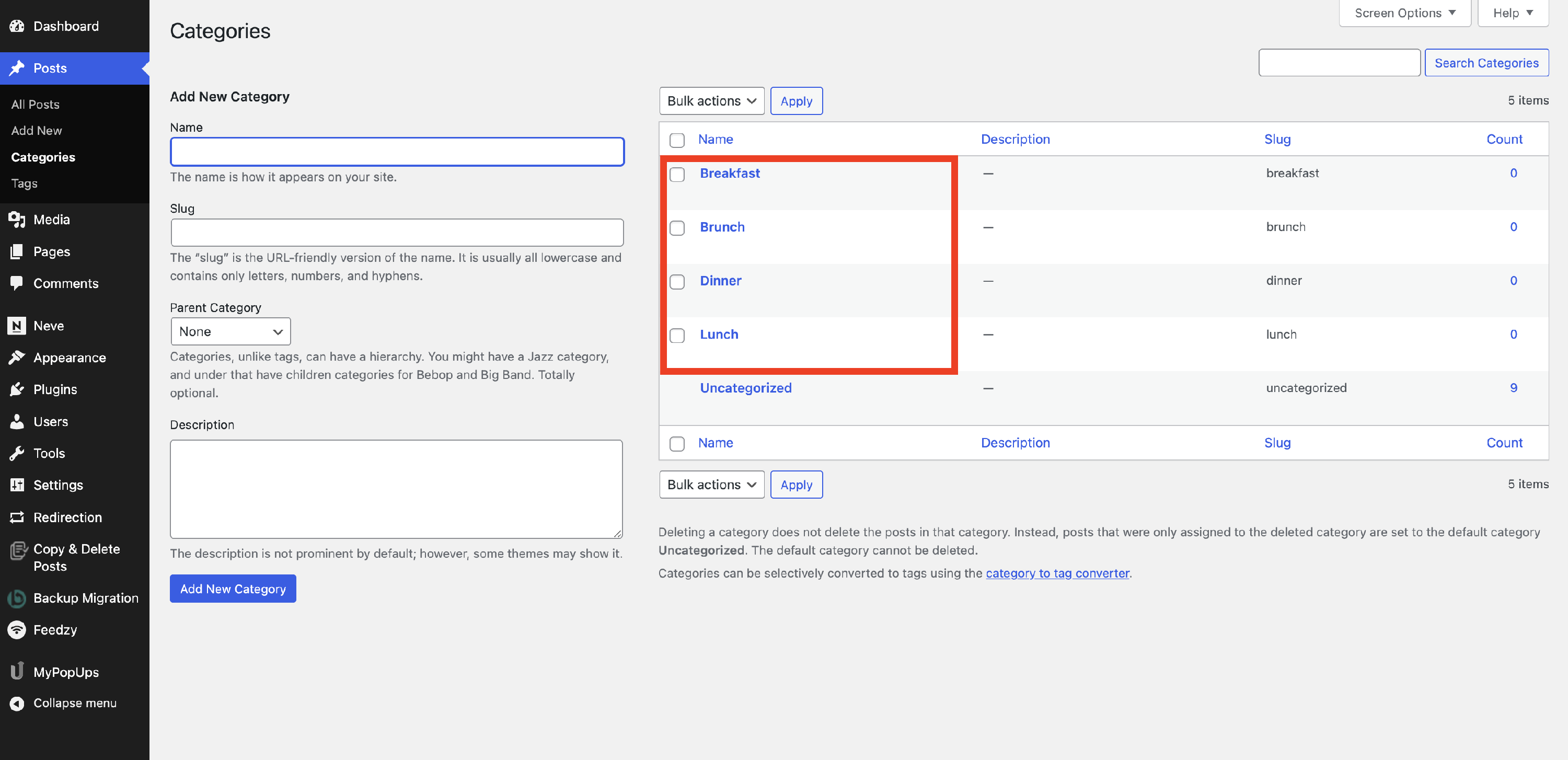
All Post Categories
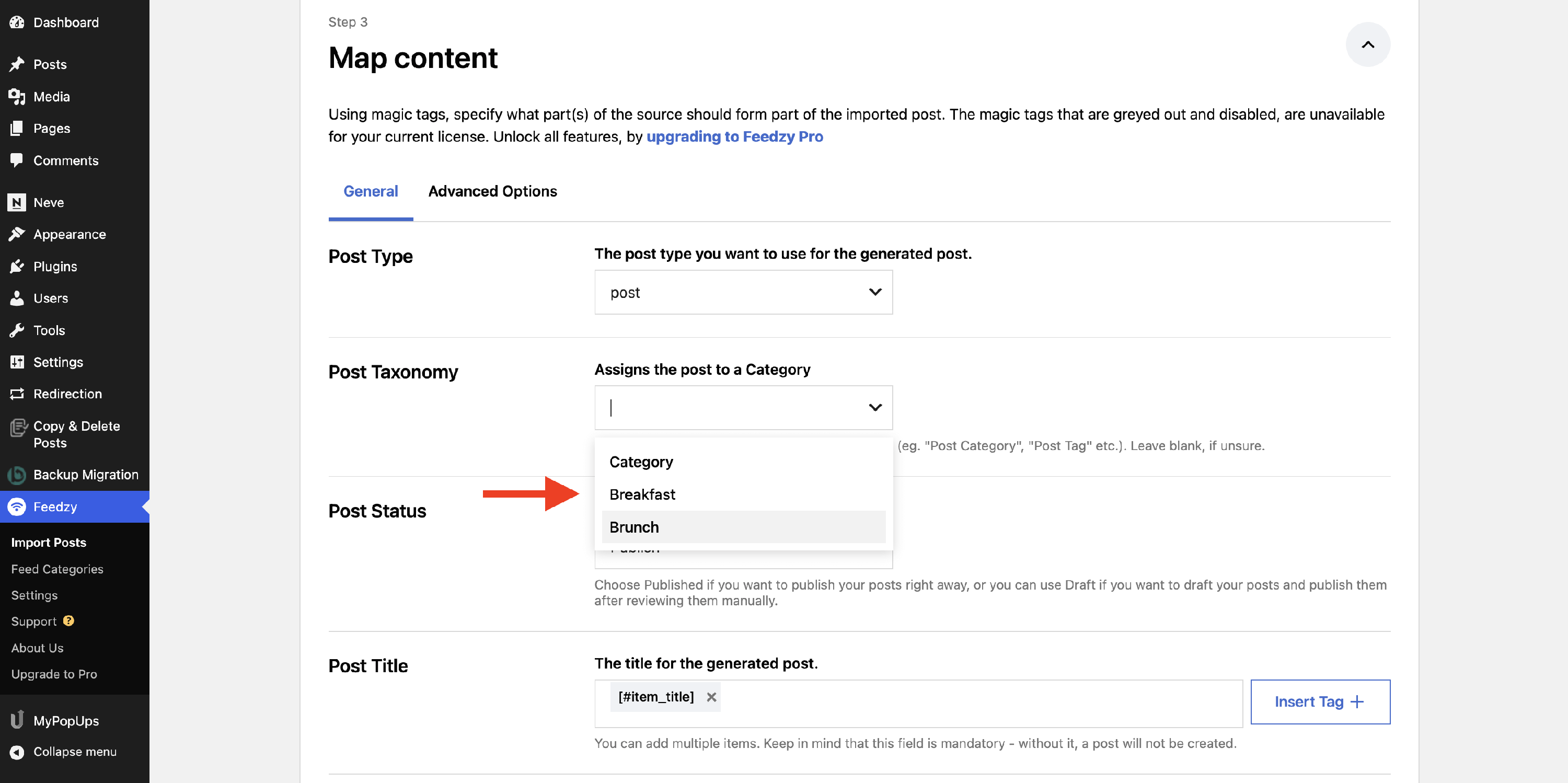
Limited Post Taxonomies in Feedzy Import