Currency Options in WP Full Pay
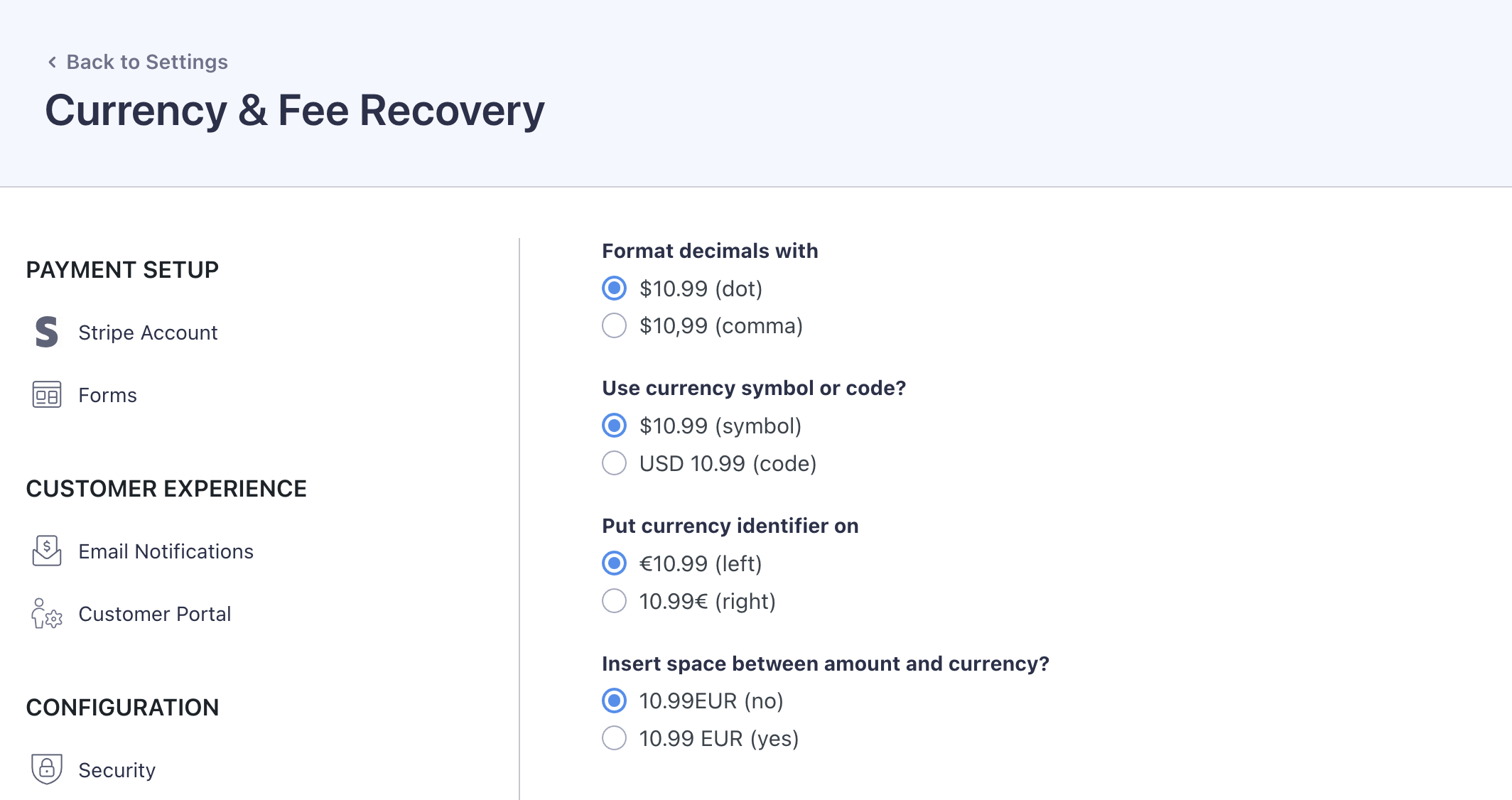
From the Full pay → Settings → Currency, you can customize how payment amounts, dates, and other financial details are displayed on your dashboard.
These settings control how financial information is displayed within WP Full Pay, helping you match the currency format to your region and your customers' expectations.
What you can do here
- Choose to format decimal numbers with a dot (e.g., $10.99) or a comma (e.g., $10,99).
- Decide whether to display the currency as a symbol (e.g., $10.99) or as a code (e.g., USD 10.99).
- Select the placement of the currency identifier, either to the left (e.g., €10.99) or to the right (e.g., 10.99€) of the amount.
- Opt whether to insert a space between the currency amount and the currency symbol/code (e.g., choosing between "10.99EUR" or "10.99 EUR").