How to add a Stripe product to payment forms in WordPress?
When setting up a payment form with WP Full Pay, it's important to link the corresponding Stripe product based on the type of transaction you will accept. For example, for one-off payments, add a one-time product to the form, or, for payment forms that handle recurring transactions, such as subscriptions, you need to add a recurring Stripe product.
Assuming you’ve installed WP Full Pay and configured Stripe API Keys, to add Stripe products to the payment forms, follow these steps:
- Navigate to Full Pay → Payment Forms on your WordPress admin panel
- Hit the ‘Add form’ button to create Stripe payment forms.
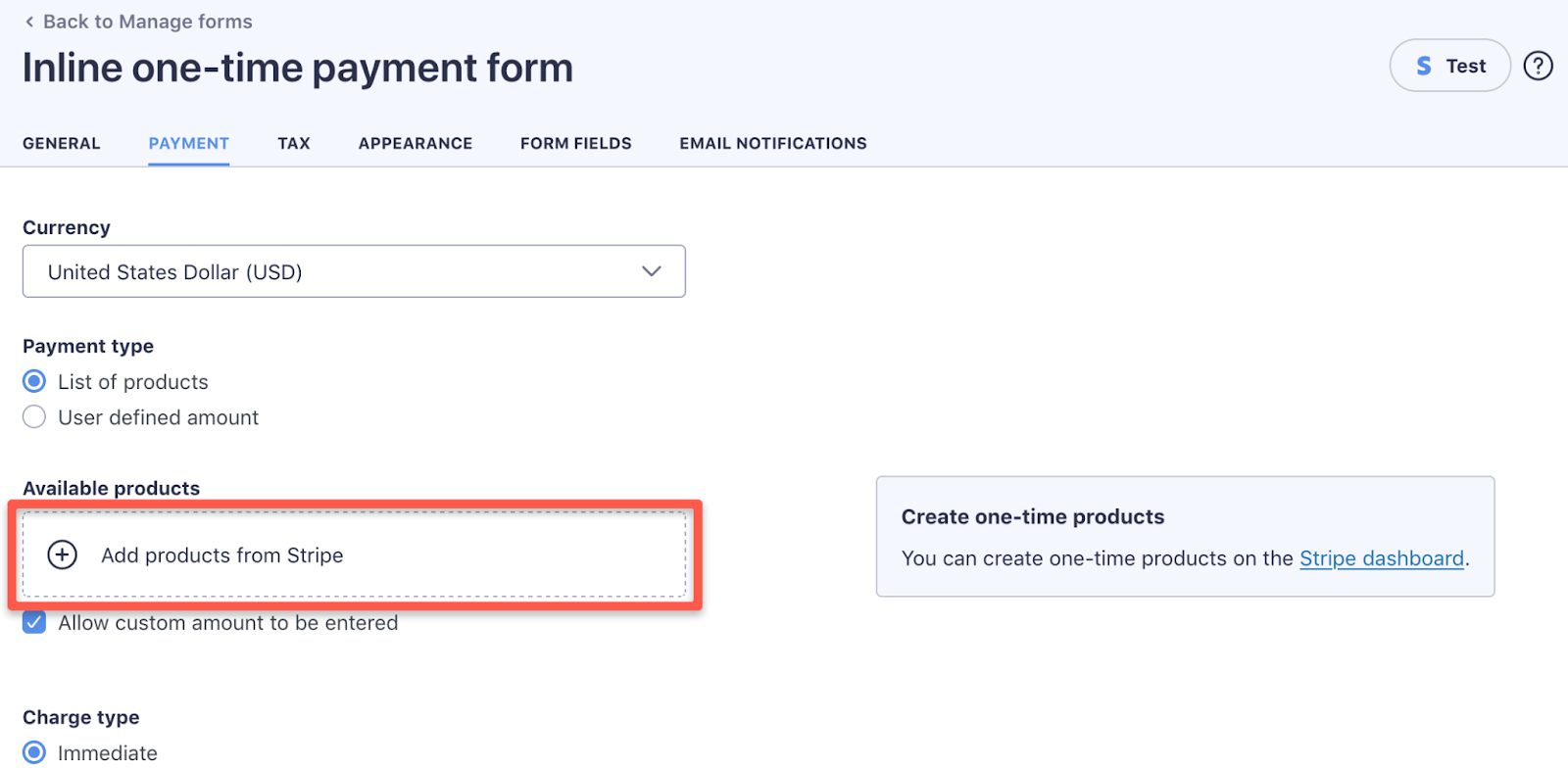
- Next, click on the ‘Add products from Stripe’ on the Payment & Tax section.
- Next, you can finalize the payment forms and embed to your WordPress pages and posts.