Where are custom fields on the Stripe dashboard?
When you collect custom fields using WP Full Pay forms, that data is stored as metadata in Stripe, where you can find it for one-time payments, subscriptions, and saved cards.
In this article
Where does the plugin save custom fields?
If you’ve configured custom fields on your form, custom fields are saved as metadata, and you can view them on the Stripe dashboard.
Custom fields for one-time payments
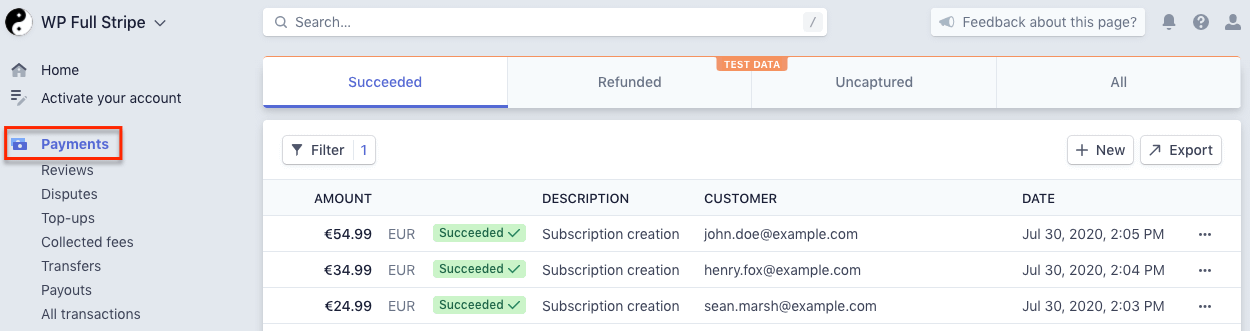
One-time payment forms create Stripe PaymentIntents, you can find them on the “Payments” page on the Stripe dashboard:
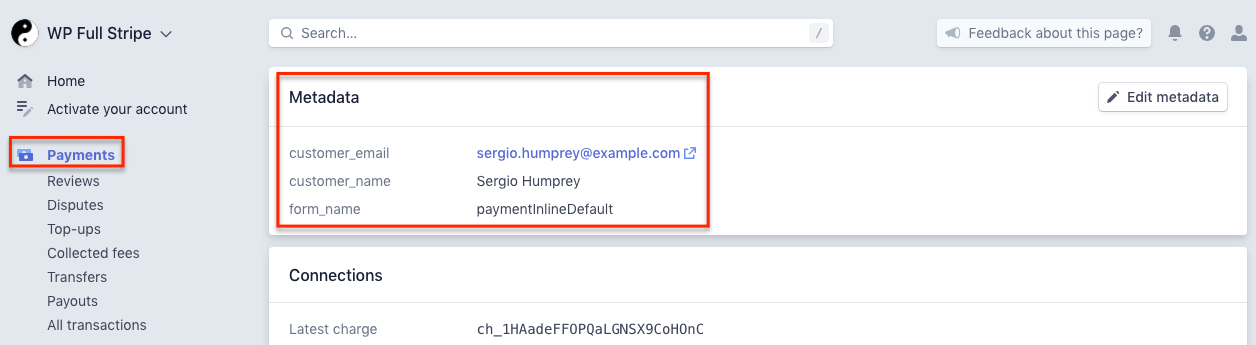
For viewing metadata, select a payment, and scroll down to the “Metadata” pane:
Custom fields for subscriptions
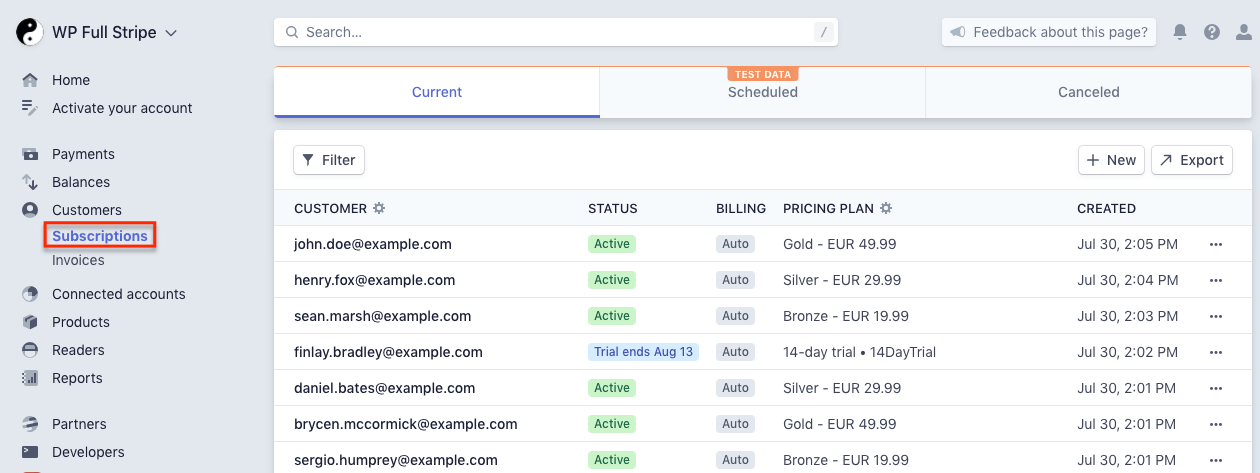
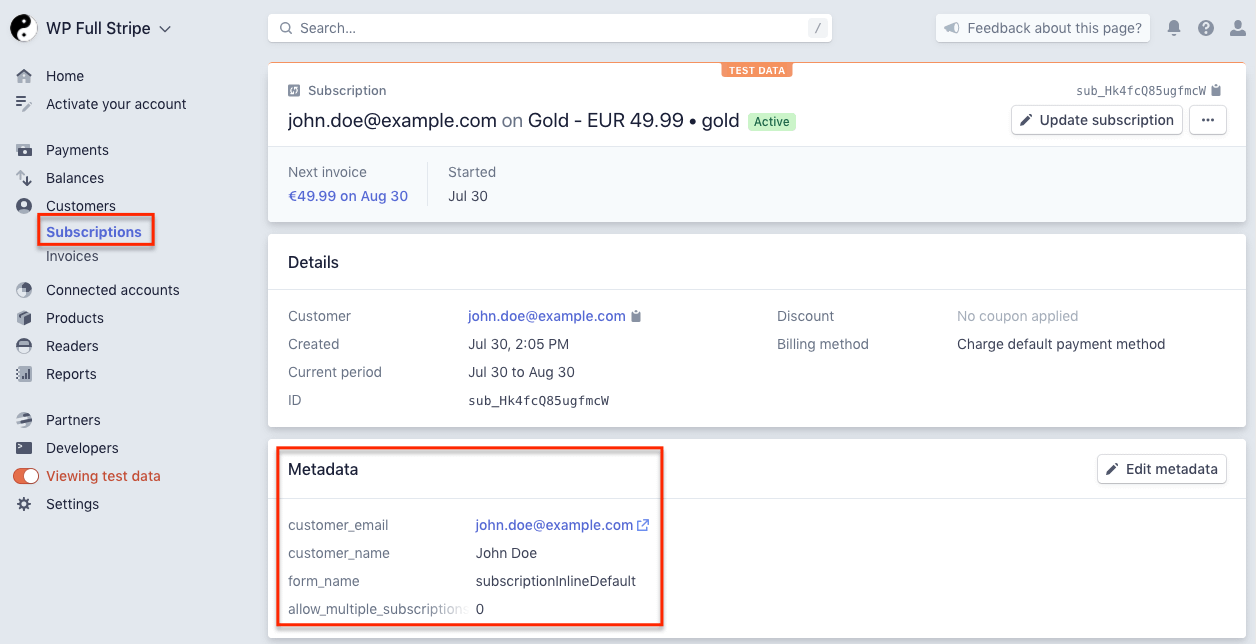
Subscription forms create Stripe subscriptions, you can find them on the “Customers / Subscriptions” page on the Stripe dashboard:
For viewing metadata, select a subscription, and scroll down to the “Metadata” pane:
Custom fields for saved cards
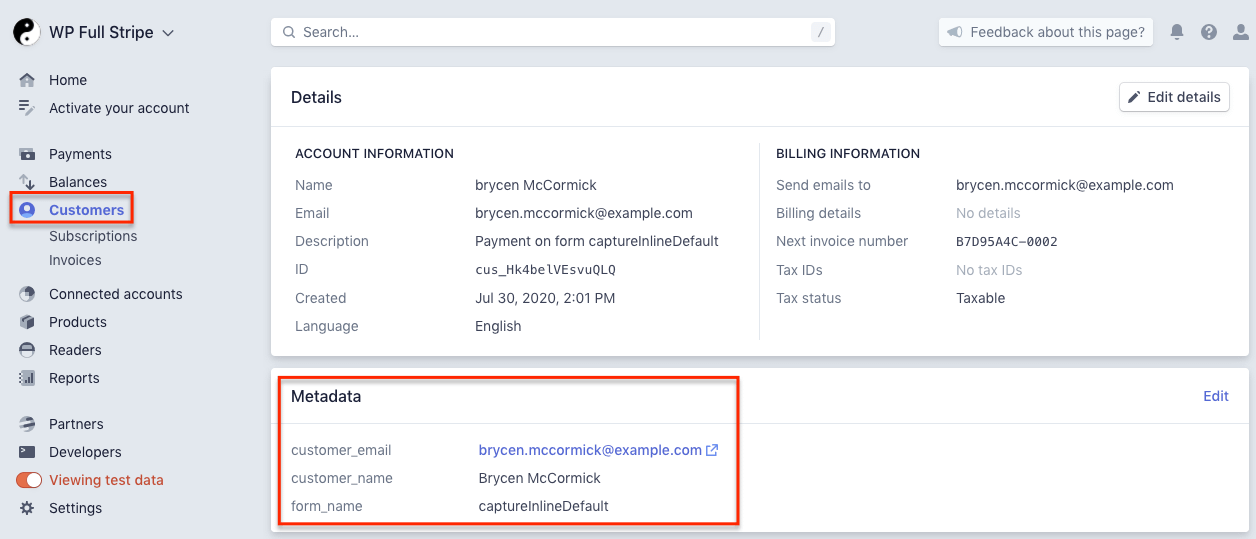
Save card forms create Stripe customers, you can find them on the “Customers” page on the Stripe dashboard:
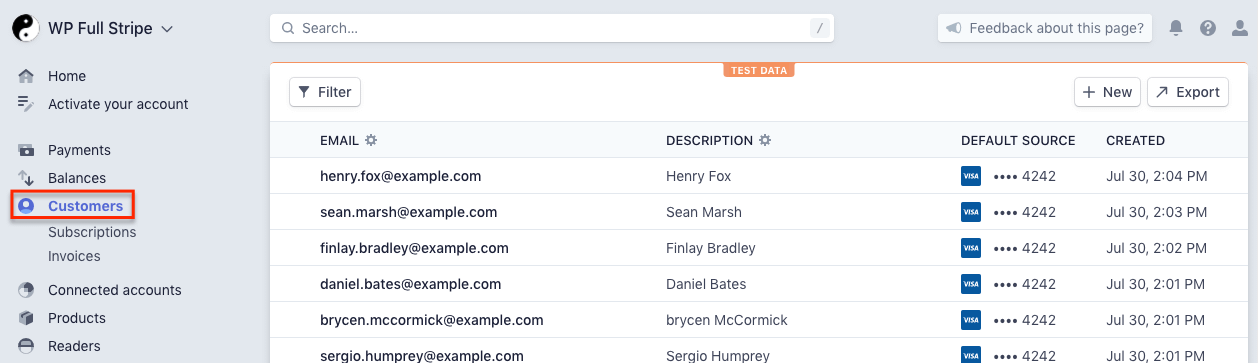
For viewing metadata, select a customer, and scroll down to the “Metadata” pane: