
ZIP Existing Attachments
Media Library Organizer Pro lets you compress existing WordPress media attachments into a single ZIP archive for download, using either Grid View bulk selection or the List View bulk actions menu.
If you are looking for an export-focused walkthrough, use Export Media Library with Media Library Organizer.
In this article
Prerequisites and Setup
- Any Media Library Organizer Pro license
Overview
Media Library Pro's ZIP functionality allows you to manually zip existing Attachments (that have already been uploaded to the WordPress Media Library) into a single ZIP archive file.
Grid View
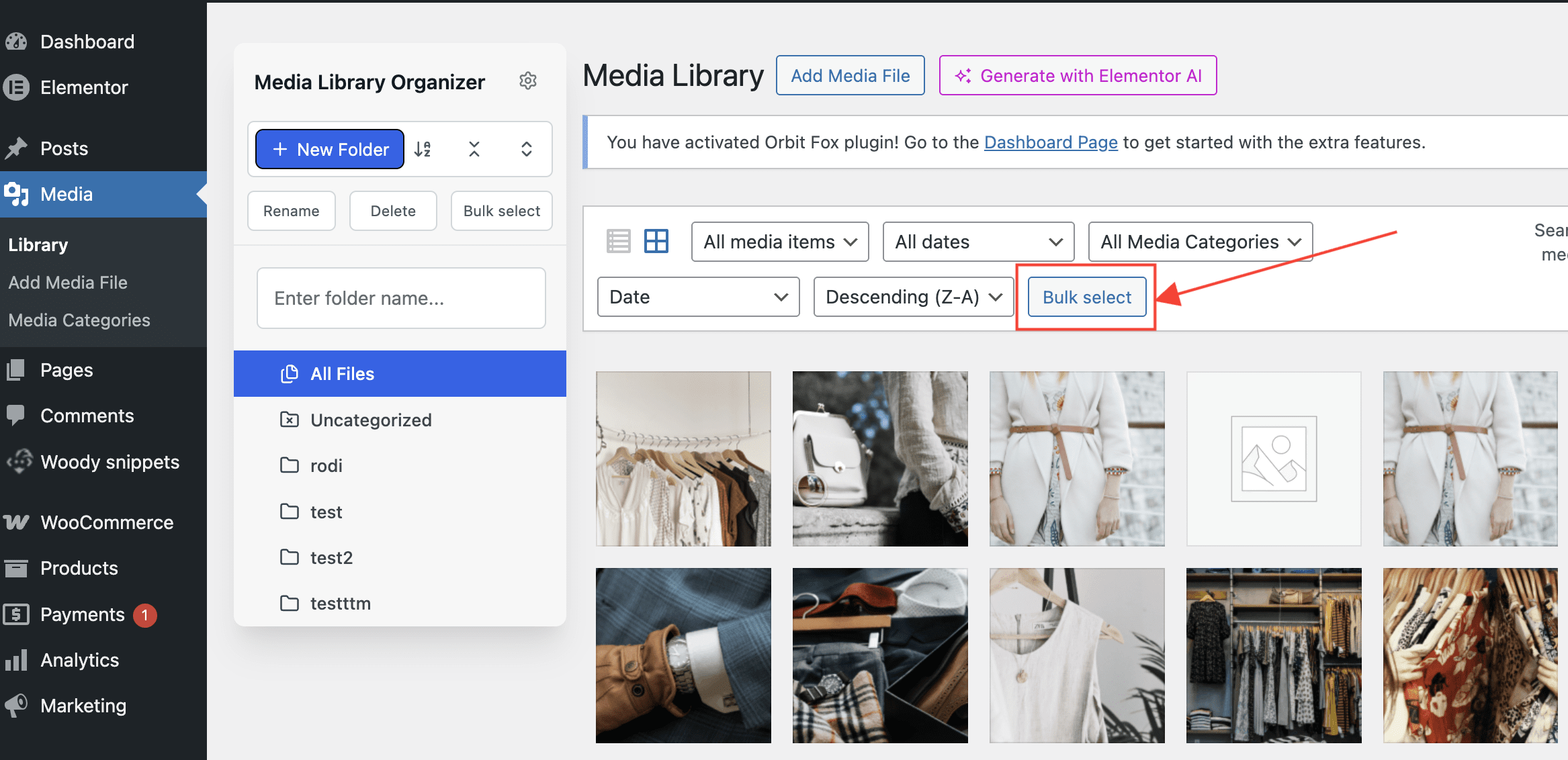
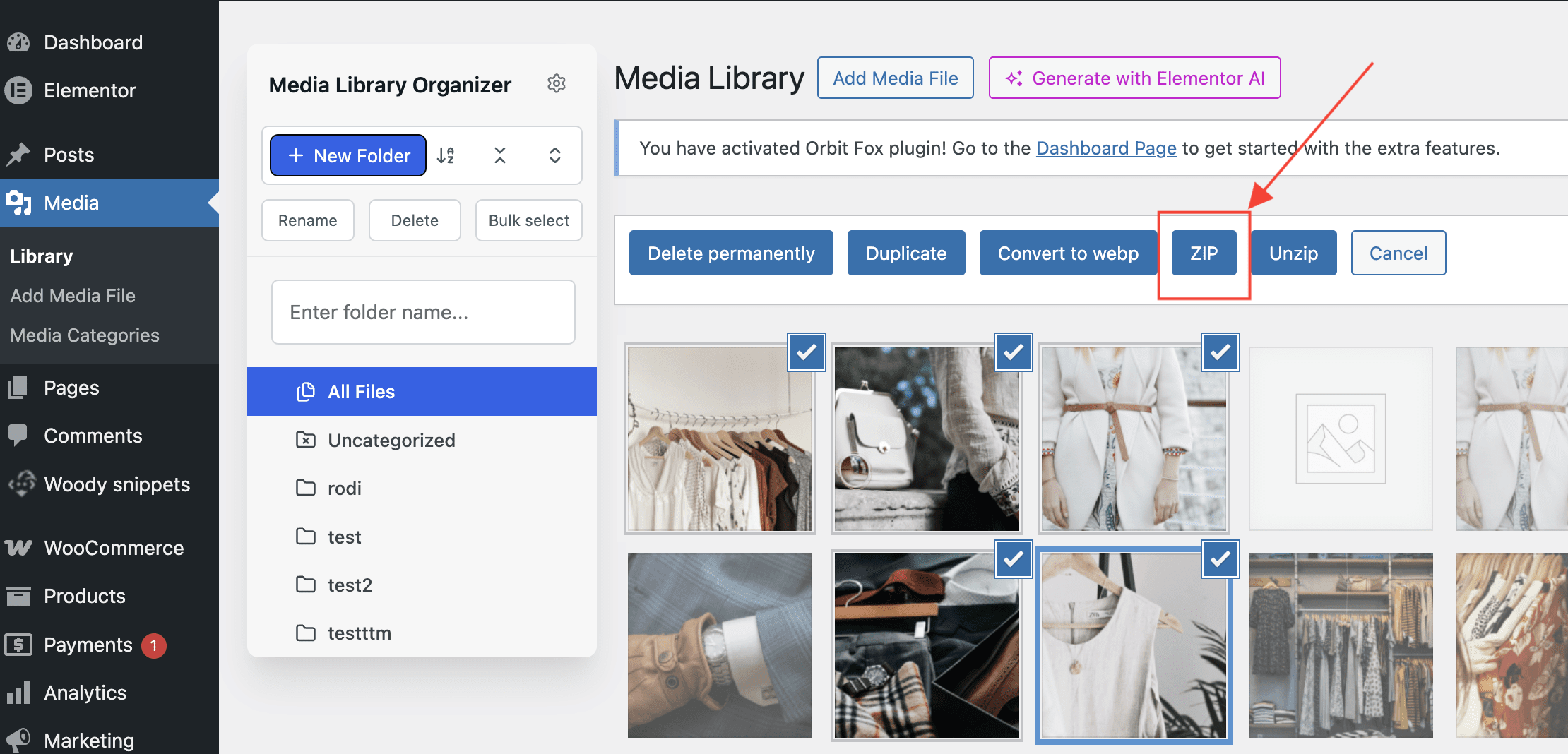
If you are viewing uploads in the grid view:
- Click on the Bulk Select button
- Select the files that you wish to ZIP
- Click on the ZIP button
List View
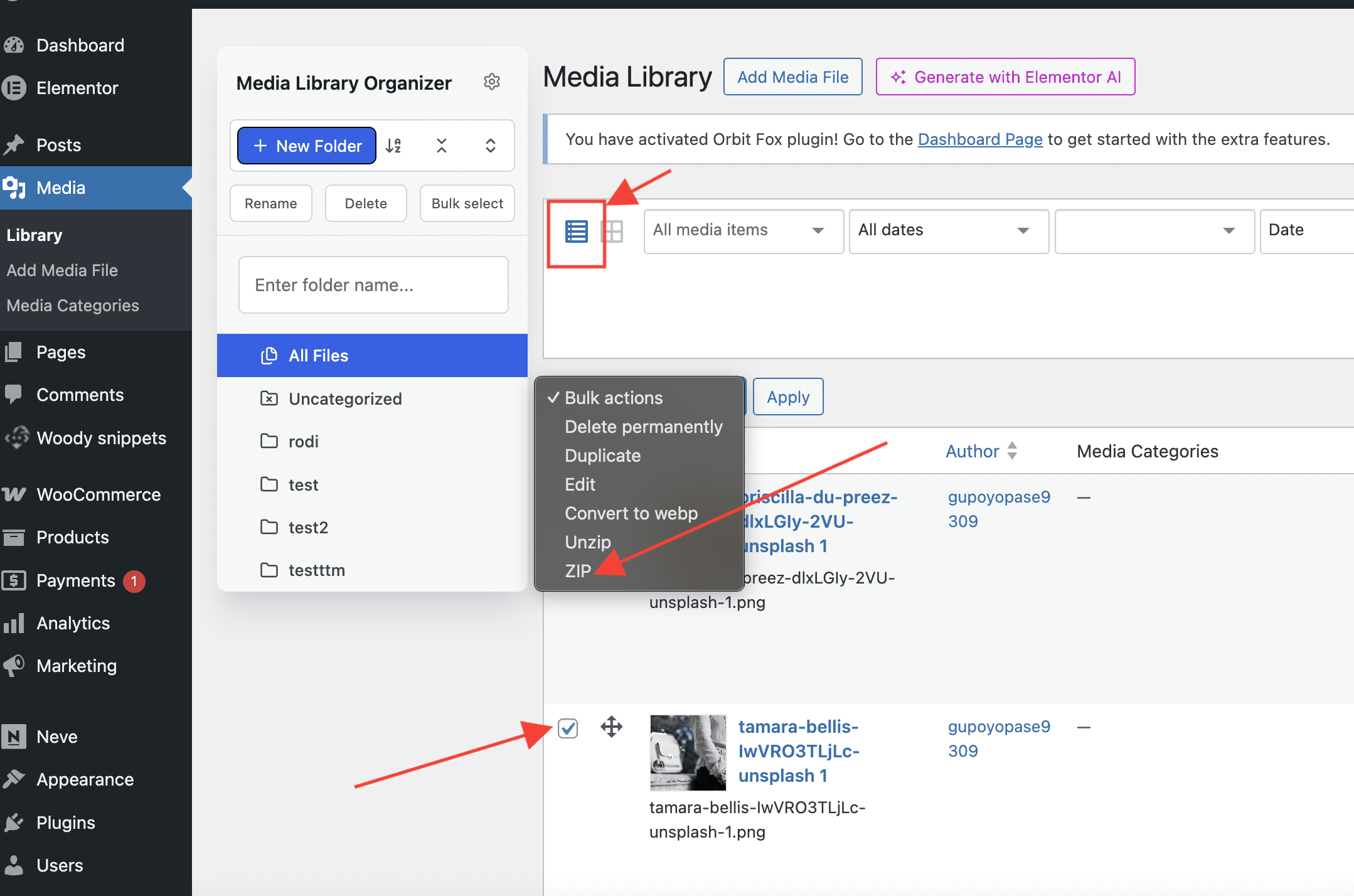
If you are viewing uploads in the list view:
- Select the files that you wish to ZIP
- From the Bulk actions select, choose ZIP