
Display EXIF Metadata
Media Library Organizer Pro extends WordPress's native gallery shortcode to display EXIF image metadata like camera make, aperture, and GPS coordinates alongside images in your galleries. You can enable EXIF display when creating a gallery or add EXIF attributes manually to existing shortcodes.
In this article
Prerequisites and Setup
- Any Media Library Organizer Pro license
Overview
Media Library Organizer Pro extends WordPress' native [[gallery]] shortcode, allowing EXIF image data to be displayed within WordPress galleries. When editing a Page, Post or Custom Post Type using the TinyMCE Classic Editor, click the Add Media button:
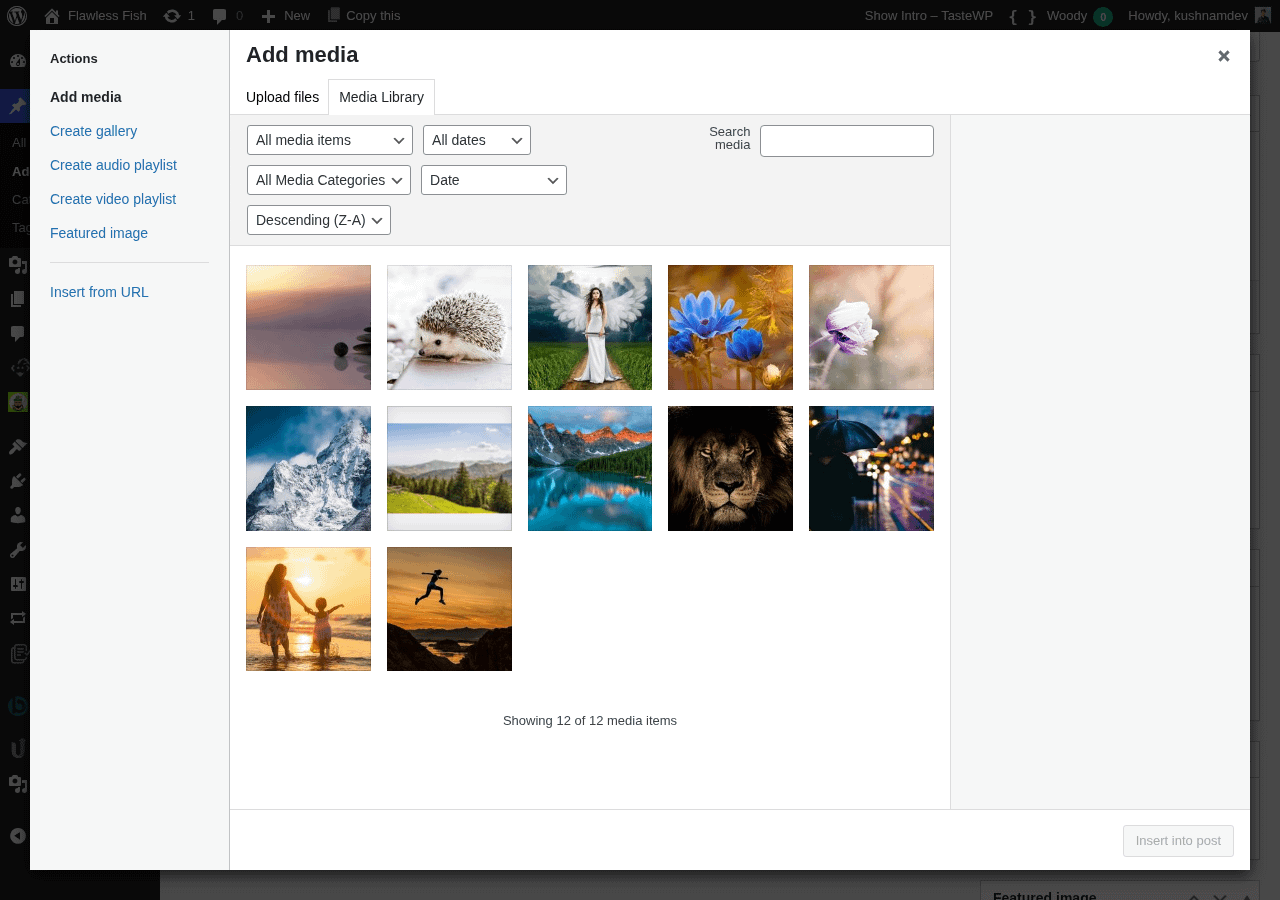
In the modal dialog window, click Create Gallery
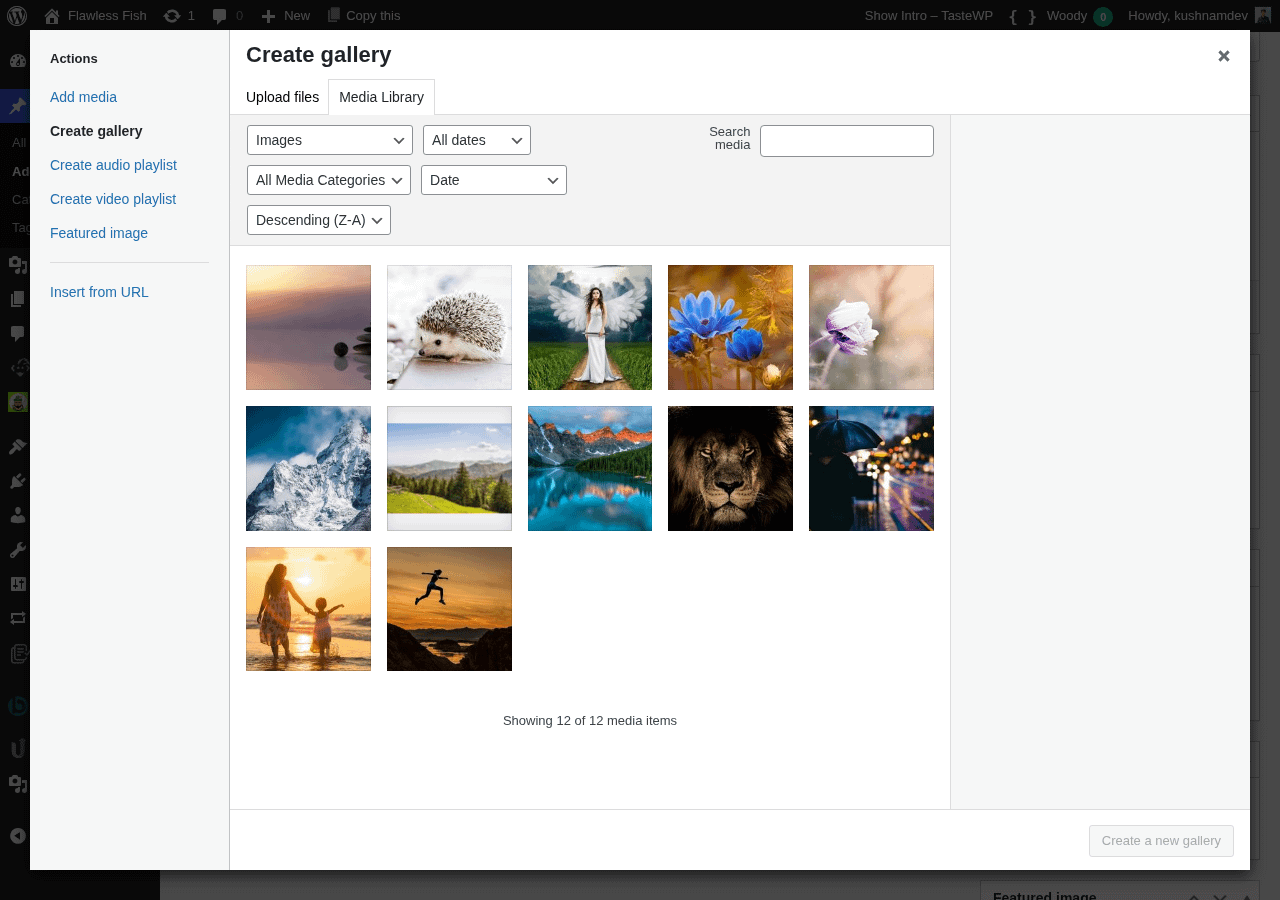
Select the image(s) to display in your Gallery by clicking on them
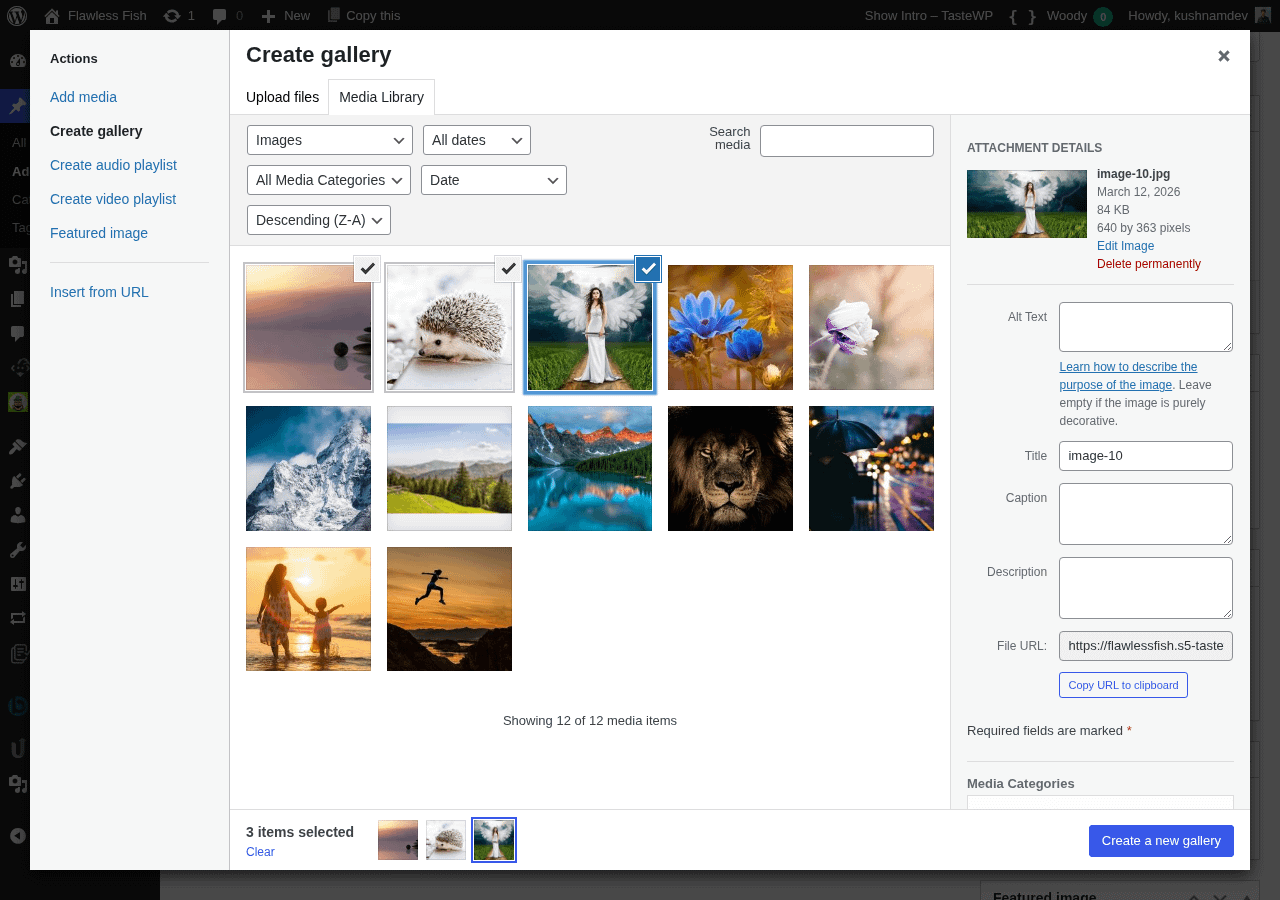
Click the Create a new gallery button
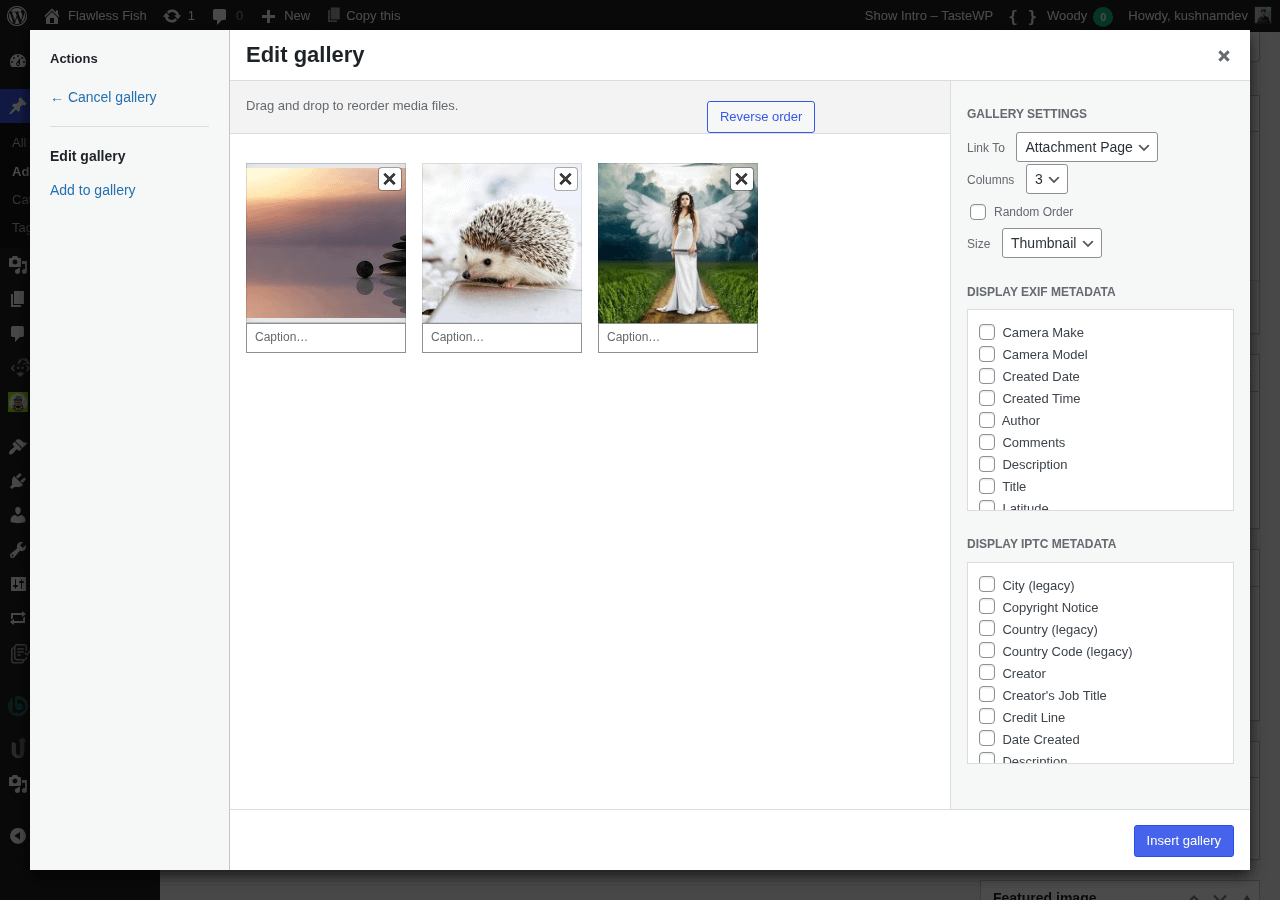
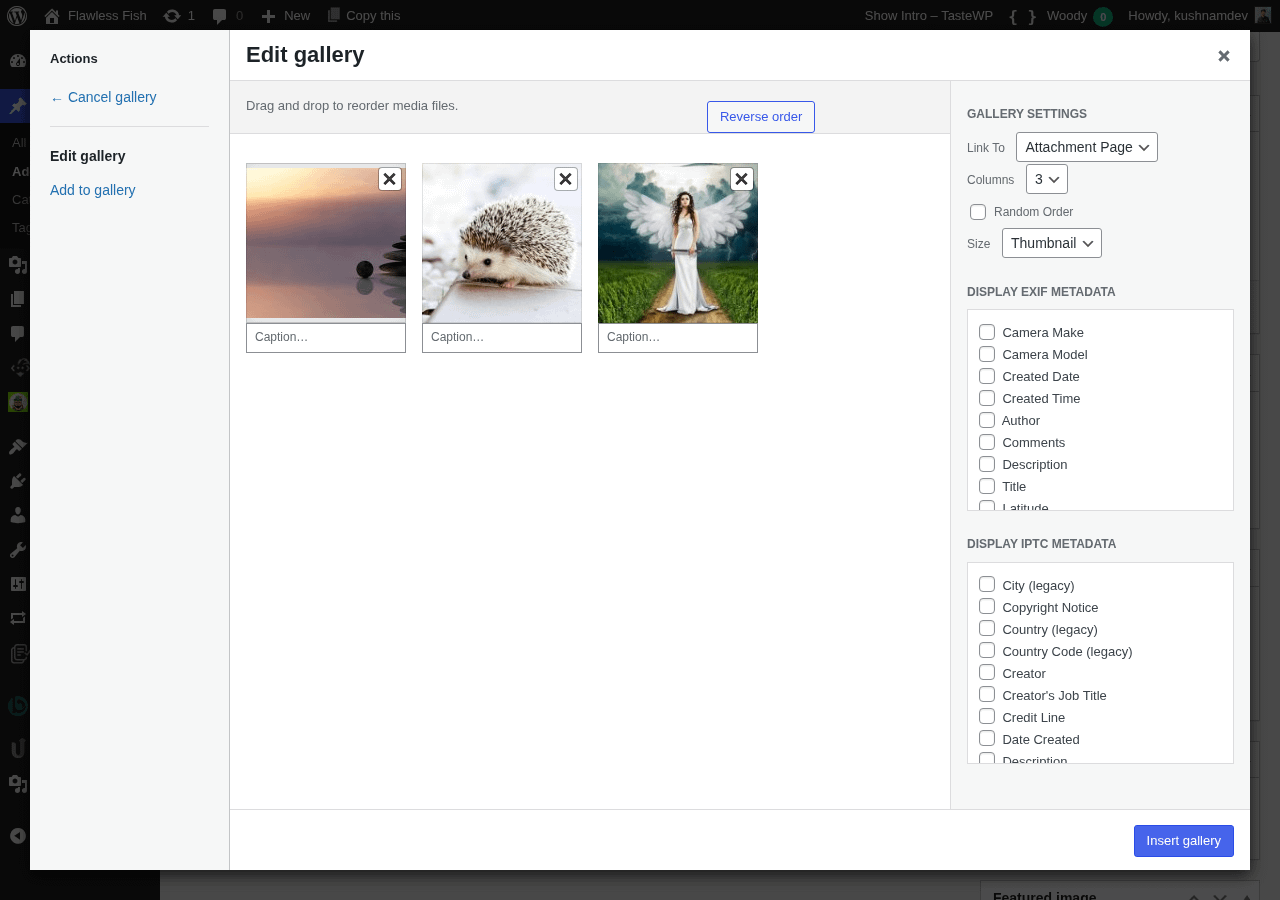
In the right hand sidebar, choose the EXIF metadata to display by clicking / ticking the applicable checkboxes:
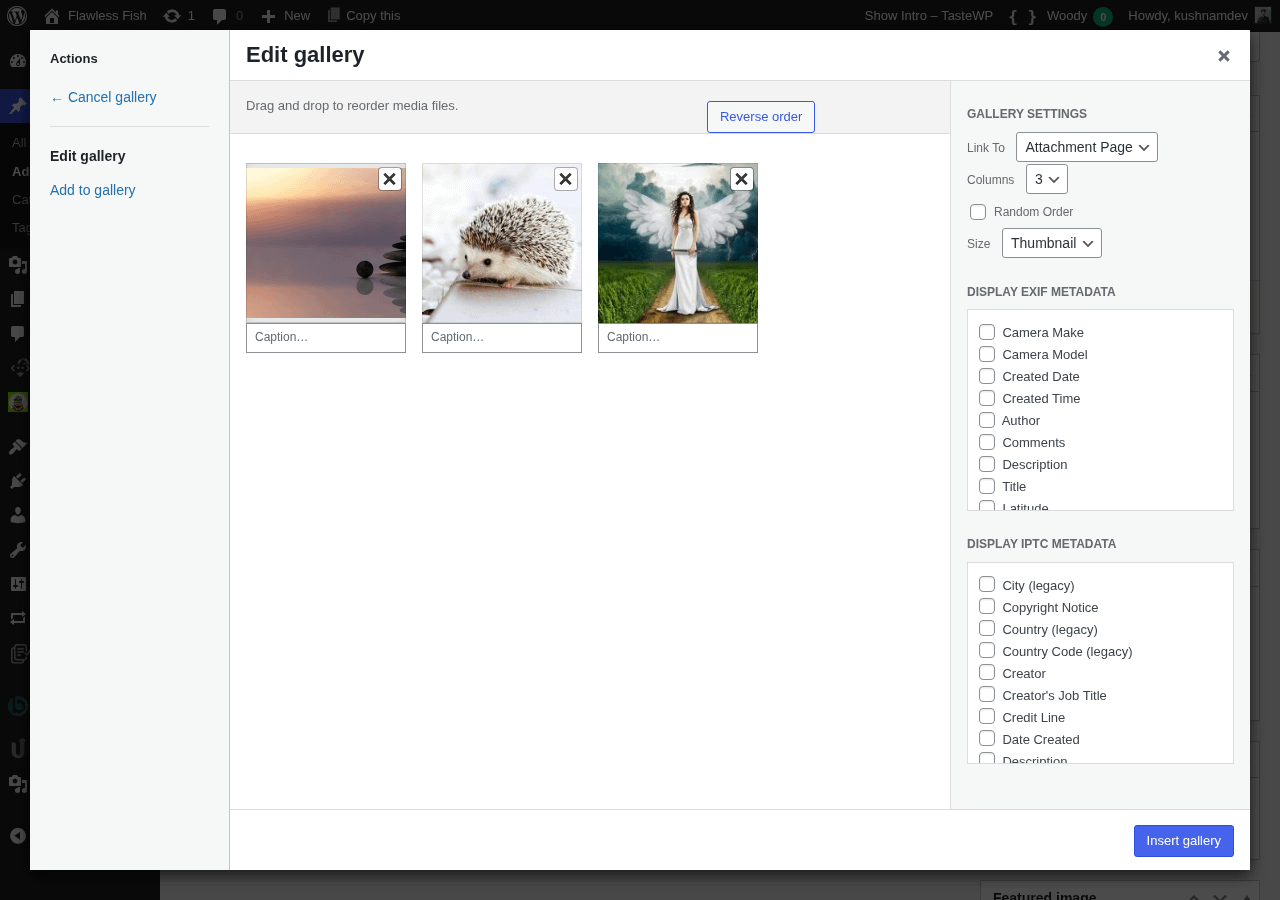
Finally, click the Insert gallery button
A [[gallery]] shortcode will then appear in the TinyMCE Editor, comprising of the EXIF attributes defined above.
Manually Adding Attributes to existing Galleries
You can also add attributes to any existing [[gallery]] shortcodes that you might have, therefore enabling EXIF metadata to be displayed. To add one or more attributes, refer to the below table.
| Parameter | Accepted Value | Description |
|---|---|---|
| display_camera_make | string (true or false) | Displays the Camera Make |
| display_camera_model | string (true or false) | Displays the Camera Model |
| display_created_date | string (true or false) | Displays the date when the photograph was shot/taken, in the date format set at WordPress Admin > Settings > General > Date Format |
| display_created_time | string (true or false) | Displays the time when the photograph was shot/taken |
| display_author | string (true or false) | Displays the Author of the photograph |
| display_comments | string (true or false) | Displays any Comments stored in the EXIF data |
| display_description | string (true or false) | Displays the Description stored in the EXIF data |
| display_title | string (true or false) | Displays the Title stored in the EXIF data |
| display_latitude | string (true or false) | Displays the Latitude and Longitude, linked to Google Maps |
| display_longitude | string (true or false) | Displays the Latitude and Longitude, linked to Google Maps |
| display_aperture | string (true or false) | Displays the Aperture used when the photograph was taken |
| display_focal_length | string (true or false) | Displays the Focal Length used when the photograph was taken |
| display_iso | string (true or false) | Displays the ISO level used when the photograph was taken |
| display_orientation | string (true or false) | Displays the Image Orientation |
| display_shutter_speed | string (true or false) | Displays the Shutter Speed used when the photograph was taken |
| display_flash | string (true or false) | Displays whether Flash was used when the photograph was taken |
| display_metering_mode | string (true or false) | Displays the Metering Mode used when the photograph was taken |
| display_white_balance | string (true or false) | Displays the White Balance used when the photograph was taken |
Example Shortcode Usage
Display Camera Make and Model on Images with IDs 100,101 and 102 [[gallery display_camera_make="true" display_camera_model="true" ids="100,101,102"]]
Display Aperture, Focal Length, ISO and Shutter Speed on Images assigned to the Post the Shortcode is on [[gallery display_aperture="true" display_focal_length="true" display_iso="true" display_shutter_speed="true"]]