
Quick Edit
Quick Edit lets you update a media file's category, title, alt text, and other metadata directly from the Media Library without opening the full edit screen.
In this article
Prerequisites and Setup
- Any Media Library Organizer Pro license
Overview
Quick Edit lets you modify the category and other information such as Title, Alt text etc. of a single media file without opening the full edit screen.
📝 Note: Quick Edit is only available in the Media Library's List View.
How to Use:
Go to Media → Library and switch to List View.
Hover over the media item you want to edit, then click the Quick Edit link that appears below the item name.
An inline edit form will open in place of the item's row.
Select or change the desired category or other data that you want to change.
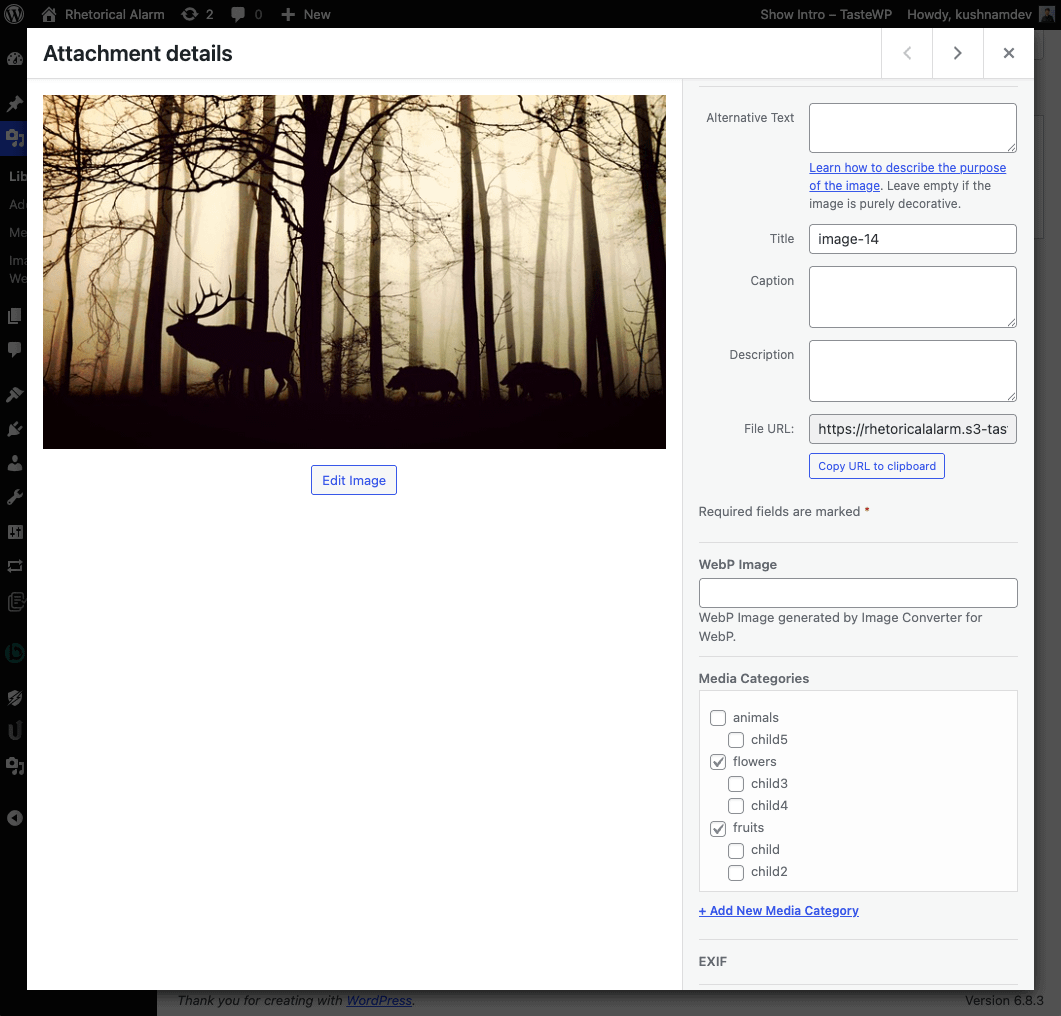
The following can be edited, and will be applied to the selected Attachment:
- Title
- Caption
- Alt. Text
- Description
- Media Categories
- EXIF and IPTC Metadata
Click Update when done.
Cancel Quick Editing
To cancel Quick Editing, click the Cancel button on the bottom left corner of the inline Quick Edit form.