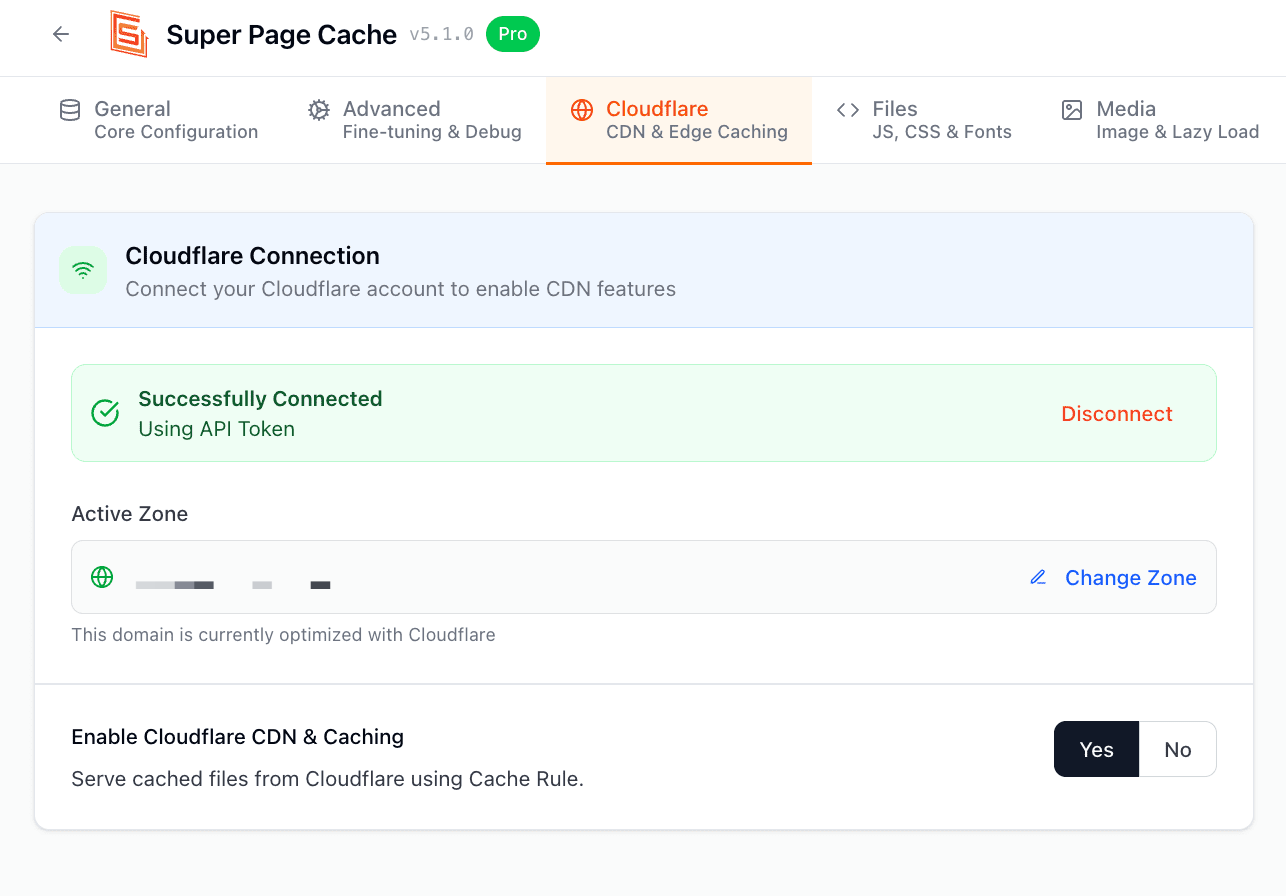
Error when testing cache ( Cache not working for dynamic/static pages)
This is one of the most common troubleshooting questions for this plugin and there are a few things you can try out before reaching out for support.
I would also like to enuntiate that this error sometimes appears even if the plugin is working correctly on your website, thus the best way to check if the plugin is working correctly is to check the response headers first and see if you get the HIT cache status.
Now let's move on to the troubleshooting stage:
You might have another caching system overwriting our plugin, thus, please make sure you are not using any other caching method when this plugin is installed.
Also, check for caching methods implemented by your hosting provider. You can use another plugin like WP Rocket to optimize CSS/JS; however, you need to make sure that caching is not activated for that plugin.
Make sure your page does not use cookies. Cloudflare will not cache any page containing cookies as it thinks that they are used to show content dynamically on the pages (cookies can be found by opening the page with Inspect Tool in Chrome > Networking tab > Set-Cookie appears).
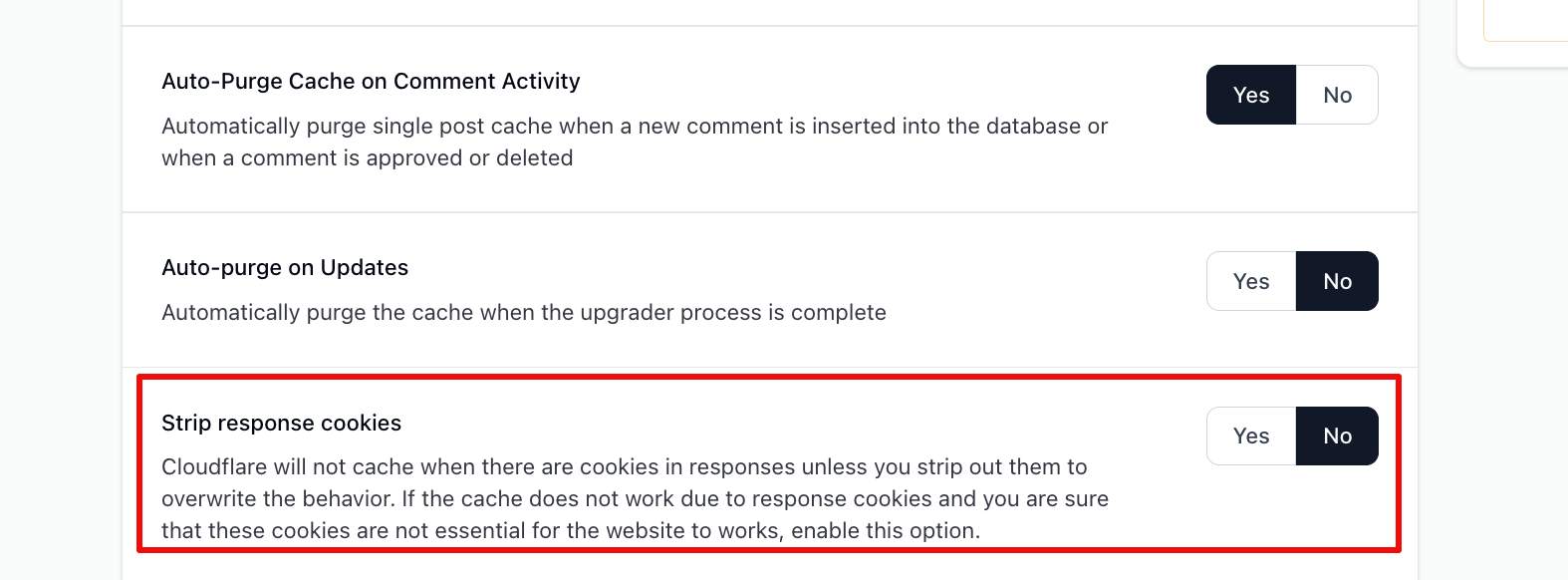
So, you can either remove the plugins that are adding these cookies or try enabling the strip response cookie option. To reach it, first enable Show advanced settings on the General tab to reveal the Advanced tab, then open Advanced > Cache.
Make sure that you don't have other conflicting rules set up in your Cloudflare account. Super Page Cache needs to create its own Cache Rule in your Cloudflare account for it to work properly. Current versions of the plugin no longer create a Cloudflare Page Rule, so you do not need to add one yourself.
Make sure that your site URL uses the same format (HTTP vs HTTPS) in your Cloudflare account as the address visitors actually use. If they do not match, you will experience problems. If you have an SSL certificate installed on your website, it should be HTTPS.
Try disabling and then re-enabling Cloudflare cache inside the plugin in case the Cache Rule was not yet added to your Cloudflare account.