How to configure MPG Advanced and Search settings?
This guide covers the Advanced and Search configuration options available in the MPG plugin settings, including table updates, page-builder compatibility, and search result display settings.
📝 Note: This feature is part of the MPG plugin, which you can get from here. If you want to learn more about it, check out our dedicated doc.
Advanced Settings
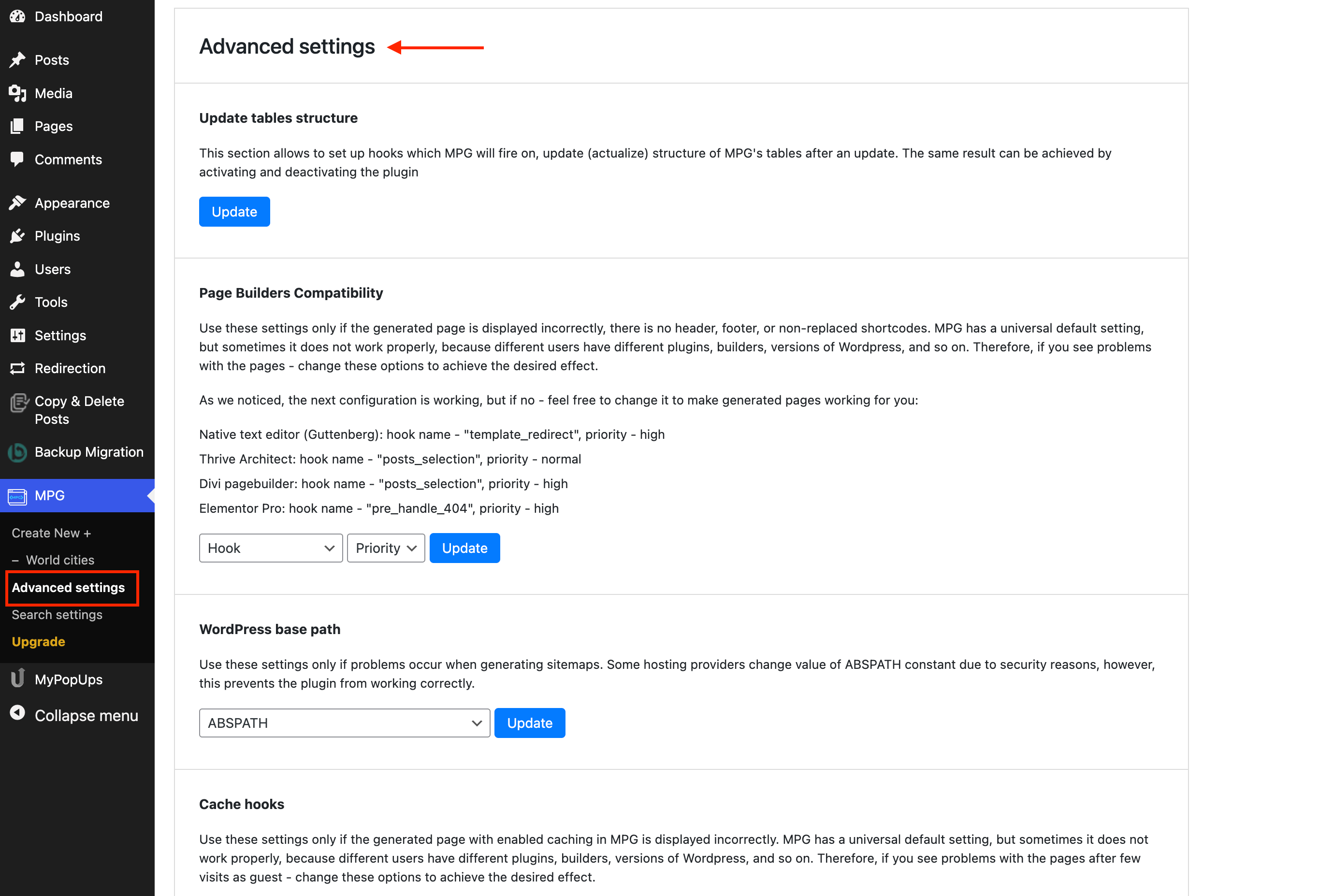
- Update tables structure - allows you to refresh the MPG tables, similar to the disabling / enabling process of the plugin.
- Page Builders Compatibility - it's recommended if the generated pages are not displayed correctly ( there is no header, footer, non - replaced shortcodes ).
- WordPress base path - recommended if there are problems with the sitemaps, due to the constant change of the ABSPATH used for security reasons.
Search Settings
📝 Note: To make sure that the search settings will apply, check the searchability of your website by navigating to the project's Step 3 (Project settings) > Advanced settings sub-tab and enabling the Include generated pages in your site search results? option.
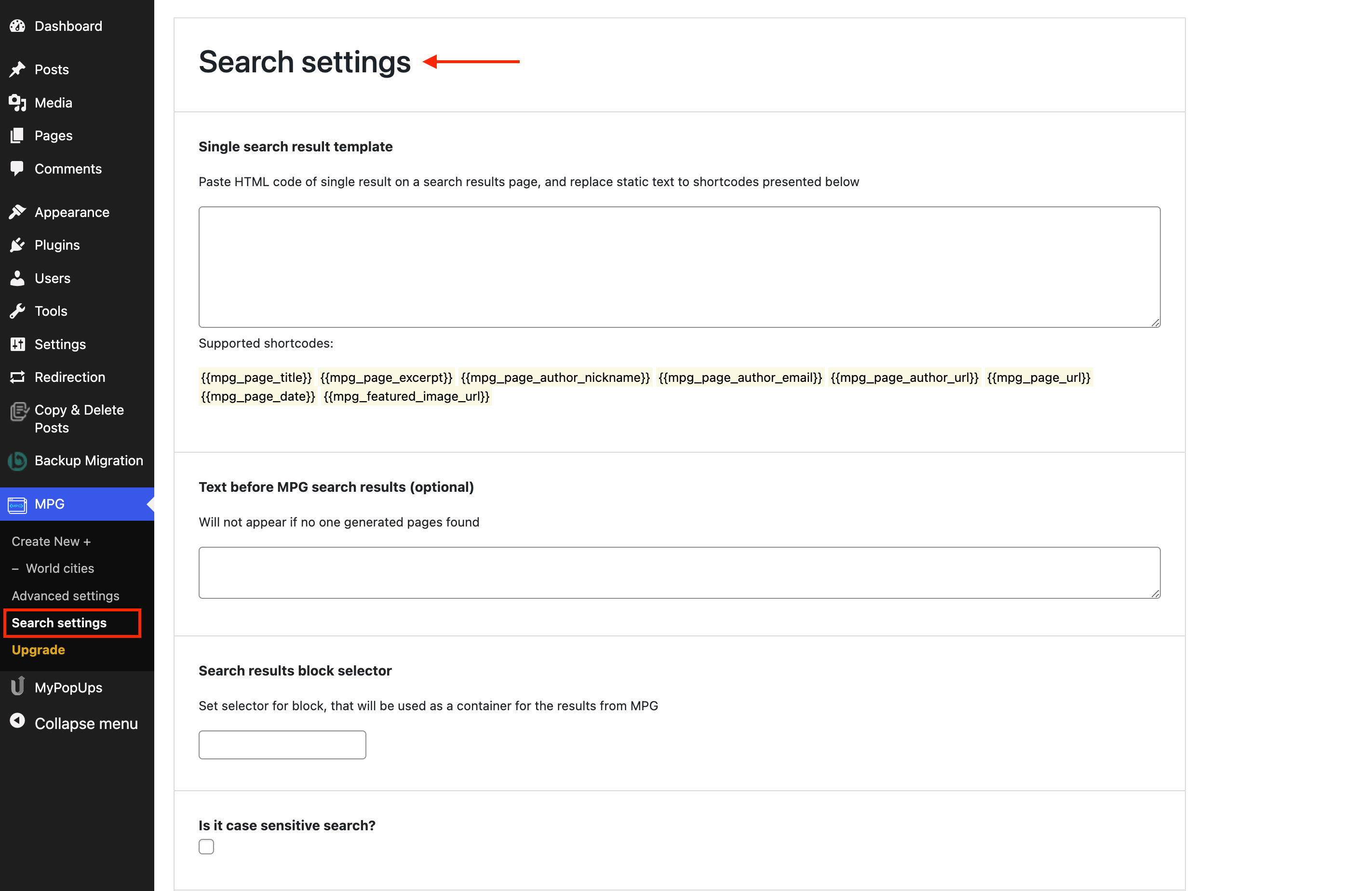
- Single search result template - this option requires the search page of the website, which is available if you add ?s=string at the end of the URL. From there you should copy the HTML code and replace the static text with shortcodes presented under the textbox ( Supported shortcodes ).
- Text before MPG search results ( optional ) - you can add a certain piece of text to appear before MPG search results.
- Search results block selector - you should set the selector that will be used as a container for the results generated by MPG.
- Is it case sensitive search? - check this if you want your search to be case-sensitive.
- Featured image header name - set a header name for the places where there is located image URL, to be set to each search result.
- Excerpt length - set a maximum of words to be displayed in the posts of the search results.
- Max results count on a page - set how many pages should be displayed on a search result page.