
Can't Deploy Dataset Error in MPG
MPG provides a library of templates that you can import and start editing to suit your needs. However, sometimes you might encounter an error like this:
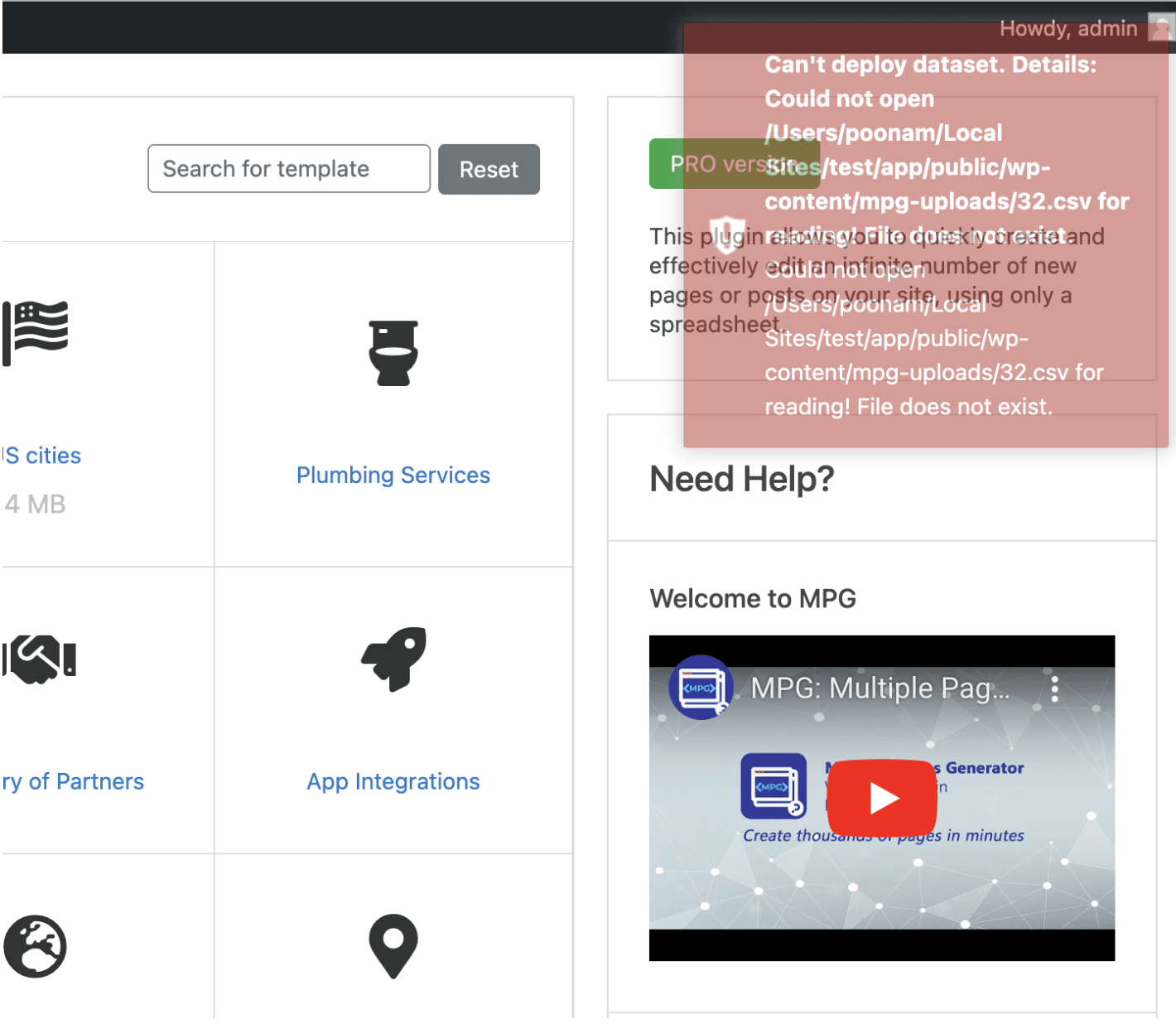
When you deploy a project, MPG downloads your data source and saves it in an mpg folder inside your WordPress uploads directory, usually wp-content/uploads/mpg/. This error appears when MPG can't complete that step, either because it couldn't fetch the file from your source or because it couldn't write the file to that folder. To resolve it, work through the following checks:
1. If your source is a Direct link, confirm the URL is correct and publicly reachable. For a Google Sheet, make sure it is published or shared so it can be downloaded without signing in.
2. Make sure your WordPress uploads directory is writable by WordPress. MPG creates its own mpg folder inside it, but it cannot do so if the uploads directory itself has incorrect permissions.
3. Retry the deploy once the source URL and permissions are confirmed.
📝 Note: If you are on shared hosting and can't change file or folder permissions yourself, contact your hosting provider for assistance.