
Using Contact Form 7 Thank You Popup
Thank you Popup is one of the most prominent features in Redirection for Contact Form 7 (available in the Starter plan). It allows you to open popups in various designs and editing options of your choice. Opening a thank you pop-up after form submission has never been easier.
How to install it
- Download the Redirection For Contact Form 7 Extension - Thank You Popup plugin from your purchase history.
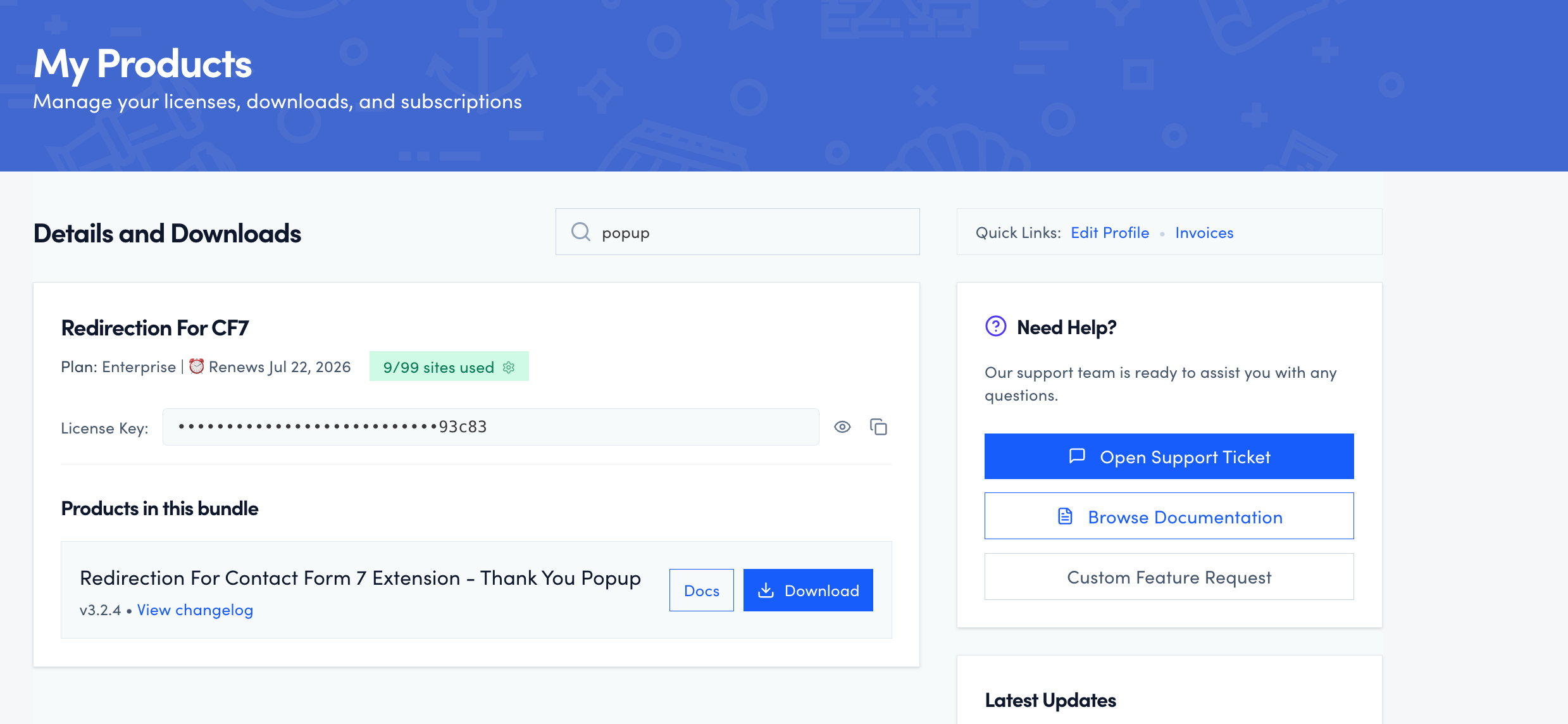
- Install the plugin on your site.
Need help installing a plugin? Check this doc for step-by-step details.
- In your WordPress dashboard, navigate to CF7 Redirection > Dashboard > Licenses and activate the license. ( The license is also available in your purchase history ).

How to use it
- Edit the CF7 contact form of your choice.
- Navigate to the Actions tab.
- Click on the Add Action button and choose the Popup action.

- Customize the Pop-up using the extensive options provided by the plugin ( select from a variety of templates, colors, and texts )

