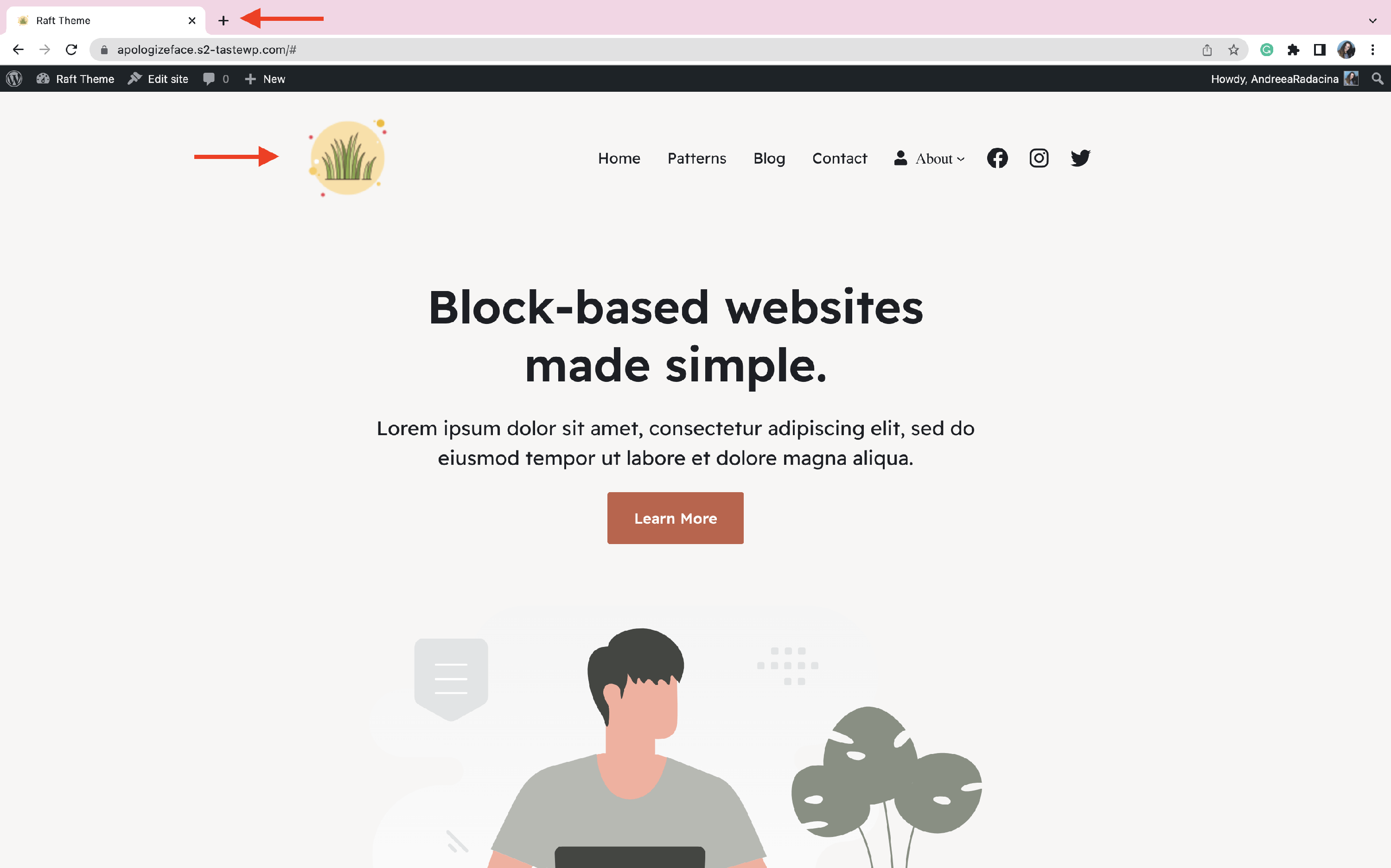
How to add Logo for Website Identity in FSE Themes?
Favicon icons can display the site identity and logo in the FSE themes. This guide uses the Raft theme, but the steps are the same for the other FSE themes (Jaxon, Fork, Riverbank).
Create and download the logo you want for your website.
Navigate to Dashboard > Appearance > Editor and open the front page.
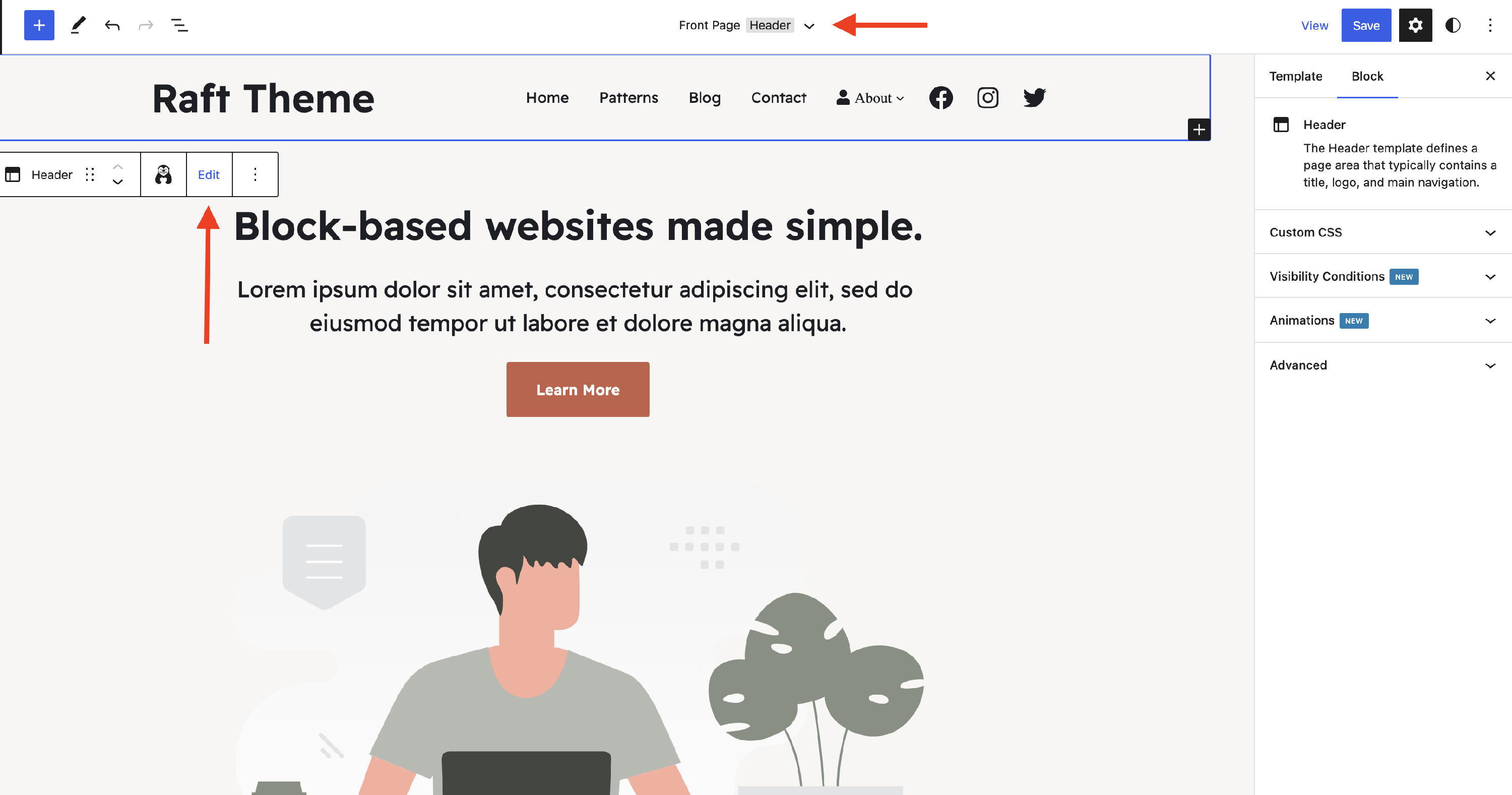
Hover over the header area and click Edit.
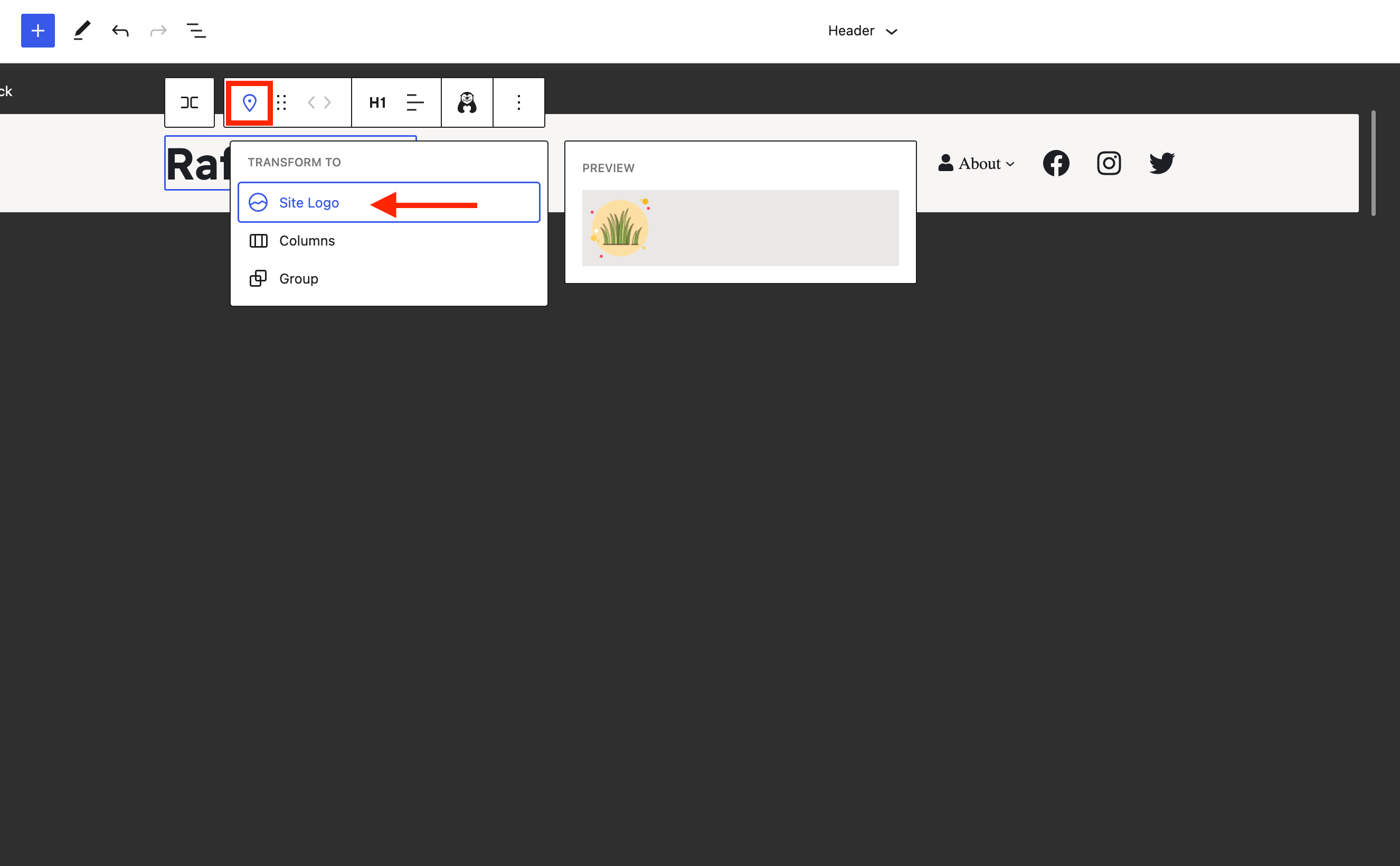
Select the site title, click the Site Title icon, then click Transform to Site Logo.
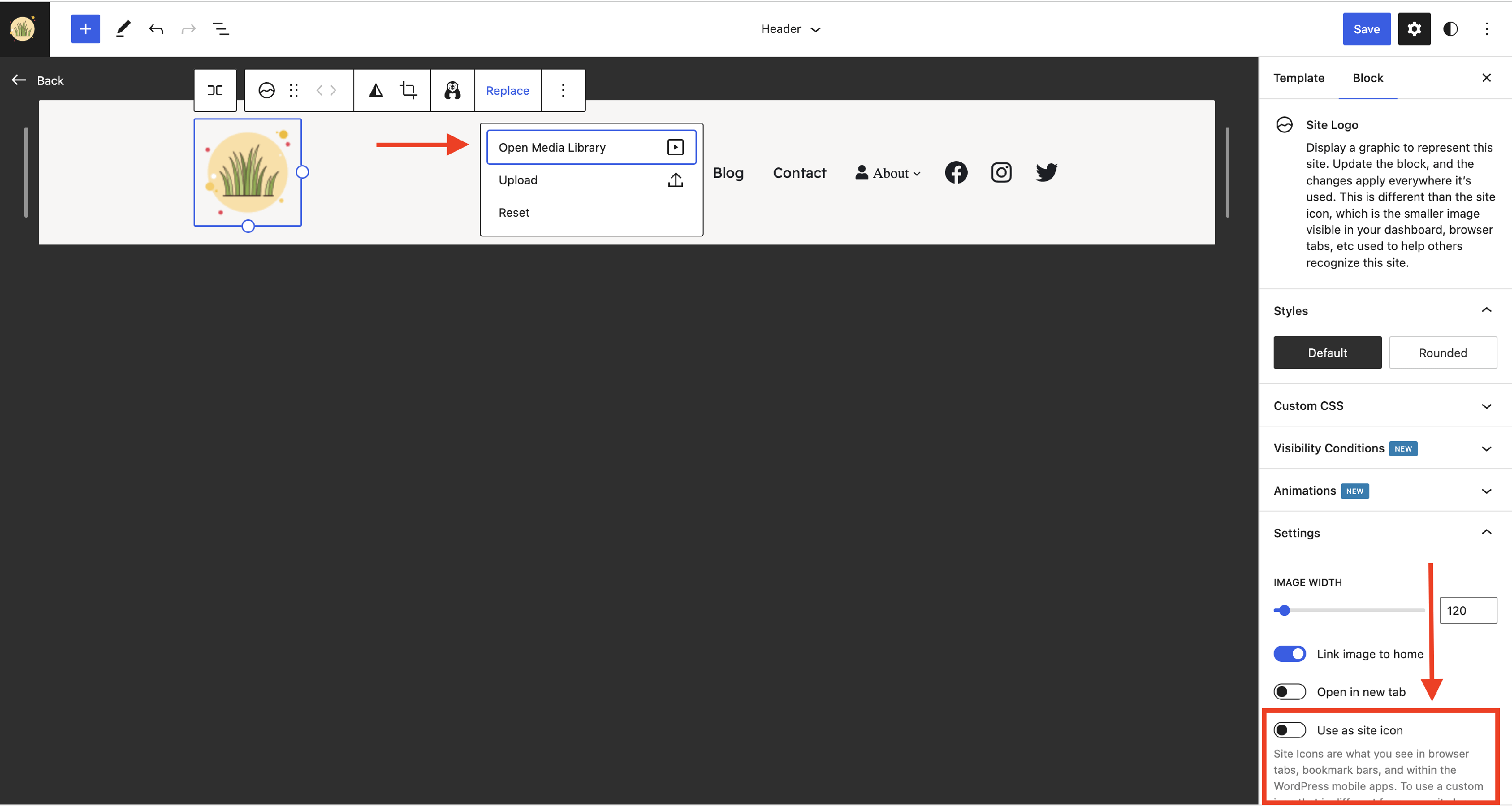
Add the logo you want. You can also enable the option to use it as the site icon from the right sidebar.
Result