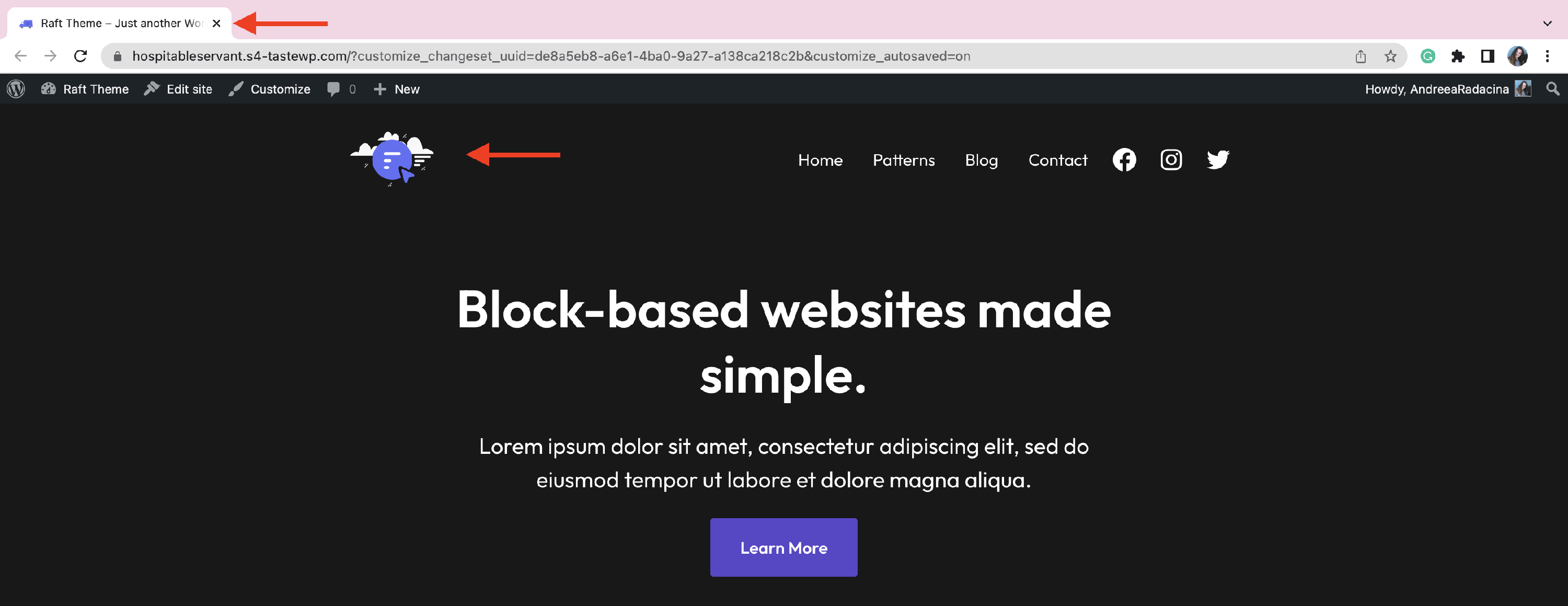
How to add Favicon in FSE Themes?
The favicon is the site icon that appears in the browser when a user visits your website. Adding such an icon in our FSE themes can be done in two ways:
In this article
Blocks Editor ( same as logo )
In this example, we have used the Raft theme, but the steps are the same for the other FSE Themes ( Jaxon, Fork, Riverbank ).
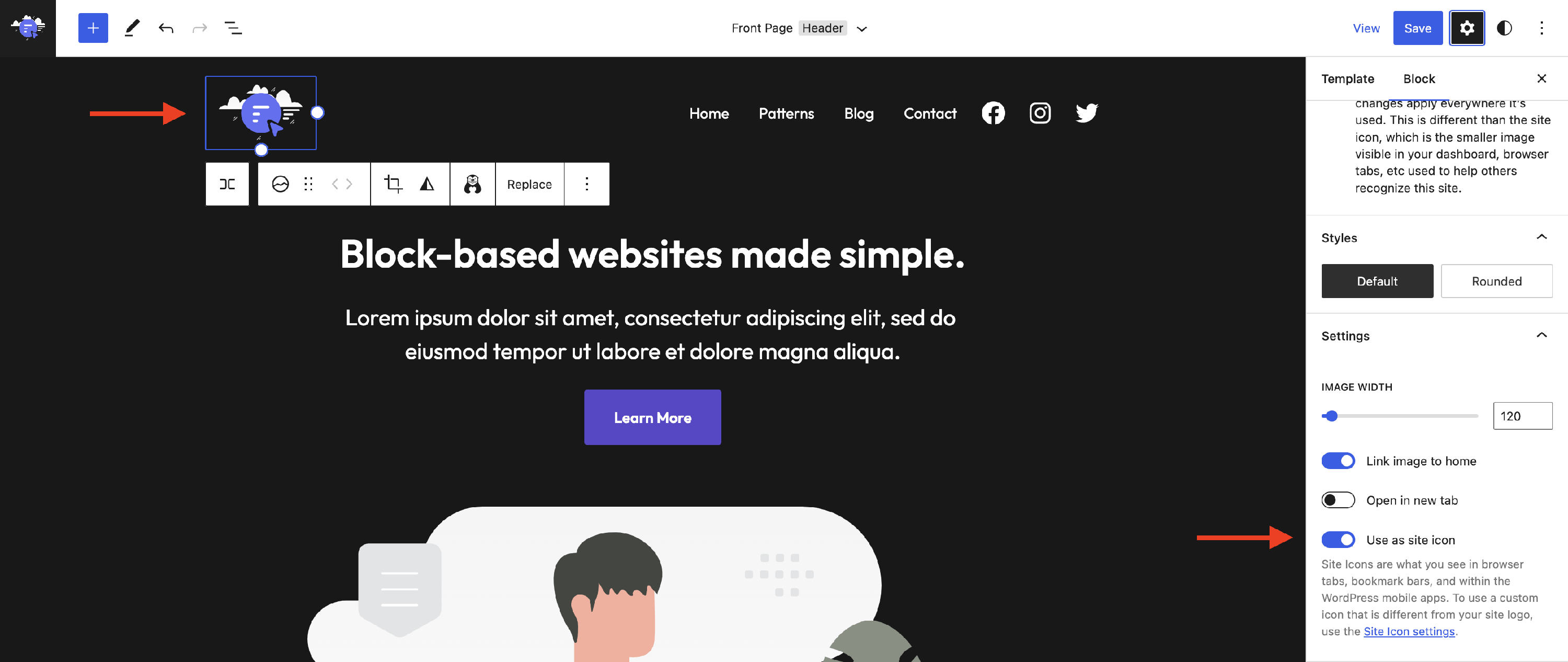
While editing the site logo, you can enable the Use as site icon toggle so that the chosen picture will be the same for both logo and favicon:
📝 Note: More details about editing the site logo can be found here.
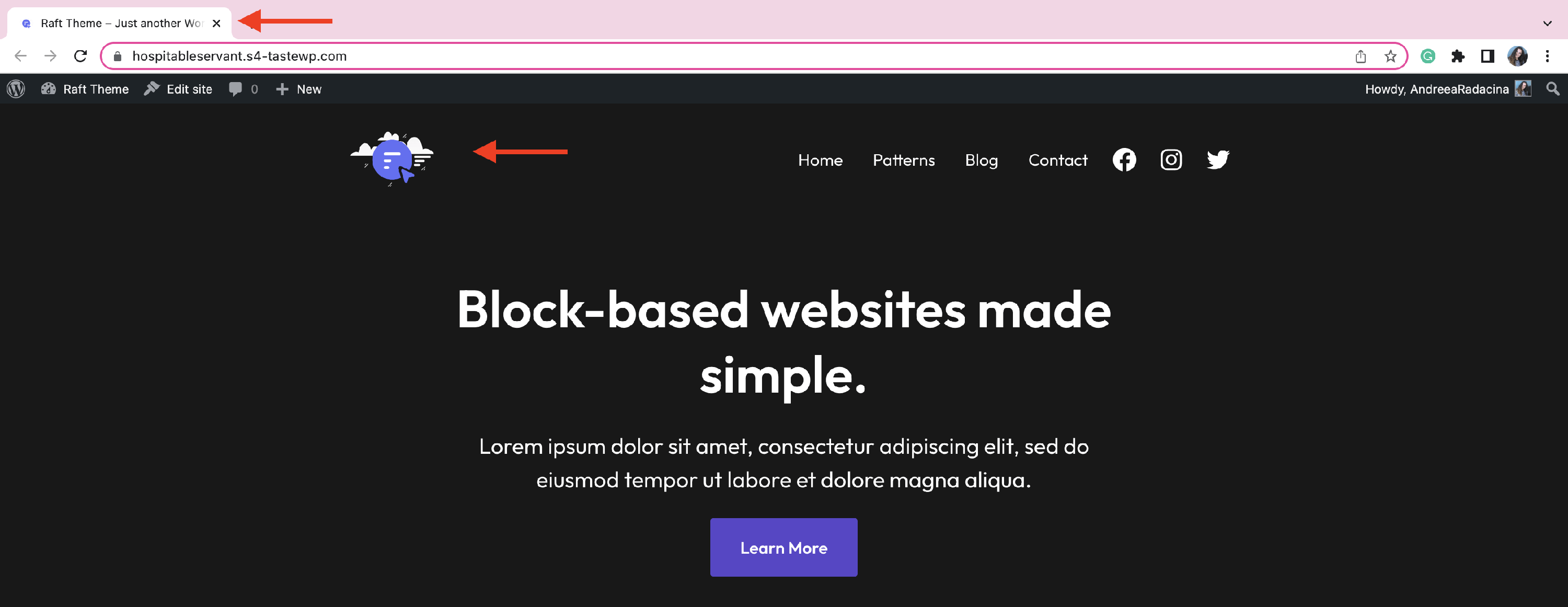
Result:
Customizer ( different than the logo )
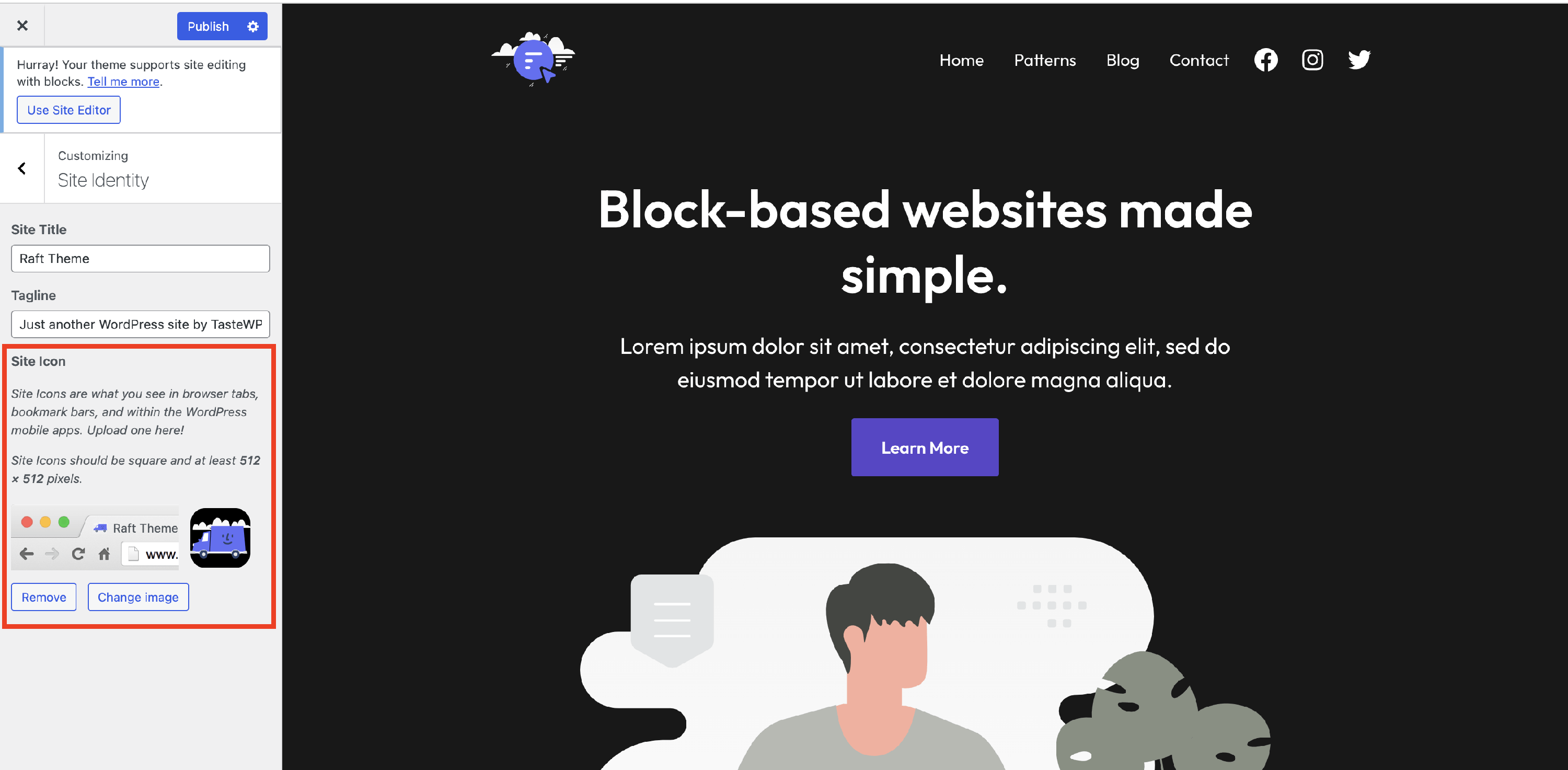
1. While editing the site logo, there is a link called Site Icon settings under the Use as site icon toggle.
2. Click on it, and you will be redirected to the Customizer.
3. Insert another image to replace the site icon.
Result: