
How to Migrate FSE Themes Options?
To migrate the FSE theme's options, there are just a few steps that need to be done.
1. Install the Design Import/Export plugin.
2. Navigate to the WordPress Dashboard and open the Design Import/Export panel.
In this article
Export Options
To export the theme's options, inside the Design Import/Export panel, select the files that you want to export, then click on Download Export file.
It will generate an XML file that will be saved on your computer.
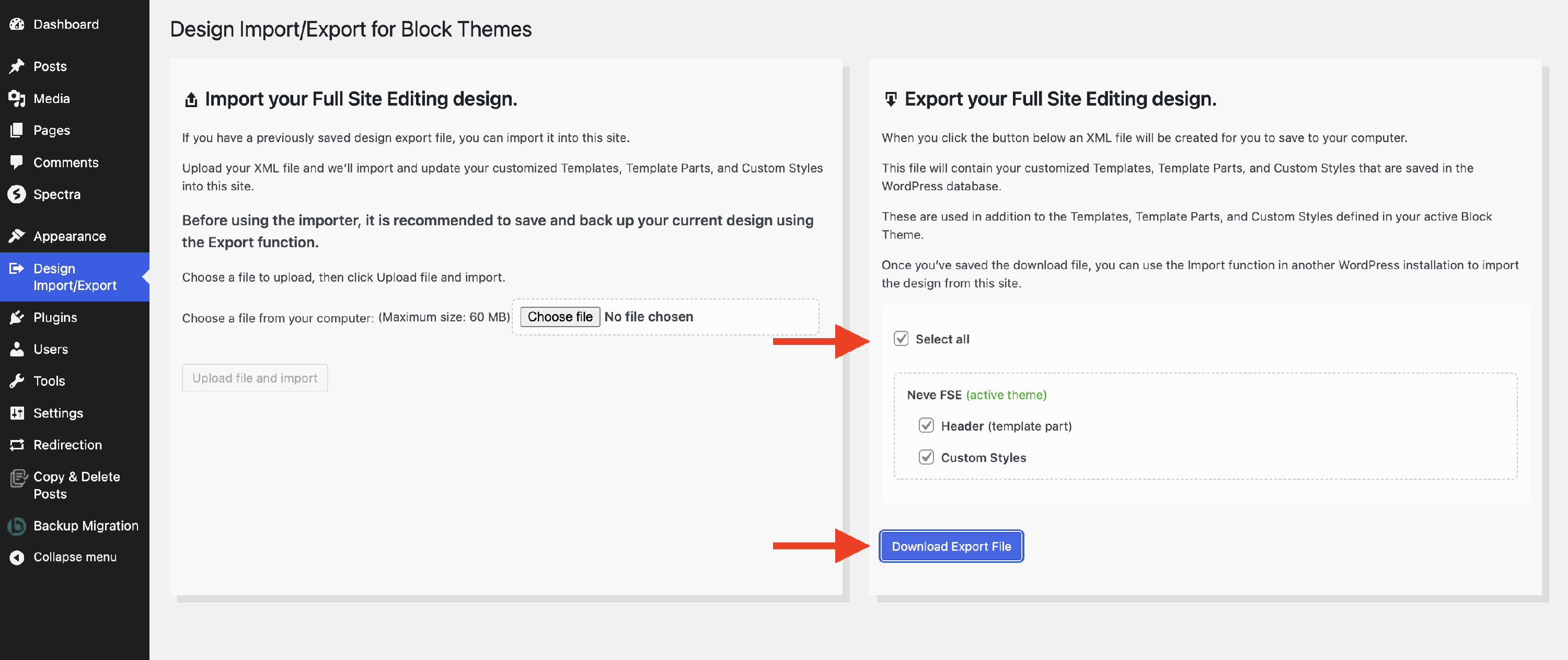
📝 Note: The file can be used only for the theme or child theme it came from.
Import Customizer Option
1. To import the FSE theme's options, navigate to the other website and install the Design Import/Export plugin.
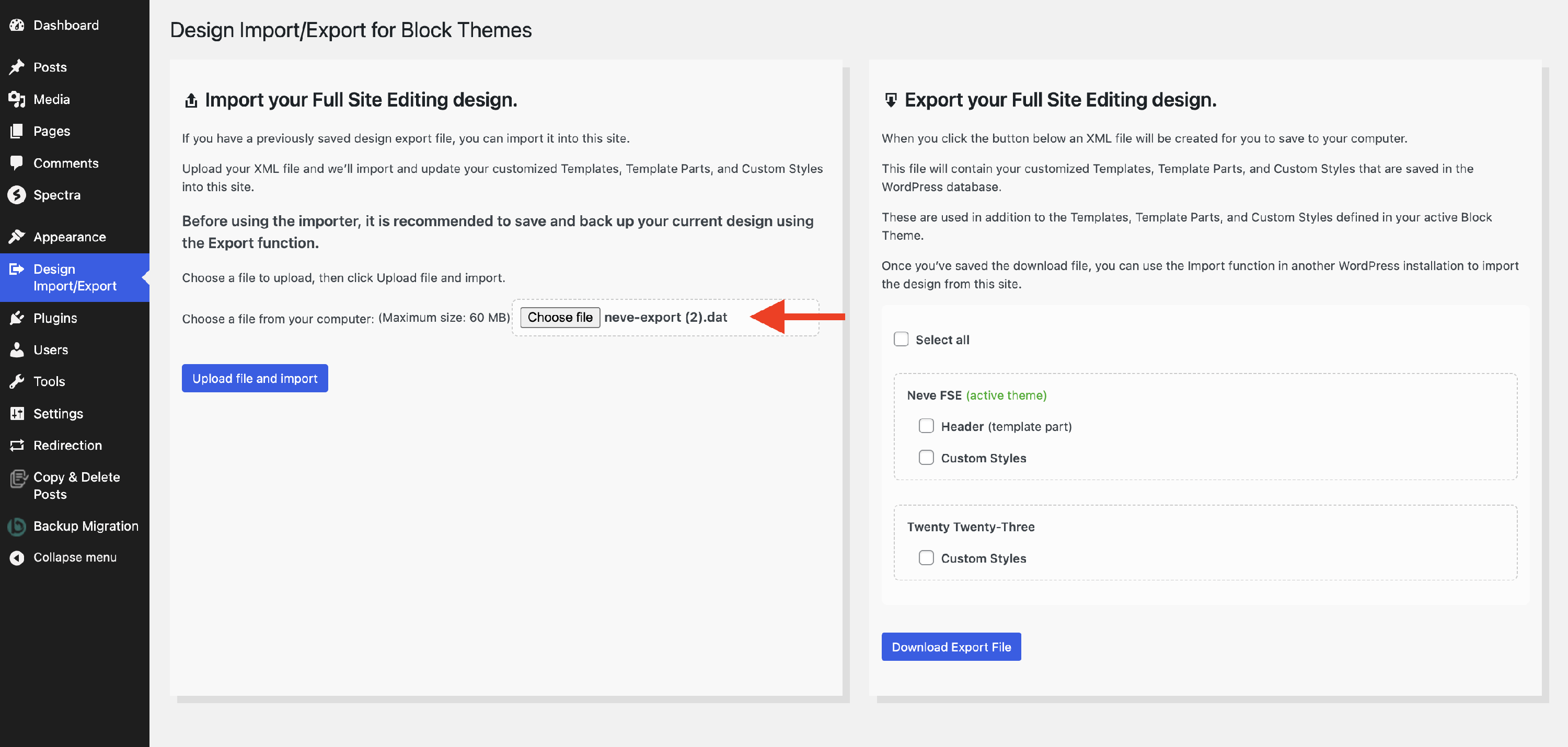
2. Navigate to the Design Import/Export panel > Import section.
3. Choose the XML file that you previously exported.
4. Finally, click on the Upload file and import to finalize the process.
Result:
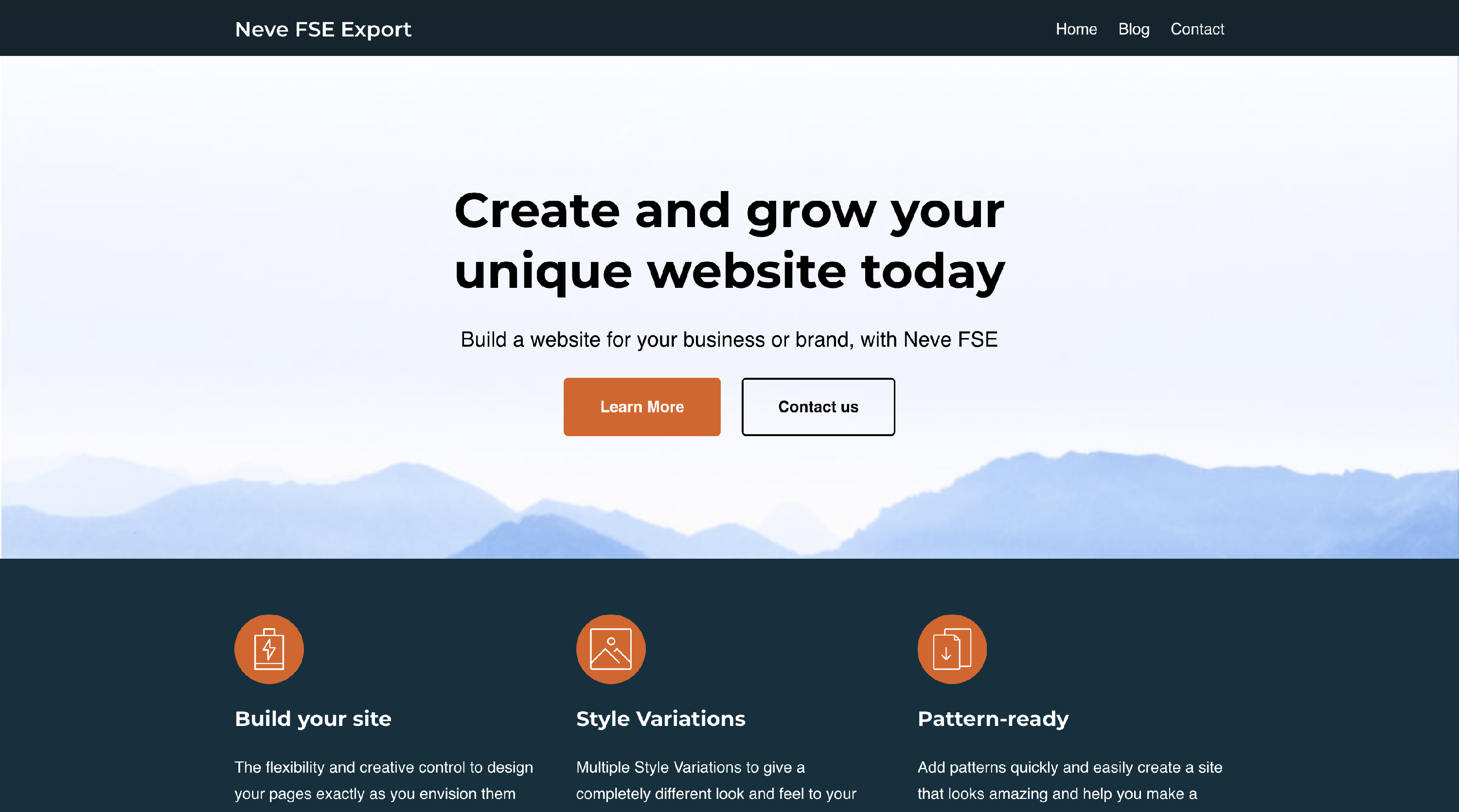
Source Website
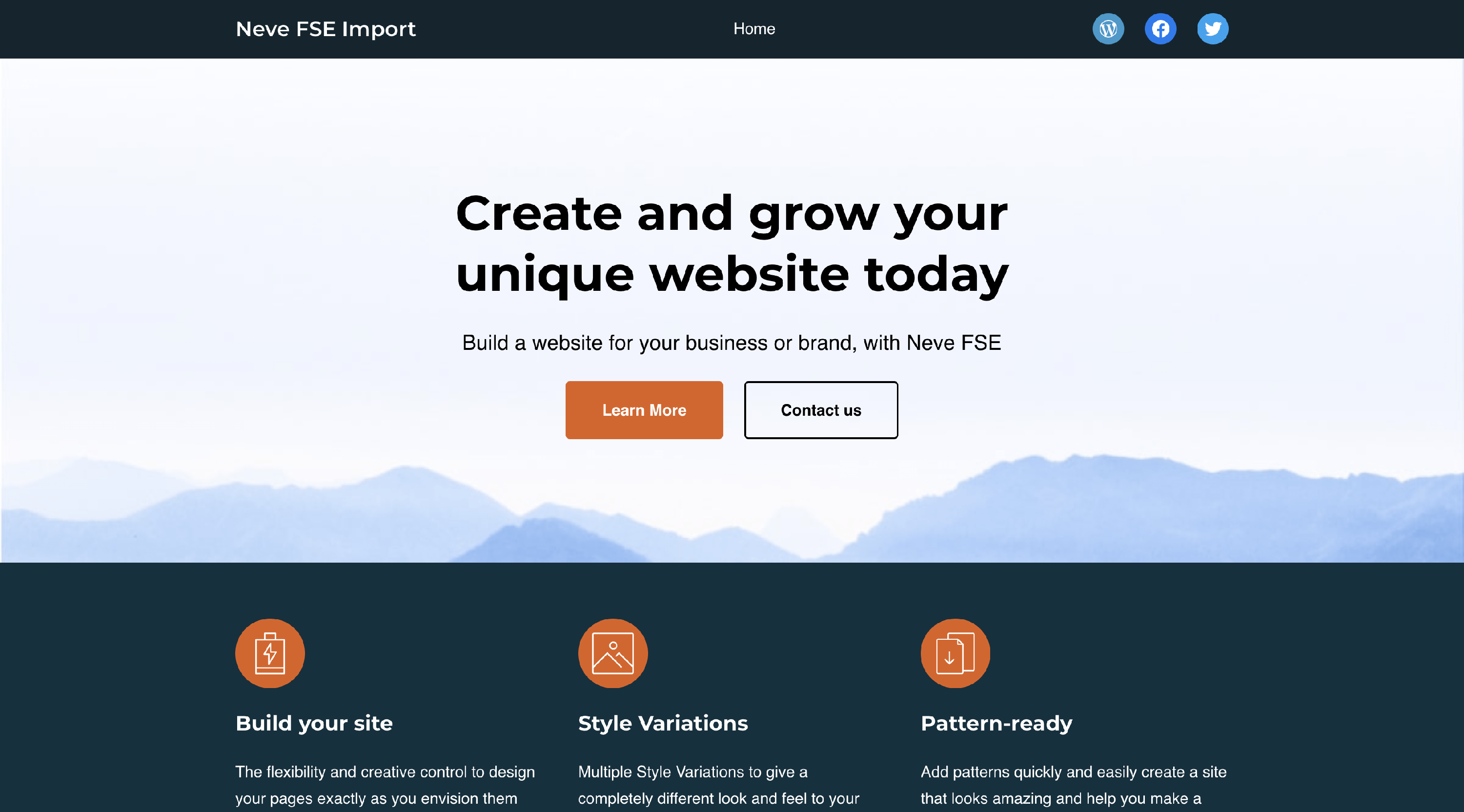
Destination Website