
How can I add Custom CSS to my FSE Theme?
If you use one of the Themeisle FSE themes, the Additional CSS panel no longer appears by default in the Customizer, as it did with other themes. To add custom CSS to your FSE theme, follow these steps:
Add
/wp-admin/customize.phpto the end of your site's URL.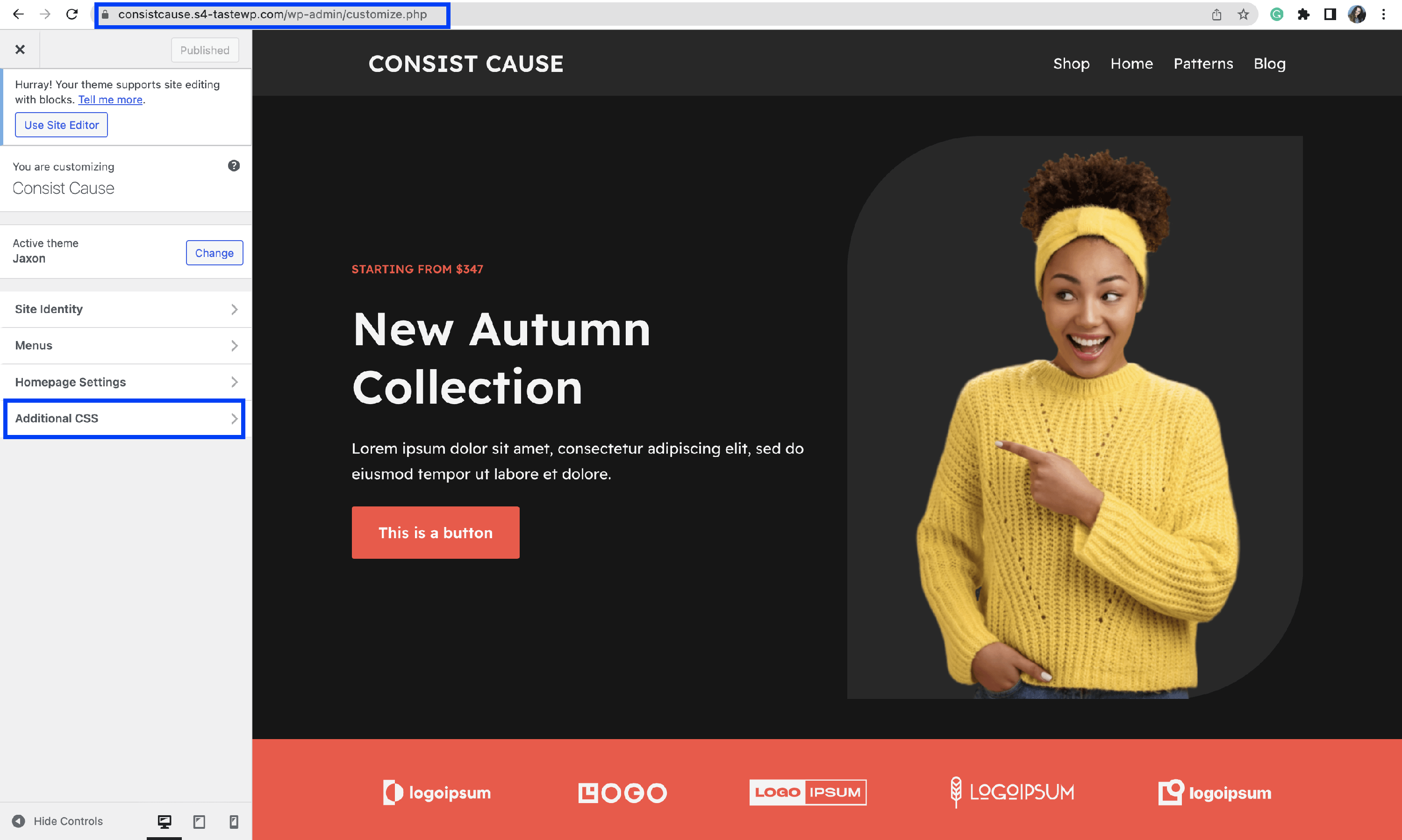
In this example, the URL becomes
https://yourdomainname.com/wp-admin/customize.php. In your case, replace the domain name with your own.Open the Additional CSS panel and add your code.