
How to show 5 focus widgets in one line in Zelle
By default, Zelle's Focus section displays widgets in a four-column grid. You can fit five widgets into a single row with custom CSS.
Important notice: This product is now in maintenance mode and is no longer being actively developed or supported. Updates and bug fixes will not be provided unless they relate to security concerns.
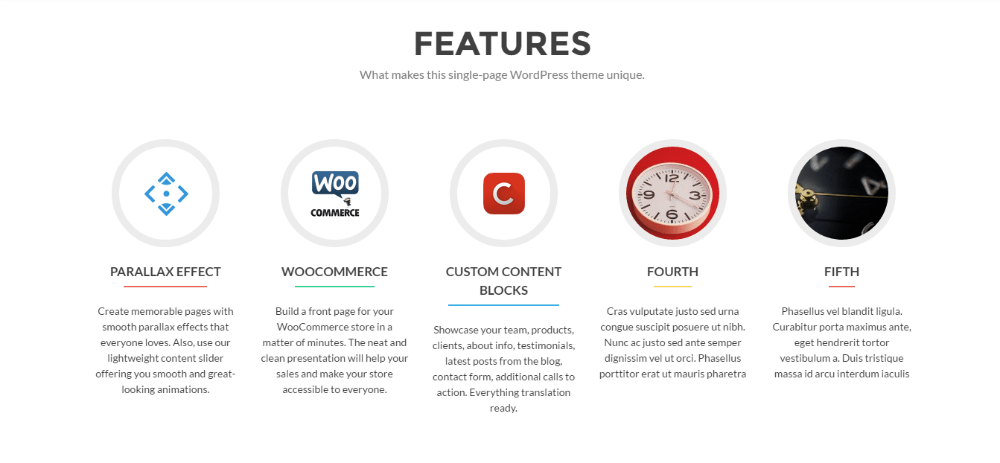
Go to Appearance > Customize > Additional CSS and add the following code:
@media screen and (min-width: 1023px){
.col-lg-3.col-sm-3.focus-box {
    width: 20% !important;
}
}