
Settings Explained Complete Reference
Complete documentation of every setting in Auto Featured Image. Use this as your comprehensive reference guide.
In this article
Accessing Plugin Settings
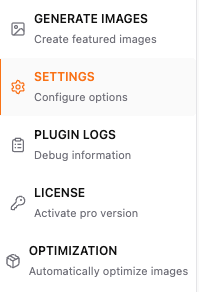
Navigate to the Auto Featured Image page in your WordPress dashboard, then open the Settings tab.
1. Post Type Selection
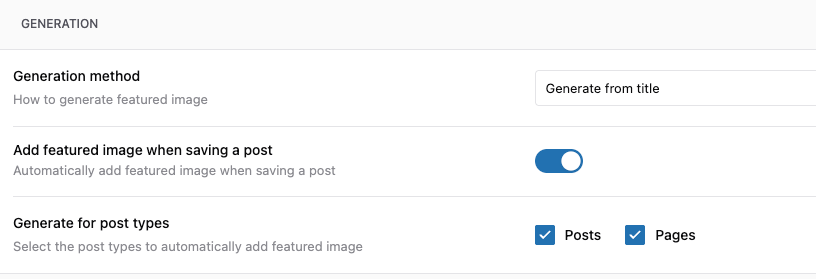
Generate for Post Types
Purpose: Choose which post types should have auto-generated featured images.
Note: This option appears only after you enable the Add featured image when saving a post toggle.
How to Configure:
- Check the boxes for post types you want to enable
- Custom post types appear automatically if registered
- Click Save Settings
2. Generation Methods
Primary Image Source
Purpose: Define how featured images should be created.
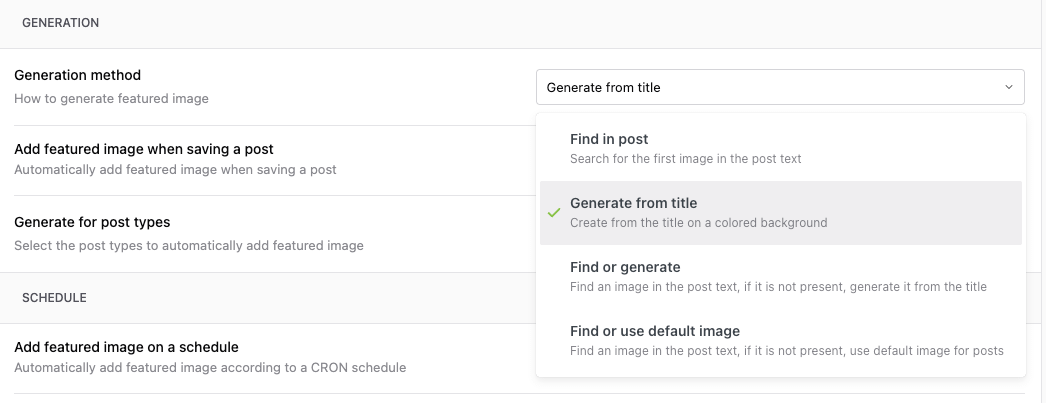
Option A: Find in post
What it does: Uses the first image found in post content
When to use: - Content already has images - Image selection should be automatic - Want fastest performance
Option B: Generate from title
What it does: Creates a custom graphic with post title text
Note: Please check this detailed Guide on How to Generate featured Image from Post Title.
When to use: - Opinion pieces - Tutorials without screenshots - Announcements - News articles
Option C: Find or generate
What it does: It tries to find images in content, if it is not present then it generates from Title
It is a combination of Option A and Option B
Option D: Find or use default image
What it does: It tries to find images in content, if it is not present then it uses the default images configured in settings
3. Default Image Configuration
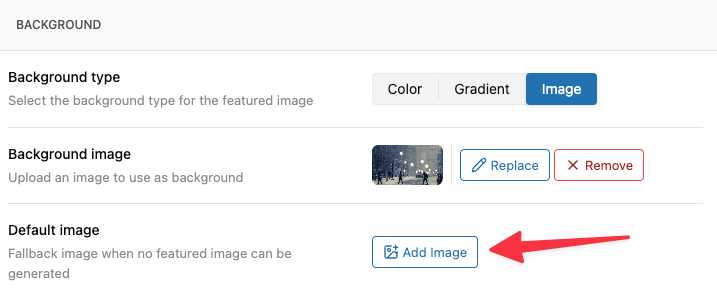
Purpose: Set fallback images when no other method succeeds. The default image field is located in the Image Settings tab.
Site-Wide Default
Upload Default Image: Add Image Button
4. Auto-Generation Toggles
Purpose: Control when automatic generation occurs.

Automatic Generation
- Add featured image when saving a post
- When: The post is saved, whether you publish it or update it
- Condition: Only if no featured image exists
Manual Generation
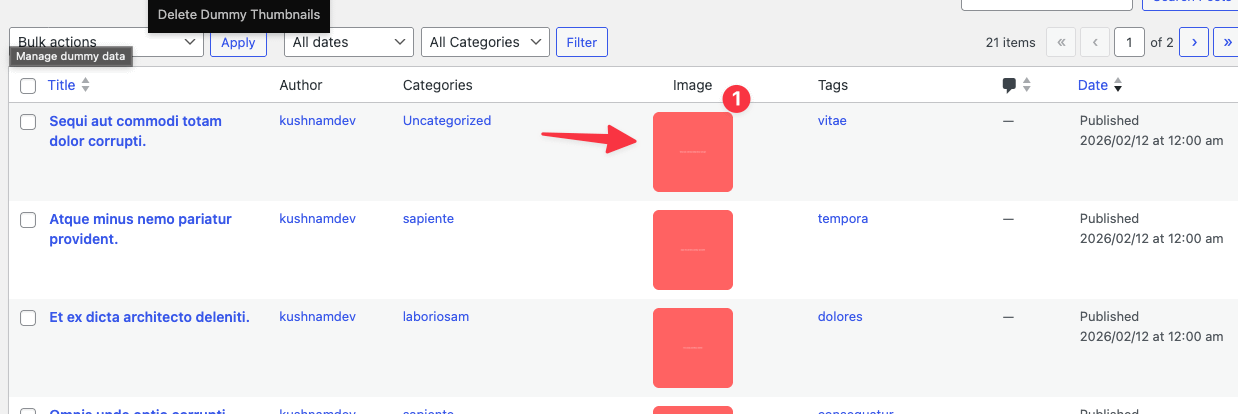
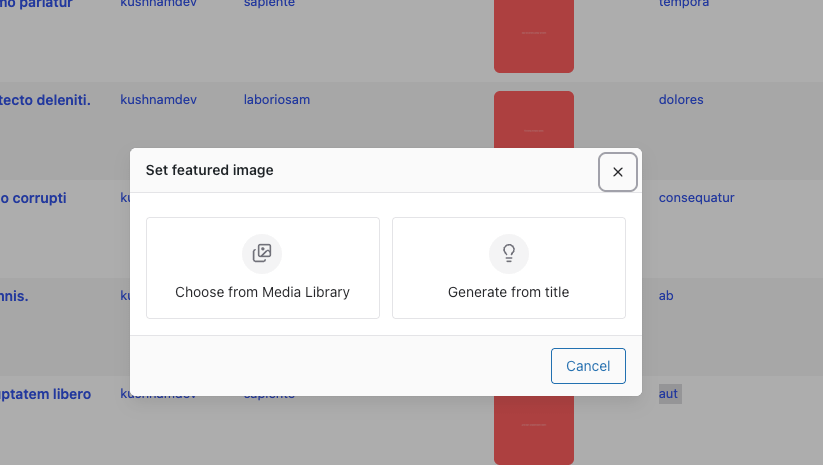
- Generate featured image (Pro)
- Location: The Image column dialog in the Posts list table
- Allows manual trigger per post
5. Bulk Operations
Purpose: Process multiple posts at once.
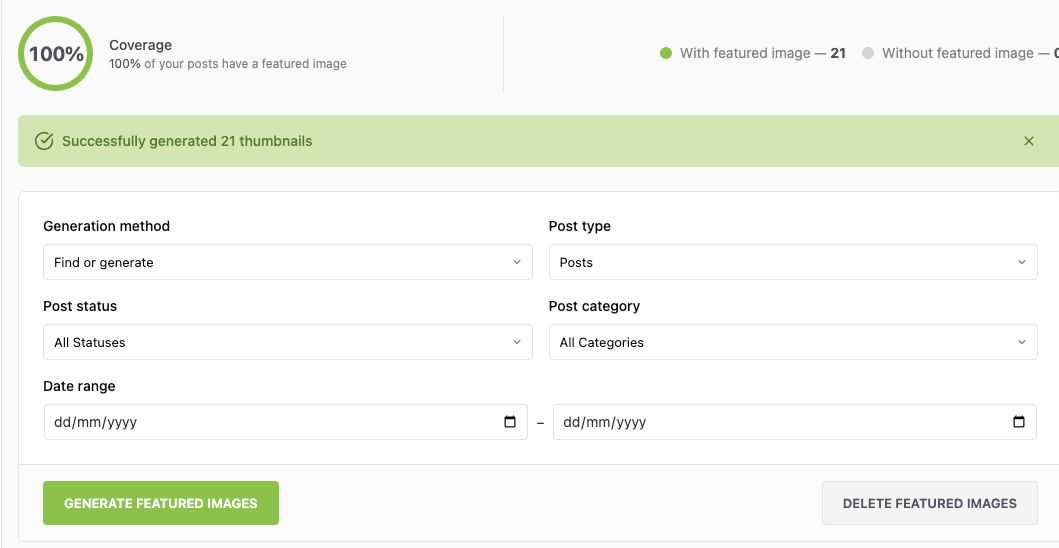
Bulk Generation Settings
Post Selection:
- Post Types: [Select: Posts | Pages | Products]
- Post Status (Pro): [Select: Published | Draft | Pending | All]
- Date Range (Pro):
- From:
[Date Picker] - To:
[Date Picker]
Filters (Pro): - Categories: [Dropdown]
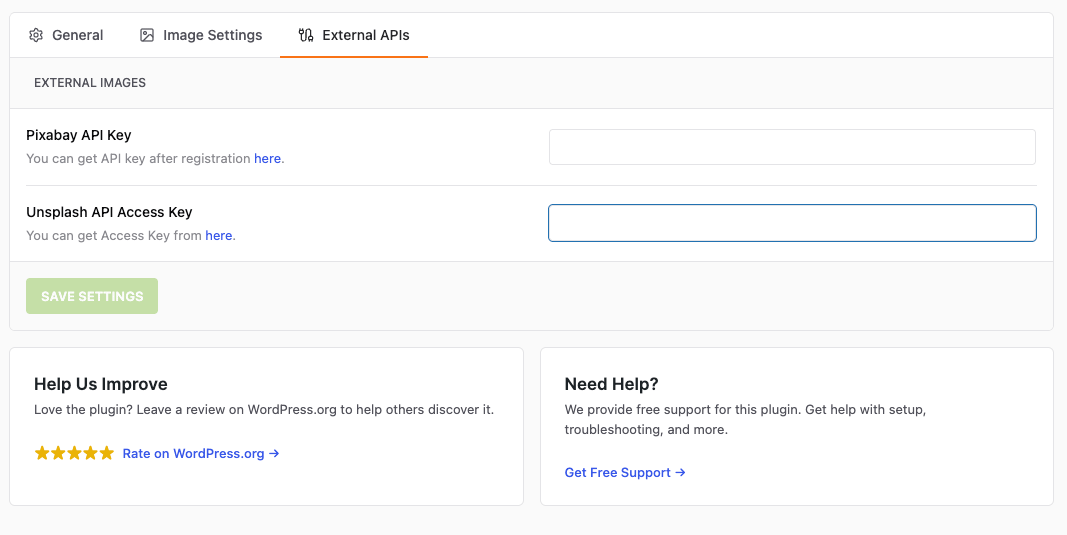
6. External APIs (Pro Only)
Purpose: You can connect to External API such as Pixabay and Unsplash to Import the images for your post directly from these platforms.
7. License (Pro Only)
Purpose: Manage your Pro license.
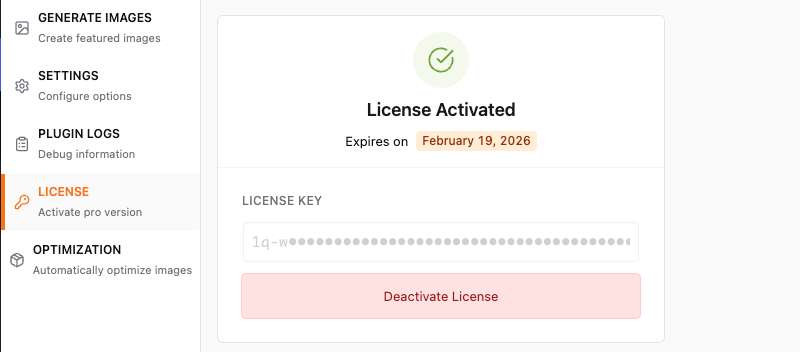
License Key: _____-_____-_____-_____
- Status: ● Active / ○ Inactive
- Expires:
2026-12-31
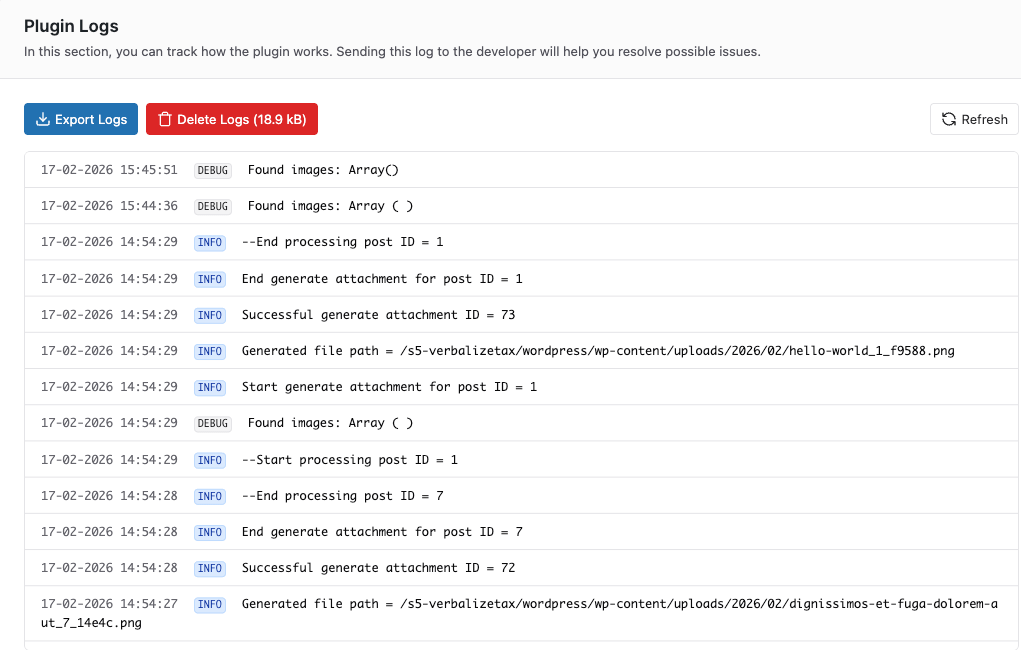
8. Plugin Logs
Purpose: View and manage the logs generated during the usage of the plugin
Default Settings Recommendations
For Blogs with Image-Heavy Content
✓ First Image from Content ✓ Auto-generate on publish ✗ Auto-generate on update (unless needed) ✓ Import external images
For Text-Based Content
✓ Generate from Post Title ✓ Stock Image Search (Pro) ✓ Default fallback image Background: Branded color/image Font: Brand font, 48px
For E-commerce Sites
✓ First Image from Content (for products with images) ✗ Auto-generate on update (preserve manual images)
📝 Note: The custom dimensions in the Image Settings tab apply only to images the plugin generates from the post title. Product images taken from post content keep their original size — see Generating Featured Images from Post Content.
For News/Magazine Sites
✓ First Image from Content ✓ Stock Image Search fallback (Pro) ✓ Auto-generate on publish Batch processing: 20 posts
Troubleshooting Settings
Settings Not Saving?
- Check file permissions on wp-content/uploads
- Disable caching plugins temporarily
- Clear browser cache
- Check for JavaScript errors in console
Custom Post Types Not Showing?
- Verify post type is registered correctly
- Check post type supports 'thumbnail'
- Re-save permalinks (Settings > Permalinks)
API Keys Not Working?
- Verify keys are correct (no extra spaces)
- Check API quotas/limits
- Test keys using external tool
- Review API provider status page
Related Articles
- Quick Start Guide
- Understanding How Auto Featured Image Works
- Generating Featured Images from Post Content
- Creating Featured Images from Post Titles
- Using Stock Image Search