
Anti-Spam Settings
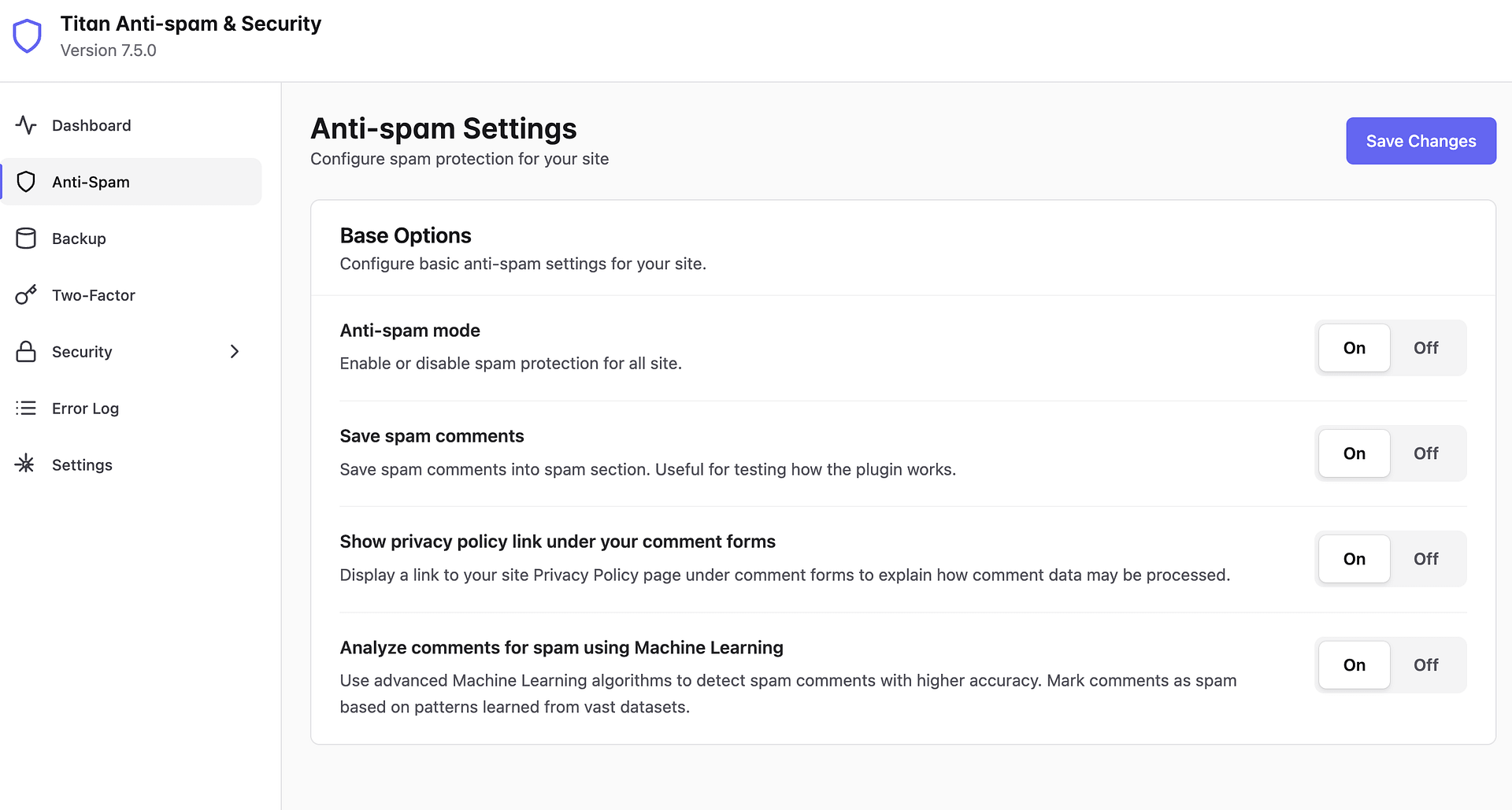
The Anti-Spam Settings page allows you to configure spam protection for your site. You can access it by navigating to Titan Security → Anti-Spam in your WordPress dashboard.
In this article
Base Options
The Base Options section contains the core anti-spam settings for your site.
Anti-spam mode
Enable or disable spam protection for all site. This is the main toggle that activates Titan's anti-spam engine. When turned on, the plugin automatically filters spam across your WordPress installation without requiring visitors to solve CAPTCHAs.
Keep this option enabled at all times for continuous protection against spam threats.
Save spam comments
Save spam comments into the spam section. This is useful for testing how the plugin works. When enabled, blocked spam comments are stored in a dedicated spam section rather than being discarded immediately, allowing you to review what the plugin is catching and verify that legitimate comments are not being incorrectly filtered.
Show privacy policy link under your comment forms
Display a link to your site Privacy Policy page under comment forms to explain how comment data may be processed. Enabling this option helps your site comply with privacy regulations such as GDPR by informing visitors about how their comment data is handled.
Analyze comments for spam using Machine Learning
Use advanced Machine Learning algorithms to detect spam comments with higher accuracy. This feature marks comments as spam based on patterns learned from vast datasets, providing a more intelligent layer of spam detection beyond standard rule-based filtering. This is a Pro feature.
Enabling this option significantly improves spam detection accuracy, especially against sophisticated spam that may bypass traditional filters.
After adjusting your settings, click the Save Changes button at the top right to apply your configuration.