How to change editing permissions for snippets in Woody Snippets
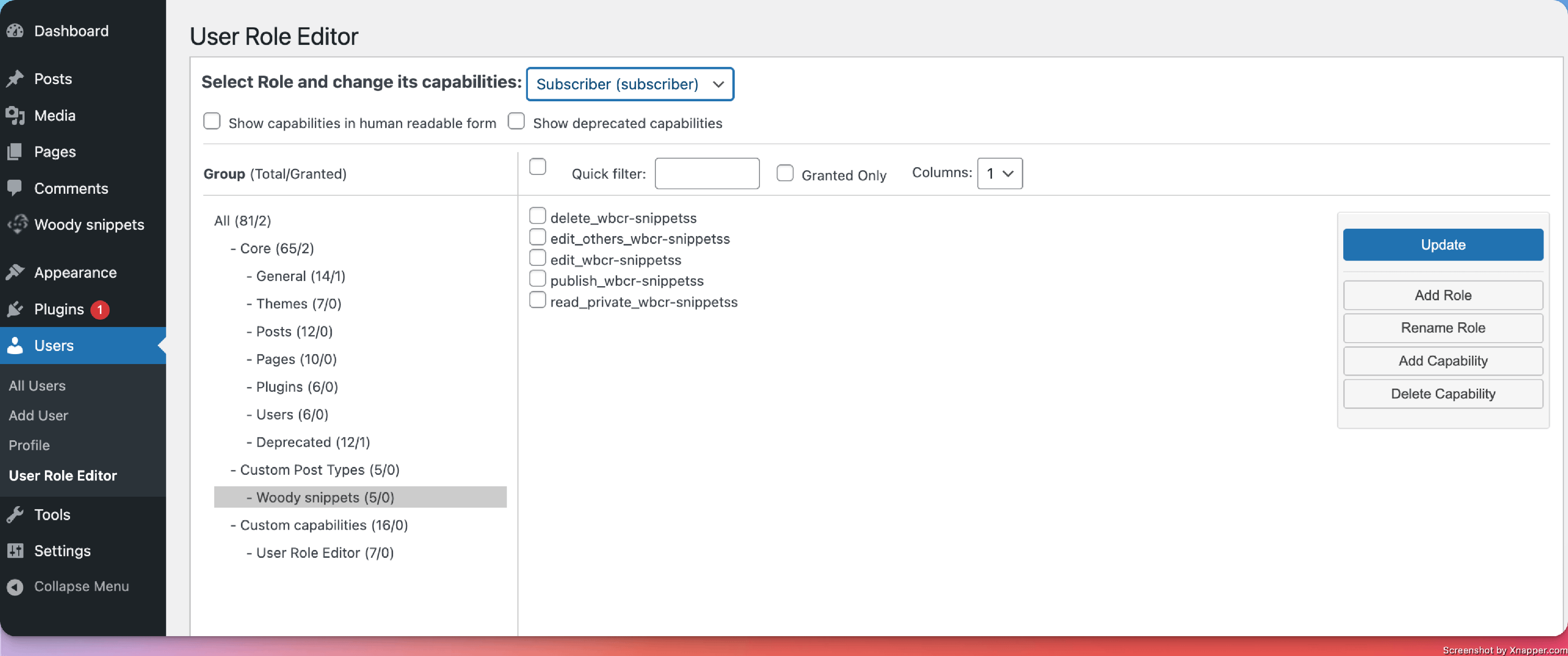
If you need to allow specific user roles ( Editors, Subscribers, etc ) to access and edit snippets created with Woody Snippets, follow the next steps:
- Install a plugin like https://wordpress.org/plugins/user-role-editor/.
- Navigate to Users > User Role Editor.
- Select the role for which you plan to change permissions.
- Choose which permissions are granted to that specific user role.