
How backup originals are stored and how to restore them in Robin Image Optimizer
Robin Image Optimizer can save a copy of each original image before optimization so you can restore them at any time.
In this article
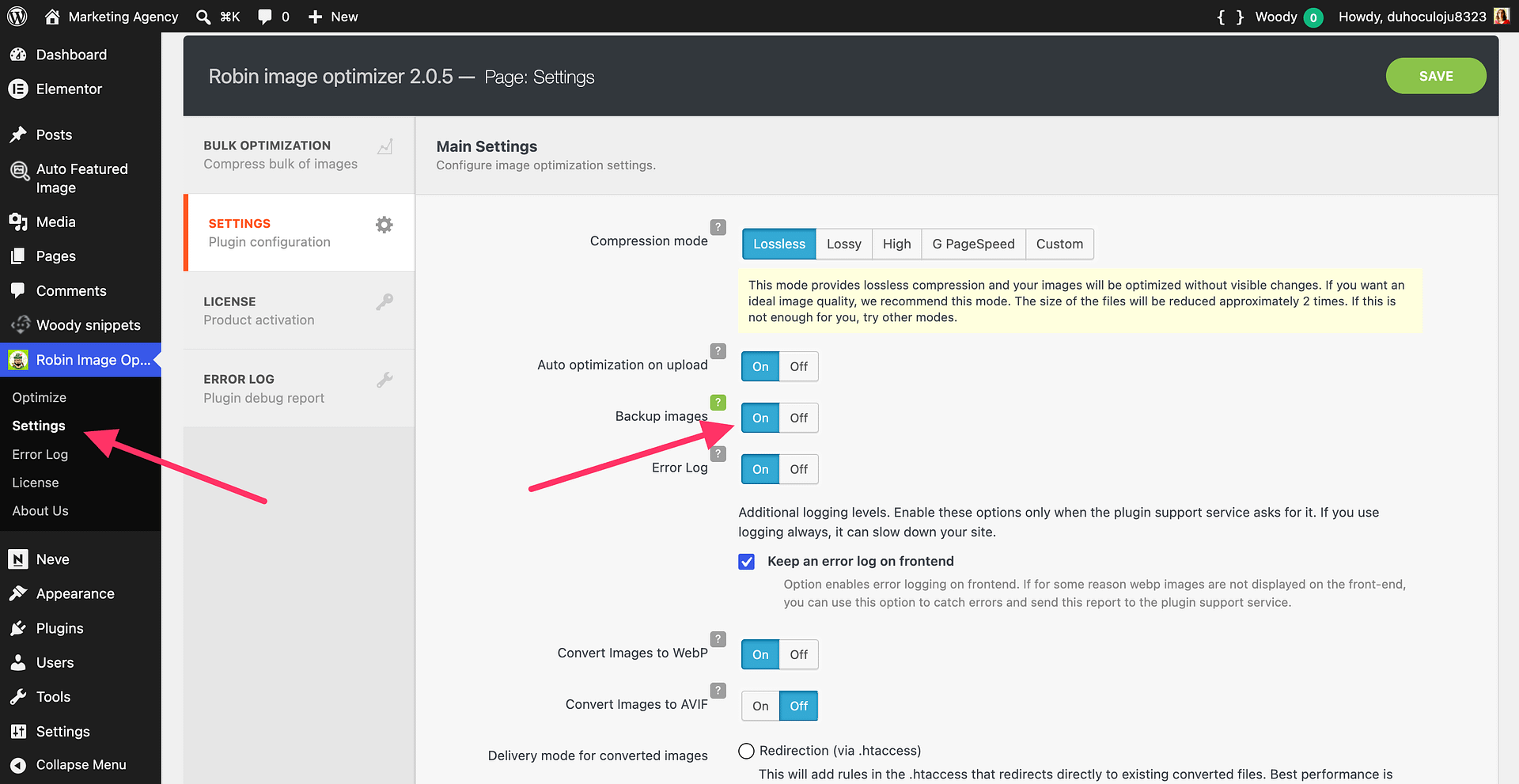
Enable the backup process for images
Before optimizing, all your images will be saved in a separate folder for future recovery.
To enable this, navigate to your WordPress Dashboard > Robin Image Optimizer > Settings and enable "Backup images".
Restore the original images from the backup
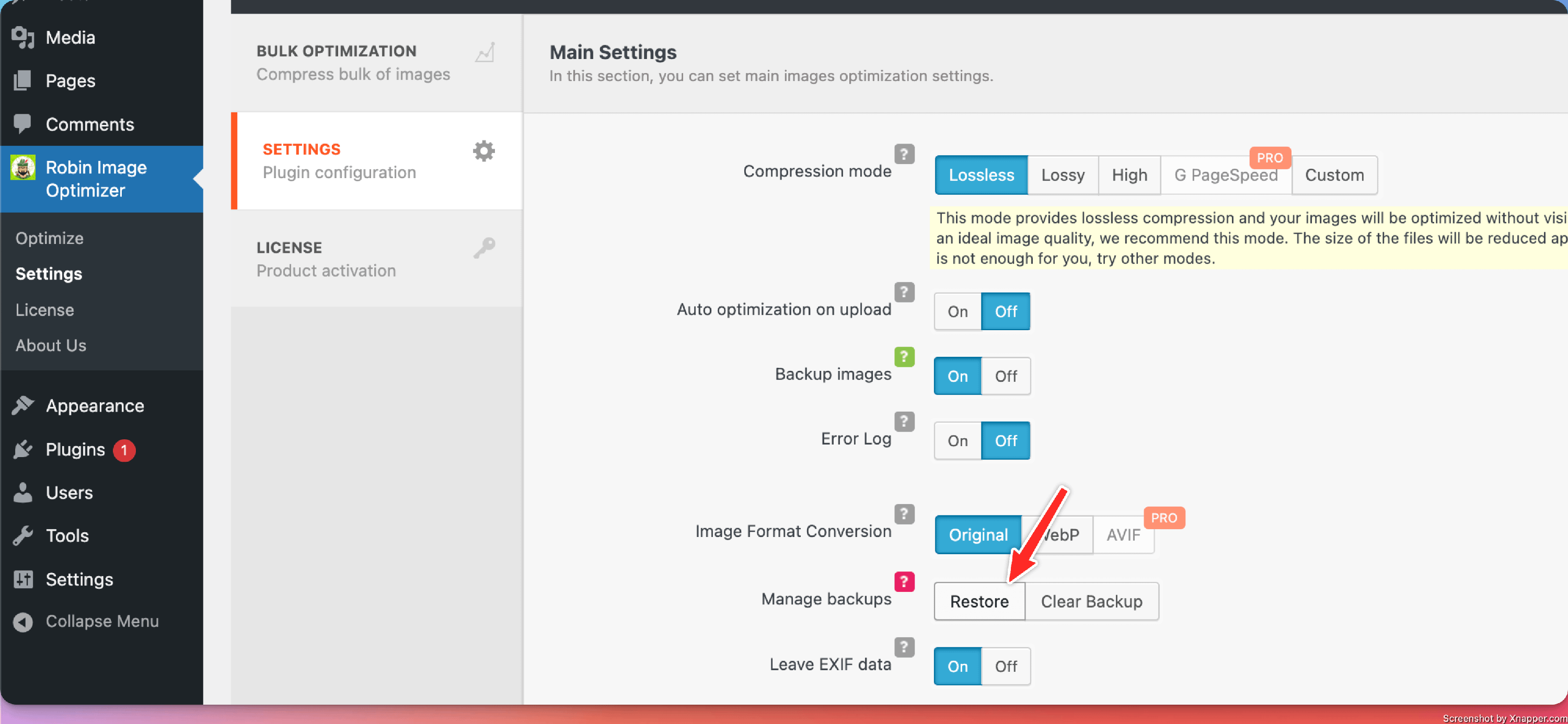
To restore the original images, navigate to your WordPress Dashboard > Robin Image Optimizer > Settings and for Manage backups select Restore.
Clear the backup
To clear the backup images, navigate to your WordPress Dashboard > Robin Image Optimizer > Settings and for Manage backups select Clear Backup.