
Sparks Documentation
The Sparks plugin brings in extra e-commerce functionalities for your shop page, allowing you to build an engaging website using its modules.
To manage supported Sparks settings and store features with an AI assistant, see Use Sparks with AI Assistants.
📝 Note: Check our demo to see Sparks in action.
In this article
Download and Install
1. Install the WooCommerce plugin using these instructions.
2. After you have purchased the Sparks plugin, navigate to the Themeisle store and insert your credentials.
3. Scroll down until you see the Sparks plugin and click on the download button.
4. Navigate to Dashboard > Plugins > Add New and upload the .zip that you previously downloaded.

📝Note: The Neve Pro license can be used to activate Sparks.
Shop page
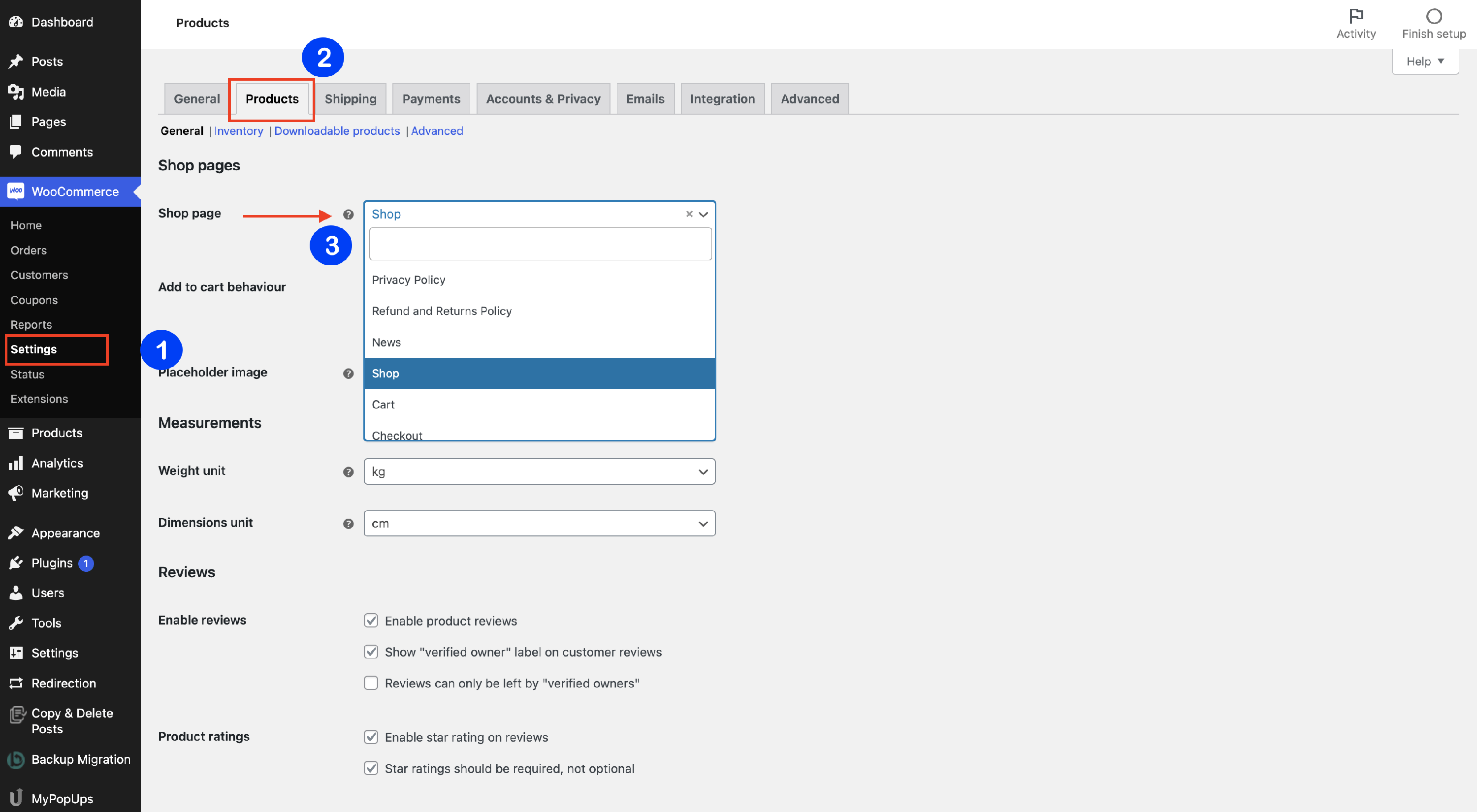
The shop page can be configured from WooCommerce > Settings > Products, go to the Shop page and click on the 🔽 icon to open the dropdown list. Select from there the page that you want to be the page of your shop:
Modules Library
The Sparks plugin has eight modules that can be accessed in Dashboard > Settings > Sparks.
NOTE: If you are using Neve, navigate to Neve > Sparks to access Sparks's options.This section will provide general information about each module and a link to the dedicated documentation.
| Multi-Announcement Bars | Variation swatches |
| Comparison table | Advanced Product Reviews |
| Product Tab Manager | Custom Thank You Page |
| Wish List | Quick View |
Multi-Announcement Bars
The multi-announcement bars are very useful for the offers that appear from time to time, according to your configurations.
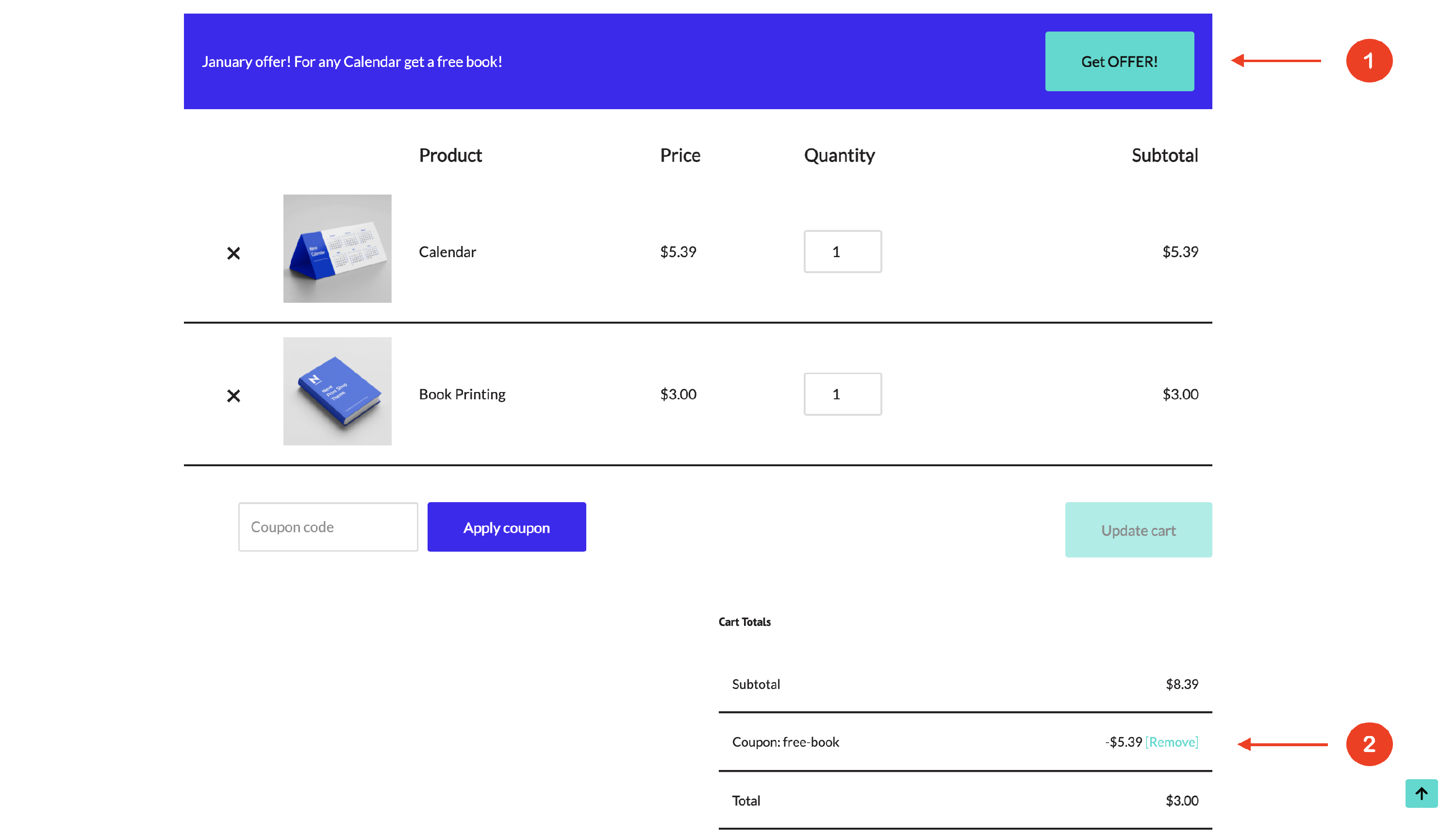
📝 Note: Here is dedicated documentation about this module.
Variation Swatches
The Variation Swatches is a very useful tool that belongs to an online shop. It displays the availability of the product in different shapes or colors, with different prices. The swatches are shown in colored dots, corresponding to the color attributes.
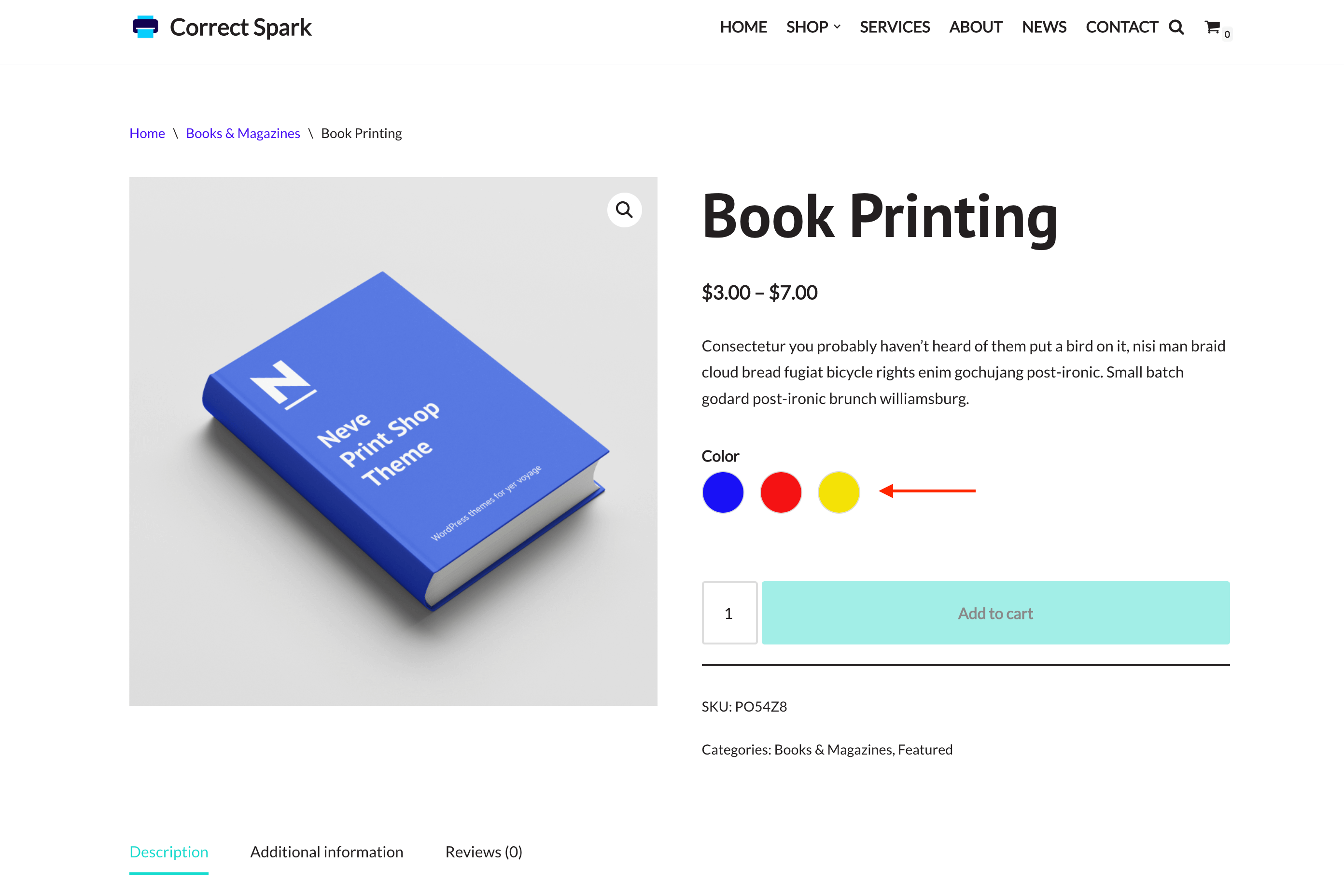
📝 Note: Here is dedicated documentation about this module.
Comparison Table
The Comparison Table is an indispensable feature of an online shop nowadays that helps the user to have a better overview of the desired products by having them displayed along with their specifications one next to the other.
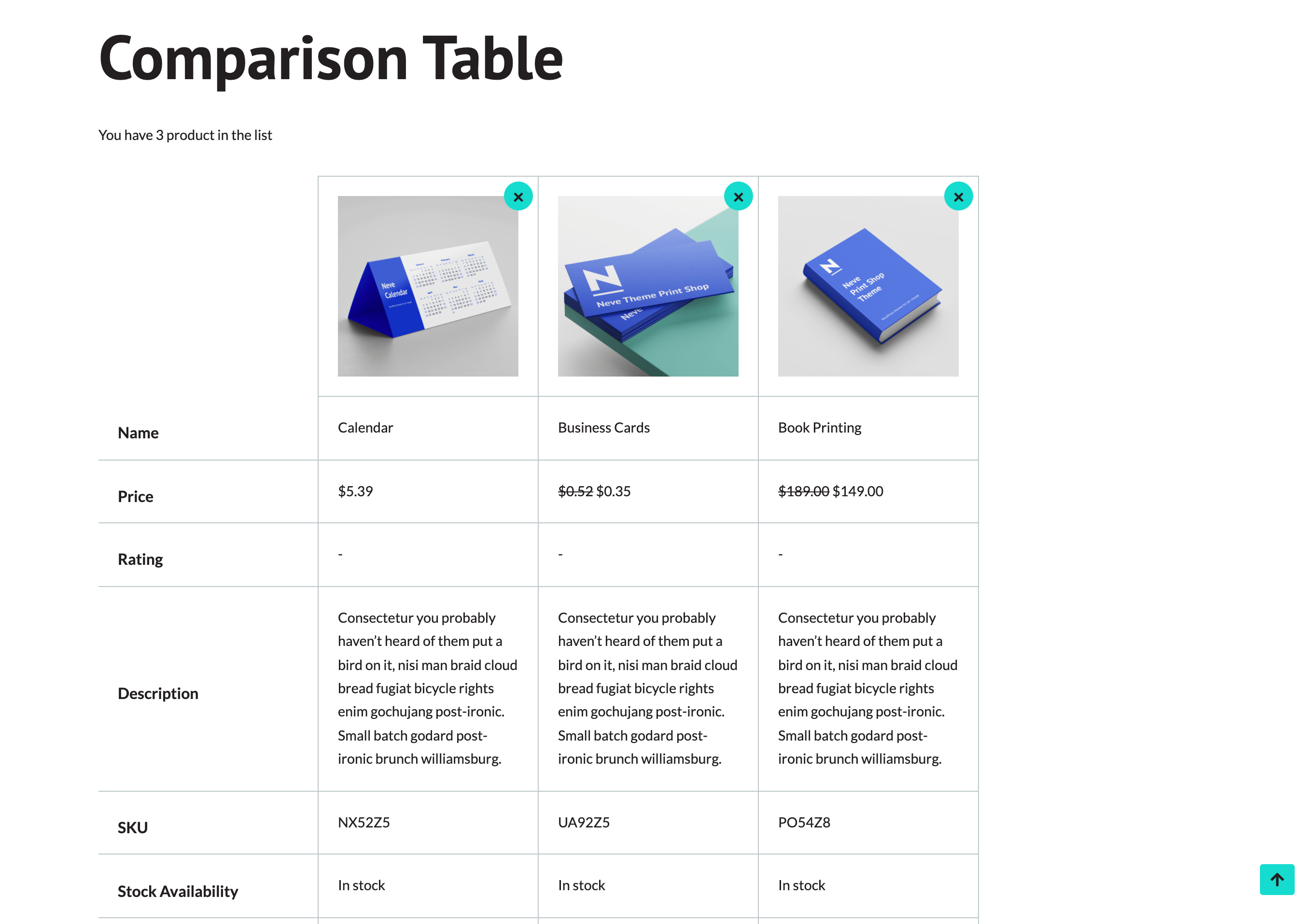
📝 Note: Here is dedicated documentation about this module.
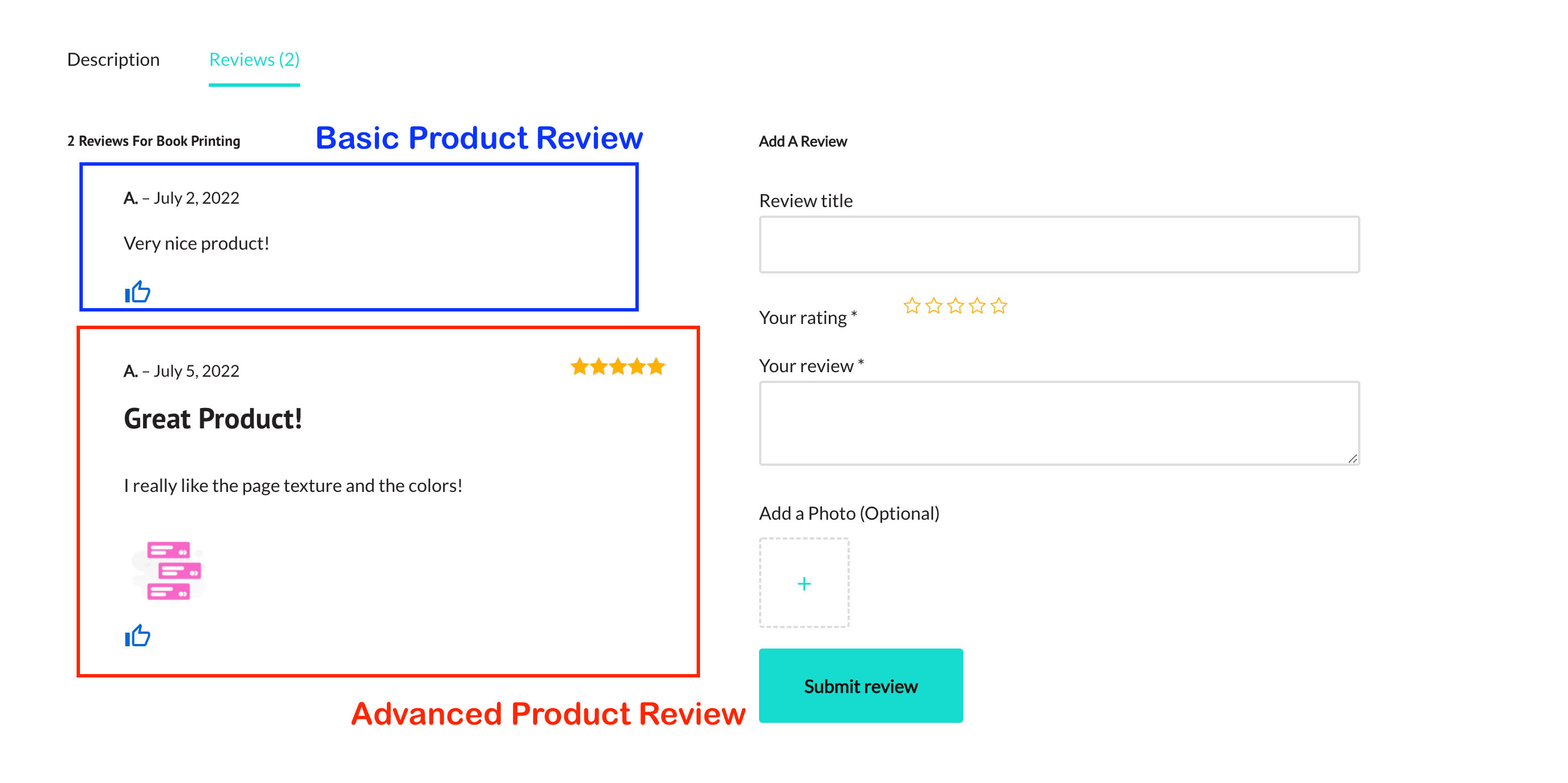
Advanced Product Review
This module enhances Sparks' Product Review, by allowing users to enable an advanced review section, with lots of capabilities.
📝 Note: Here is dedicated documentation about this module.
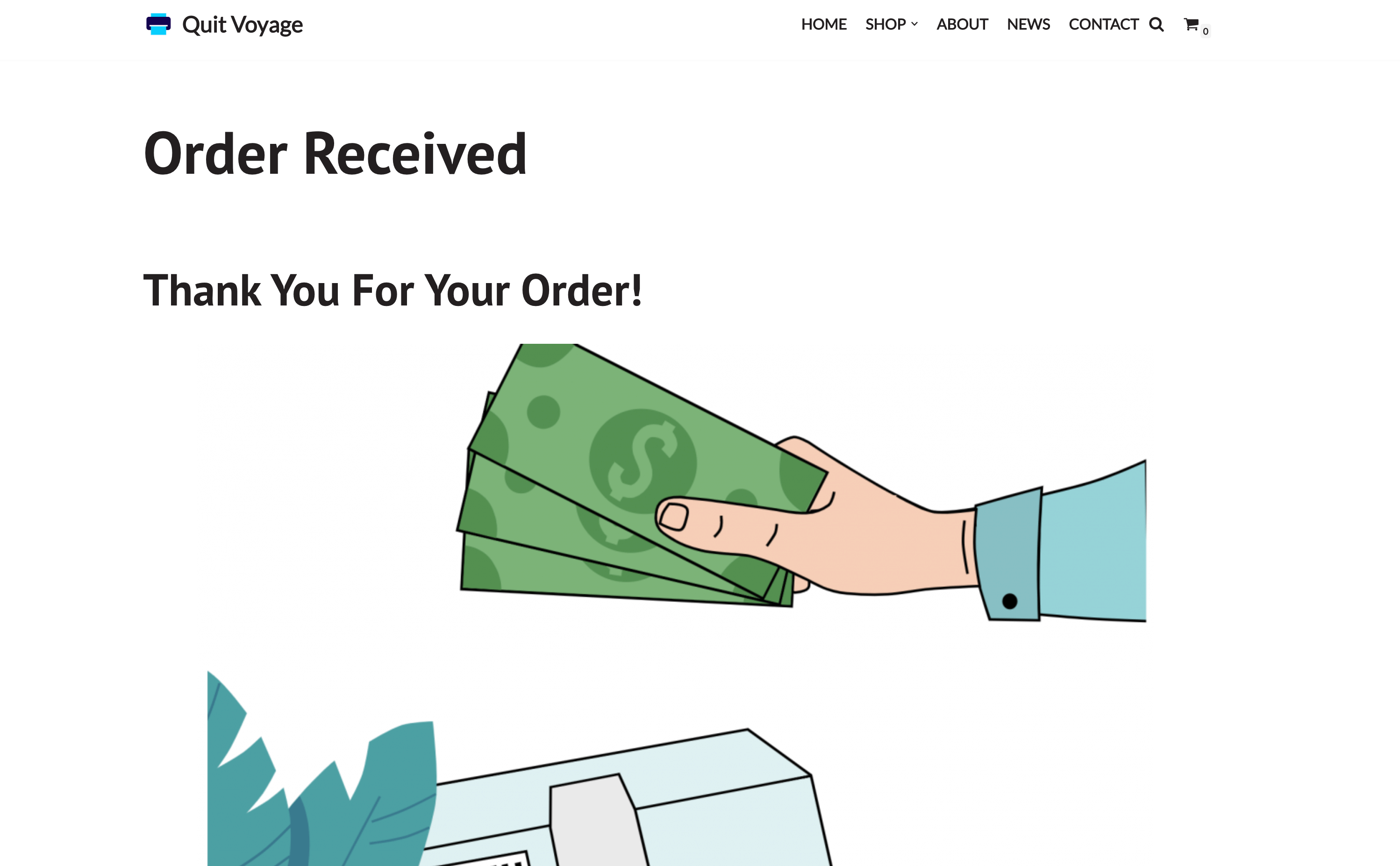
Custom Thank You Page
The Custom Thank You Page creates a more friendly appearance to the online shop, by displaying a thank you message after finishing an order.
📝 Note: Here is dedicated documentation about this module.
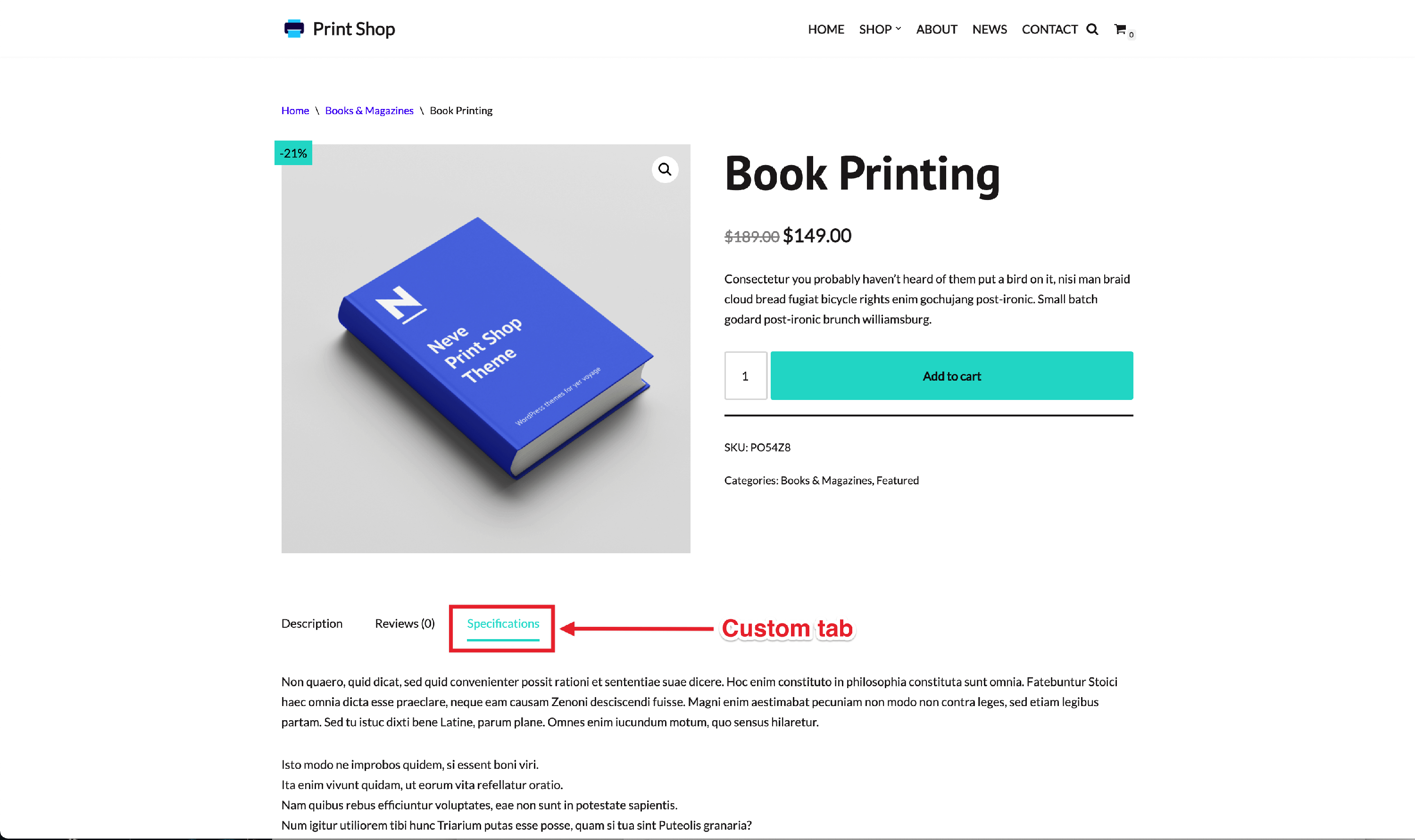
Product Tab Manager
This option helps you customize the Products tabs on the shop product page. You can add new tabs and reorder them as you want.
📝 Note: Here is dedicated documentation about this module.
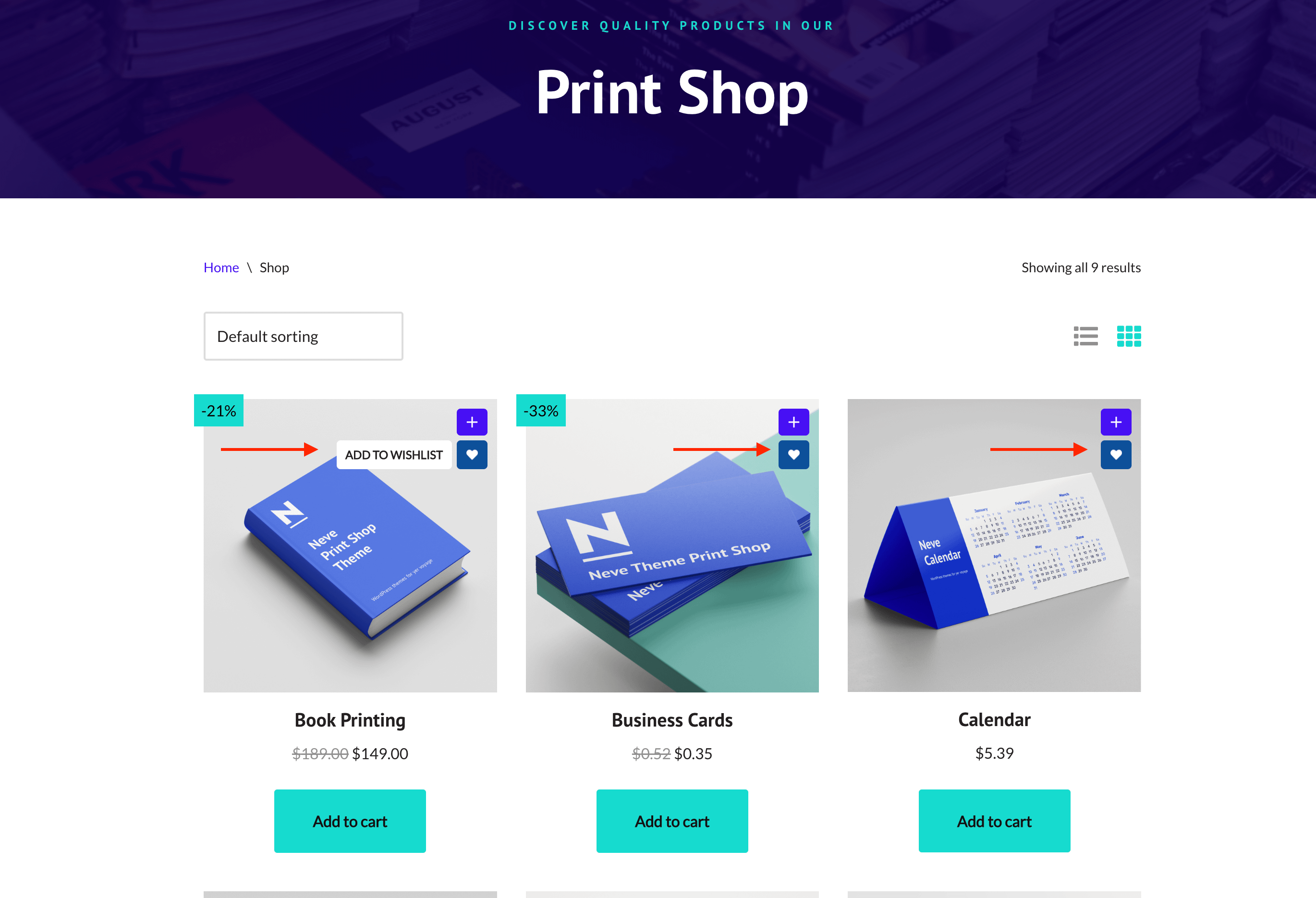
Wish List
The Wish List Module ensures your customer's visits, through the possibility of storing the favorite products in a special wish list.
📝 Note: Here is dedicated documentation about this module.
Quick View
The Quick View is an essential tool in e-commerce, because it facilitates the customer's experience, allowing them to quickly look at the product and explore its options without entering the product page.
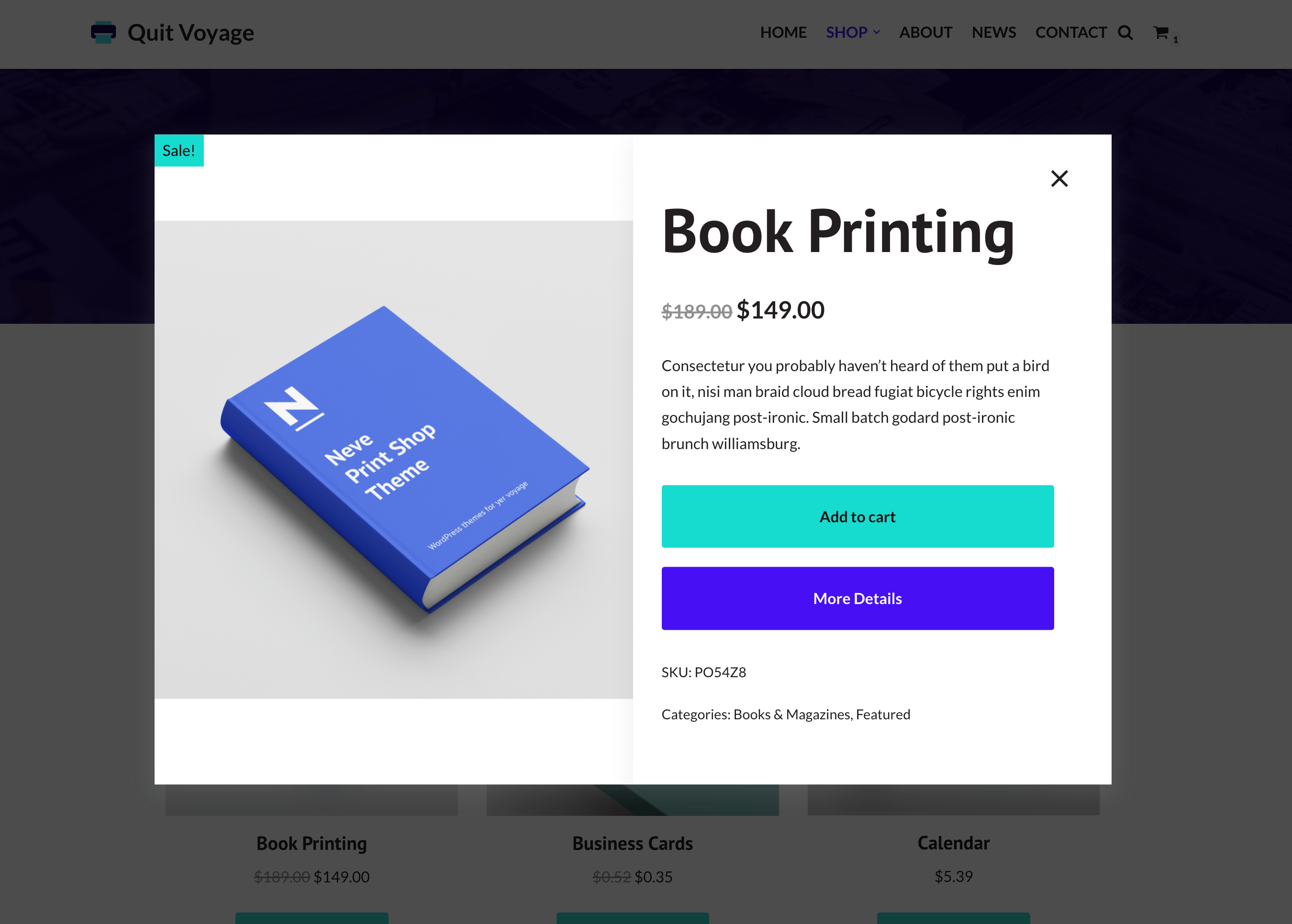
📝 Note: Here is dedicated documentation about this module.