Template Directory - Orbit Fox module
📝 Note: This module is part of the Orbit Fox plugin. For more information about the plugin, please check the main documentation.
This module allows you to import and use 45+ professional pre-designed website templates or starter sites.
Note: To use this module you will need to install and activate the Neve theme and the Templates Cloud plugin.
Activating the Module
1. Navigate to Orbit Fox > General Settings.
2. Find the Template Directory module and enable it.
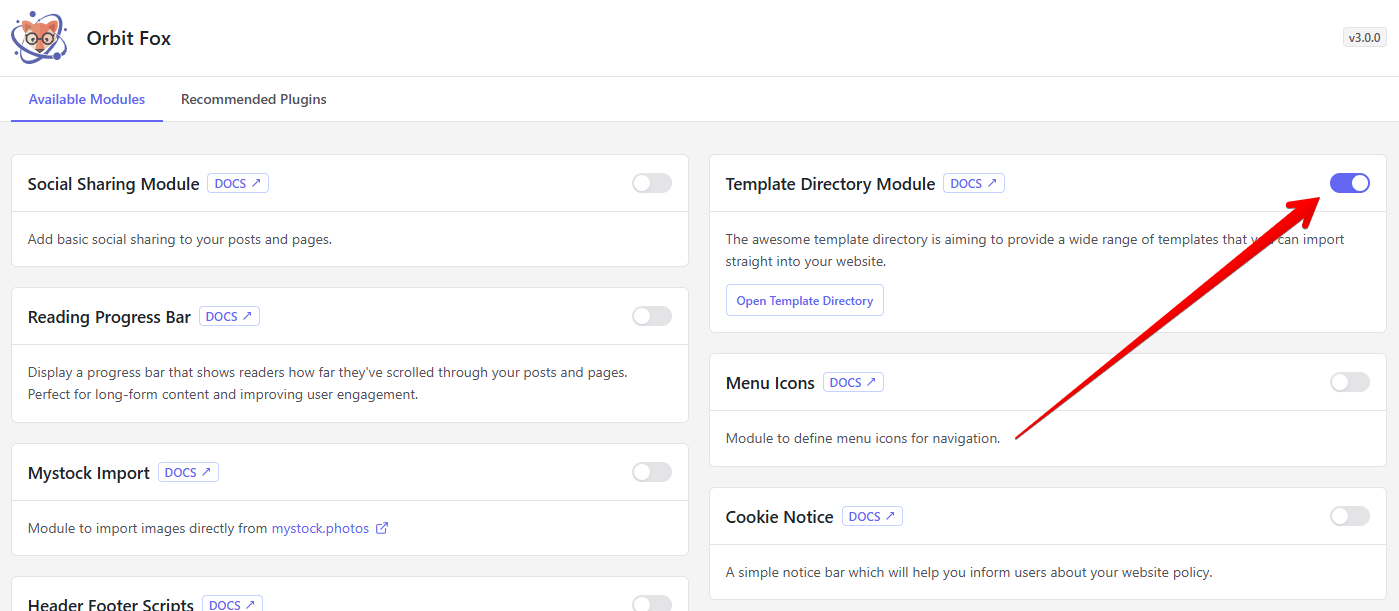
3. Go to Orbit Fox > Template Directory or click on Open Template Directory button
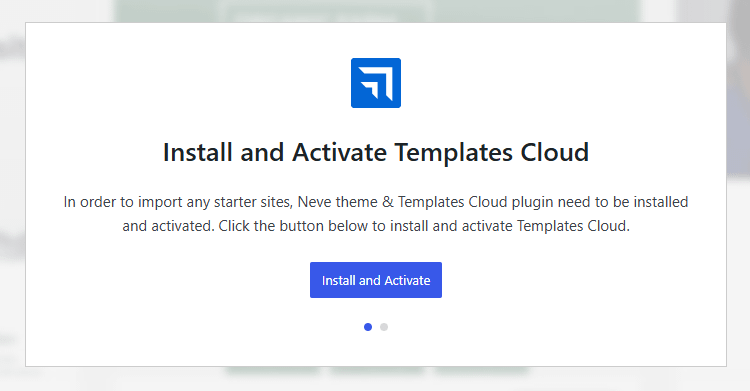
4. You will be asked to install and activate the Neve theme & Templates Cloud plugin. To do so, click on the Install and Activate button two times.
Using the Module
- Open Orbit Fox > Template Directory. Once the Neve theme and Templates Cloud plugin are active, this opens the Neve starter sites screen (the Neve onboarding page), where you browse and import templates.
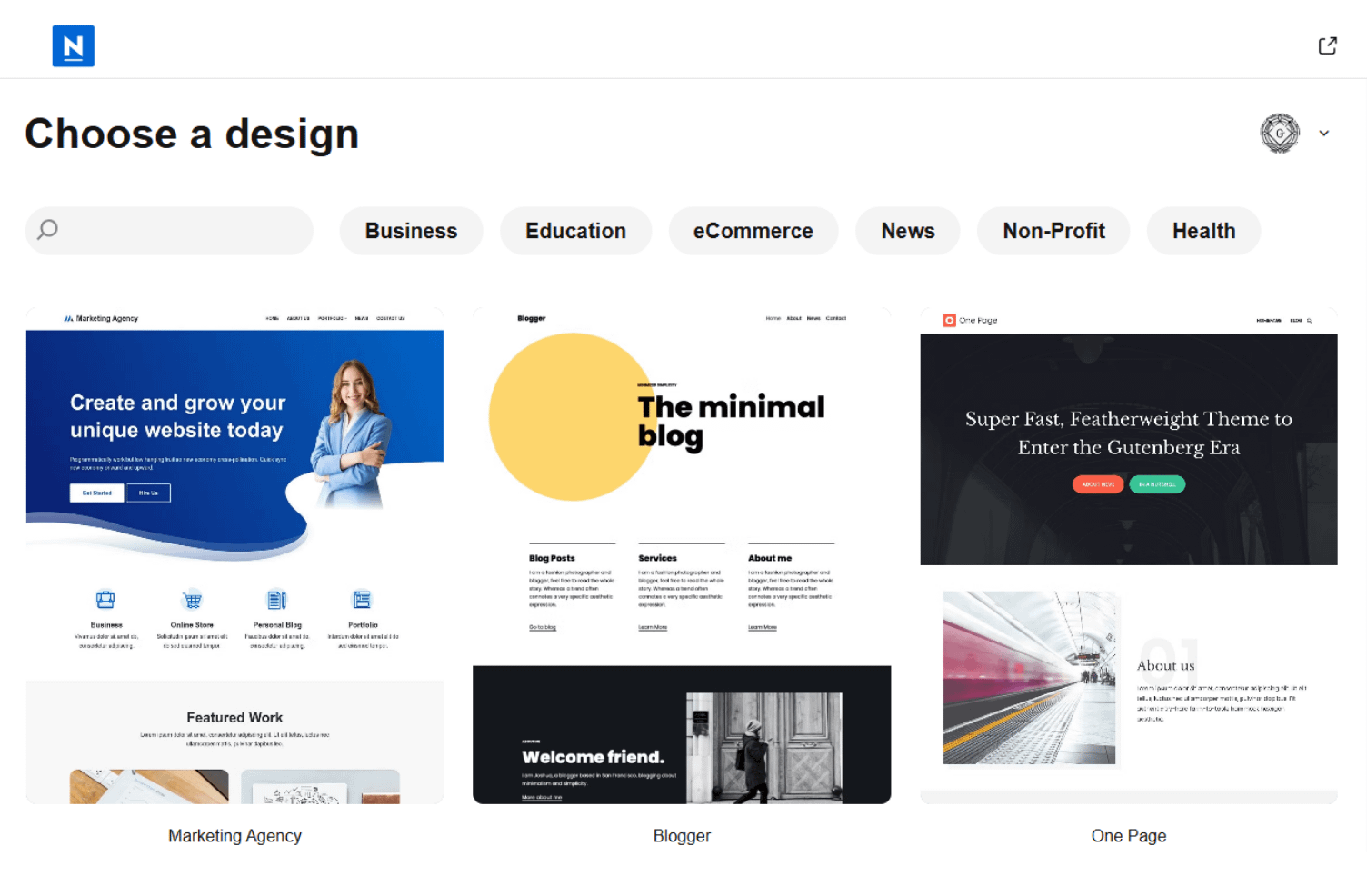
- Click on the starter site you would like to import
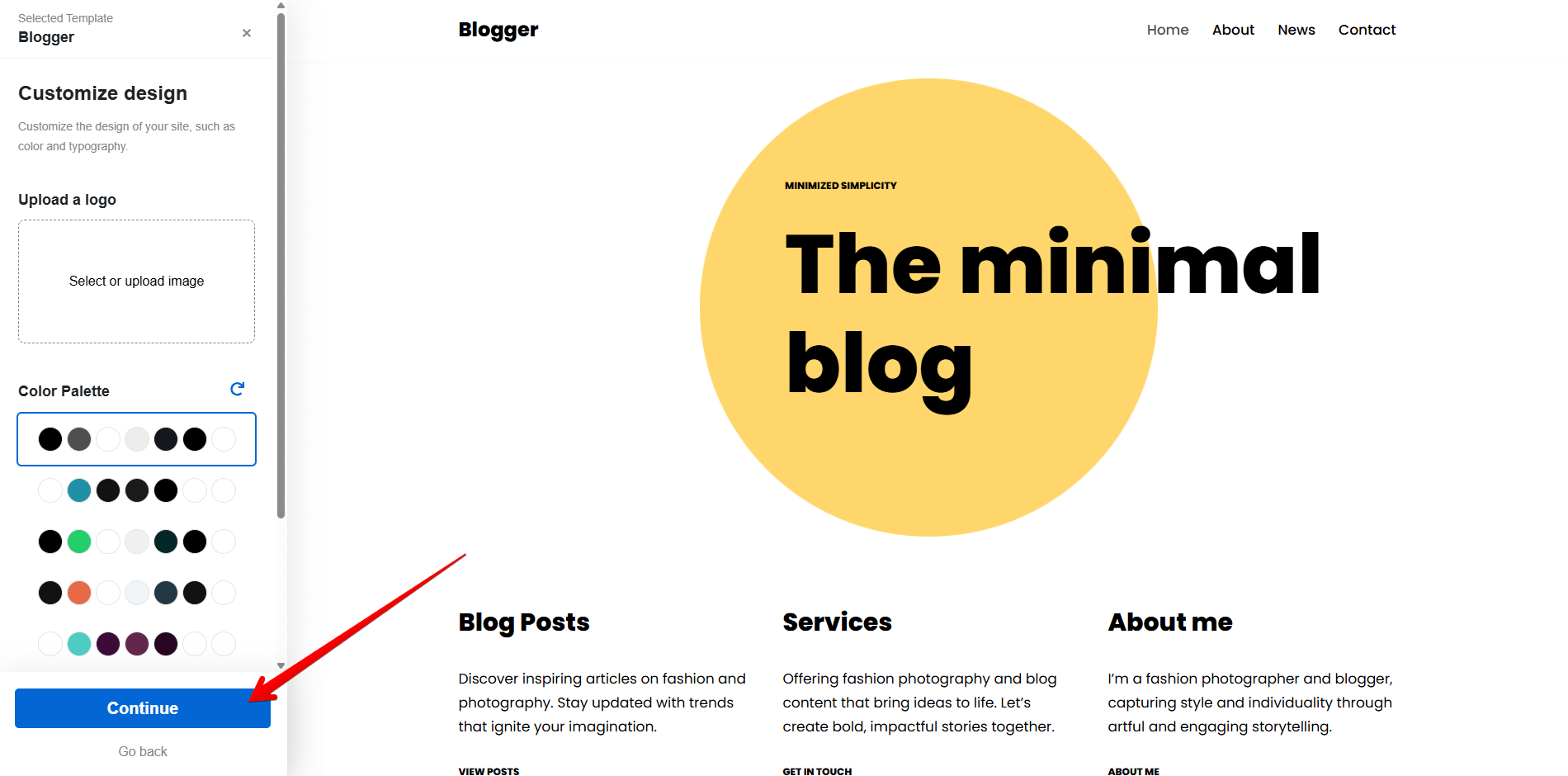
- Adjust the available starter site templates (upload custom logo, set the color scheme and typography options)
- Click Continue, then Import Website and wait for the starter site to be installed.