
Church FSE theme
| Download and Install | Customizing the Pages |
| Header | Footer |
| Templates |
Church FSE is a modern Full Site Editing WordPress theme perfect for churches and religious organizations. Create an engaging website with ready-to-use patterns for sermons, events, ministries, and donations. The theme features a mobile-optimized design, live streaming support, and a prayer request system. Built with performance and accessibility in mind, Church FSE offers extensive customization through WordPress’s native block editor.
📩 Download and Install
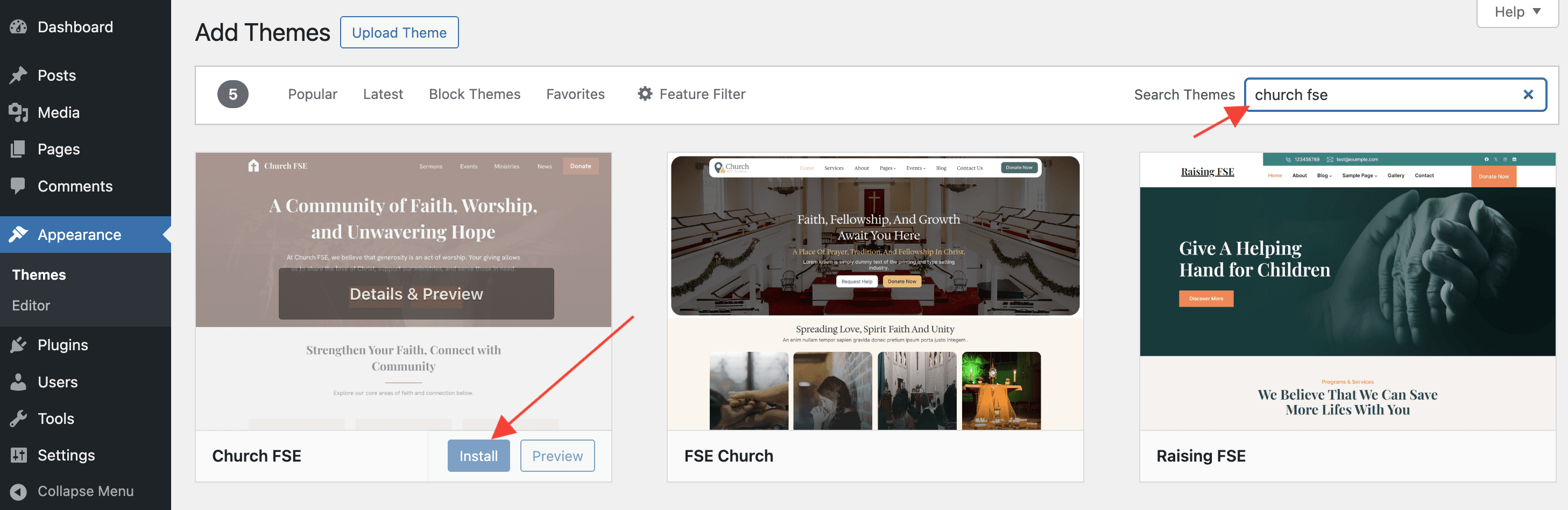
- Navigate to the WordPress > Dashboard > Appearance > Themes.
- Click the Add New button and search for Church FSE.
- When it appears, click on the Install button and then on Activate.
📝 Note: To boost your website-building experience, we recommend installing the Otter Blocks too.
🖌 Customizing the Pages
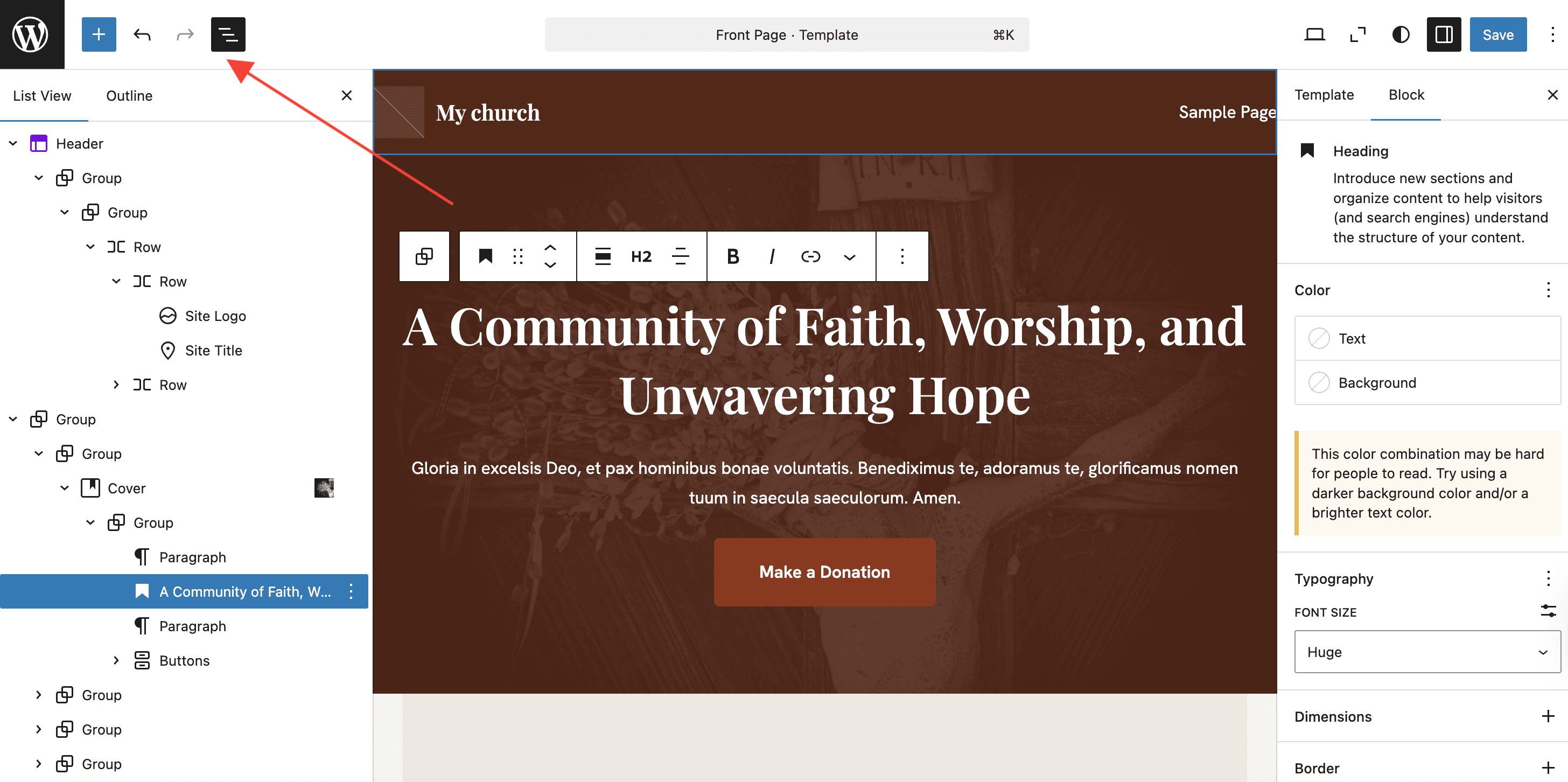
To start customizing your website's pages, go to Appearance > Editor.
Once the editor opens, you can hover over each section and make the desired changes. To see them more easily, use the burger icon at the top of the page.
📝 Note: The editor that we're using is Gutenberg, the default WP editor.
Once you click on certain areas, the available settings will appear in the right sidebar. More than that, if you have installed Otter, you can make the blocks sticky or copy and paste style to save time.
🔼 Header
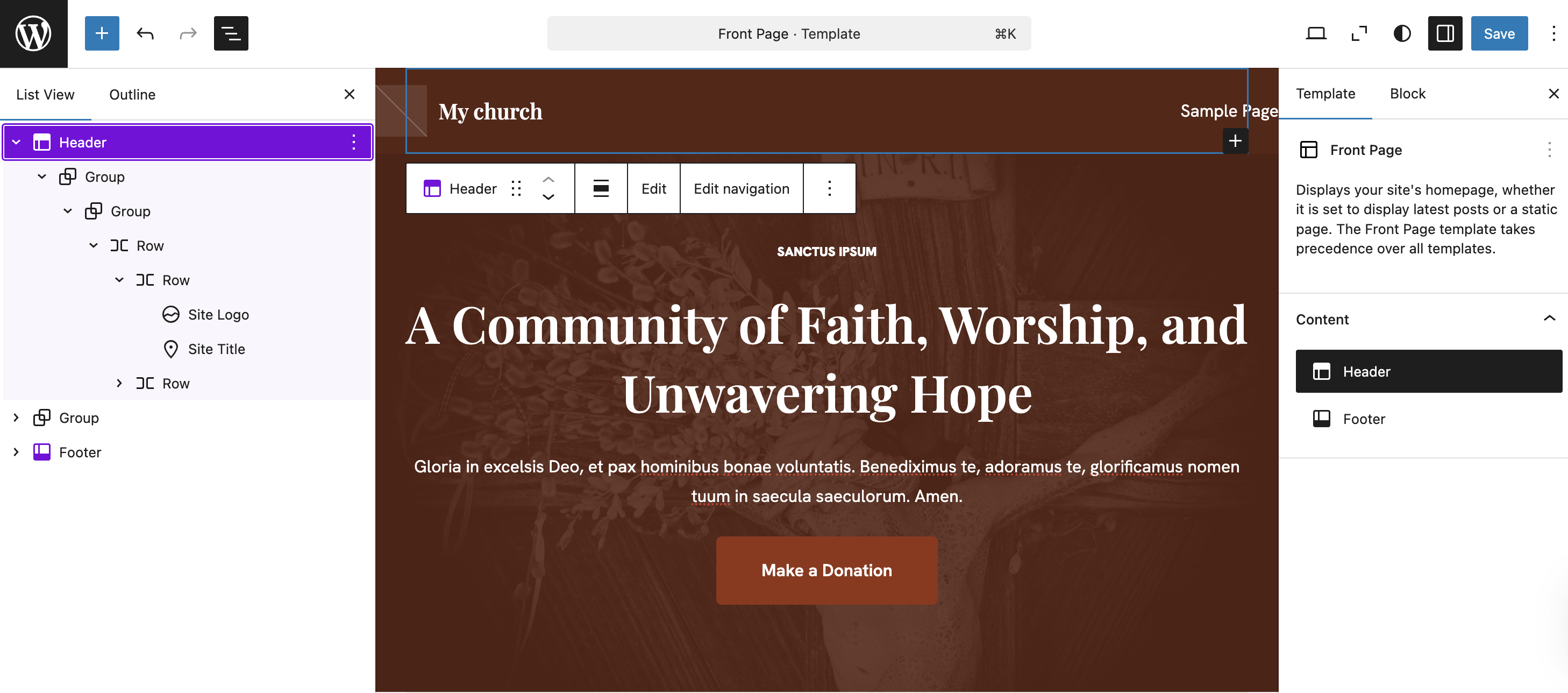
The header becomes accessible if you select it inside the Template tab
Adding a new menu item
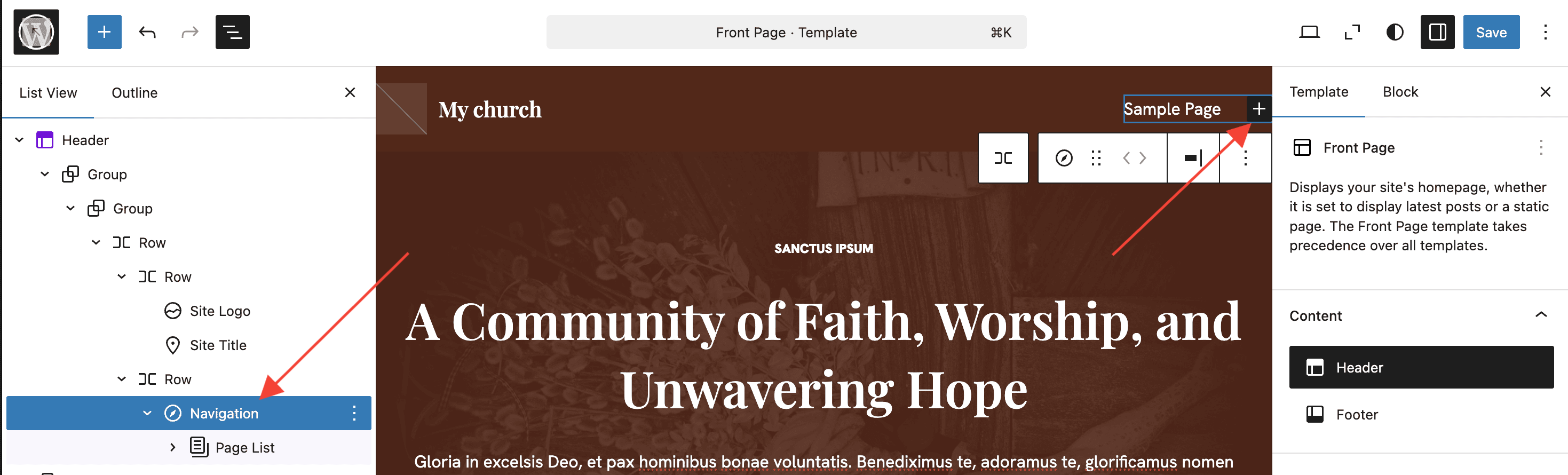
To add a new menu item, click on the Navigation block, then on the plus icon. You can insert a new link, choose its behavior ( open in a new tab ) or transform it into custom objects (site logo, social icon, search).
📝 Note: Submenu items can be added for each menu item. Check this doc to learn how to do this.
🔽 Footer
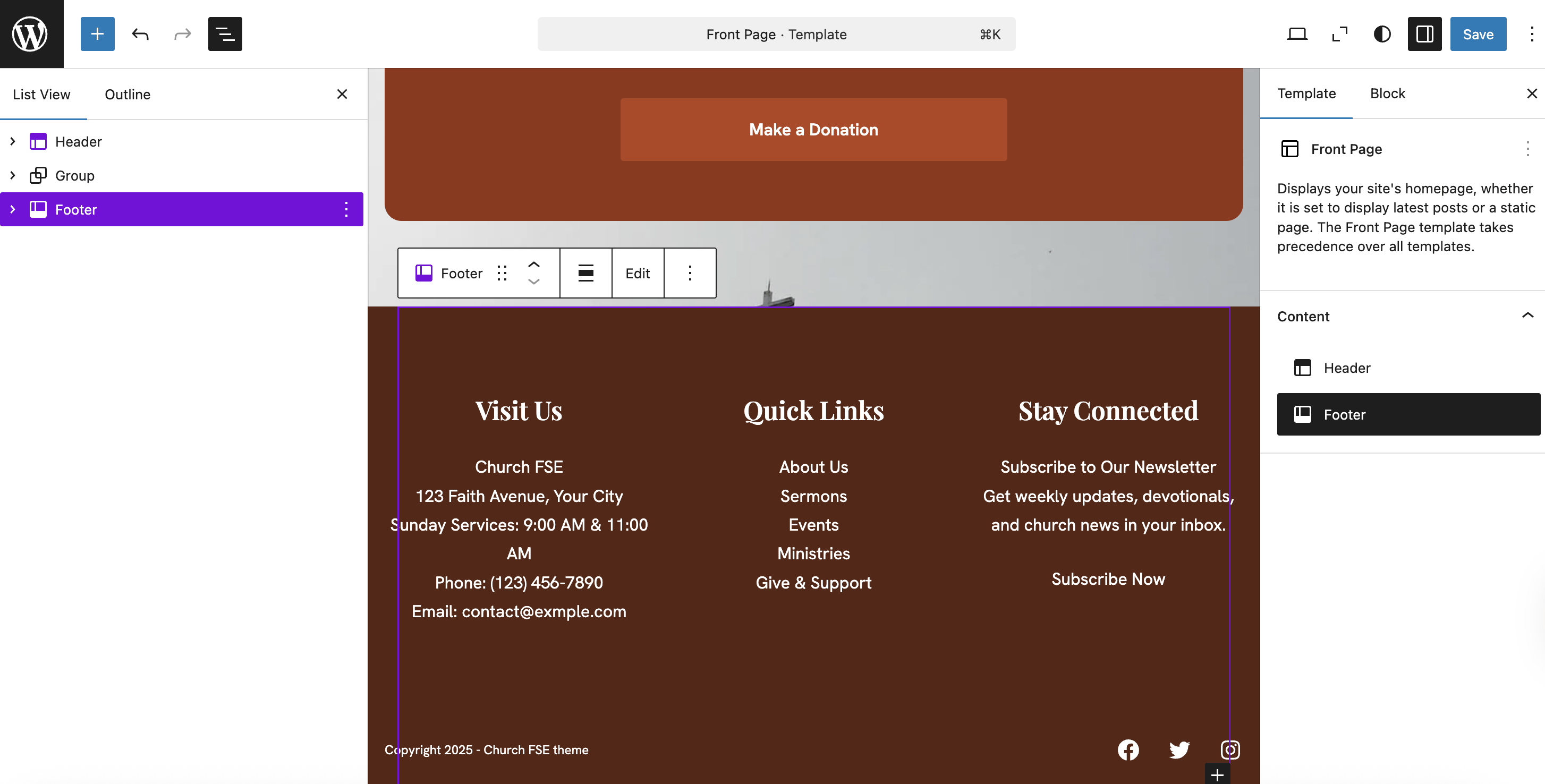
To open the footer, switch to the Template tab and select the footer from there.
🗂 Templates
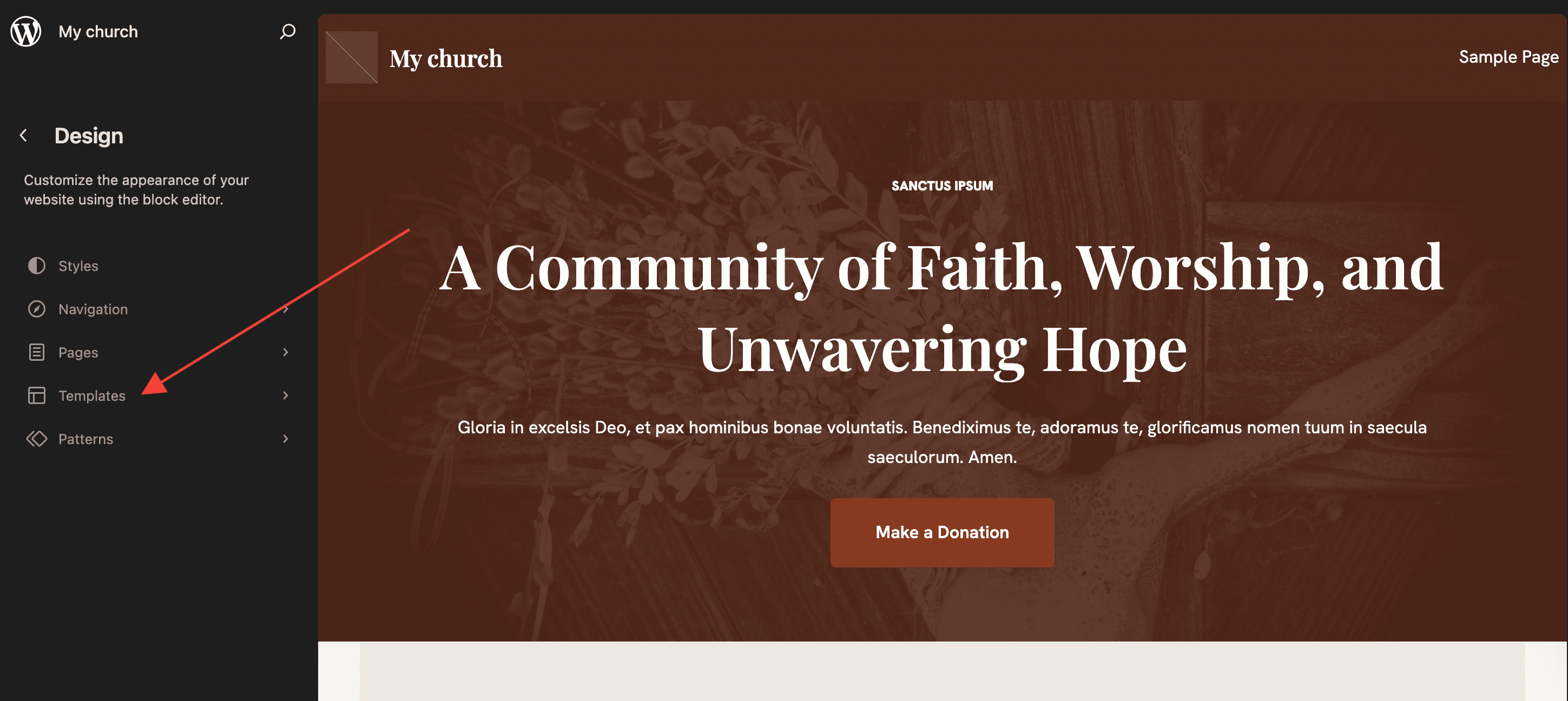
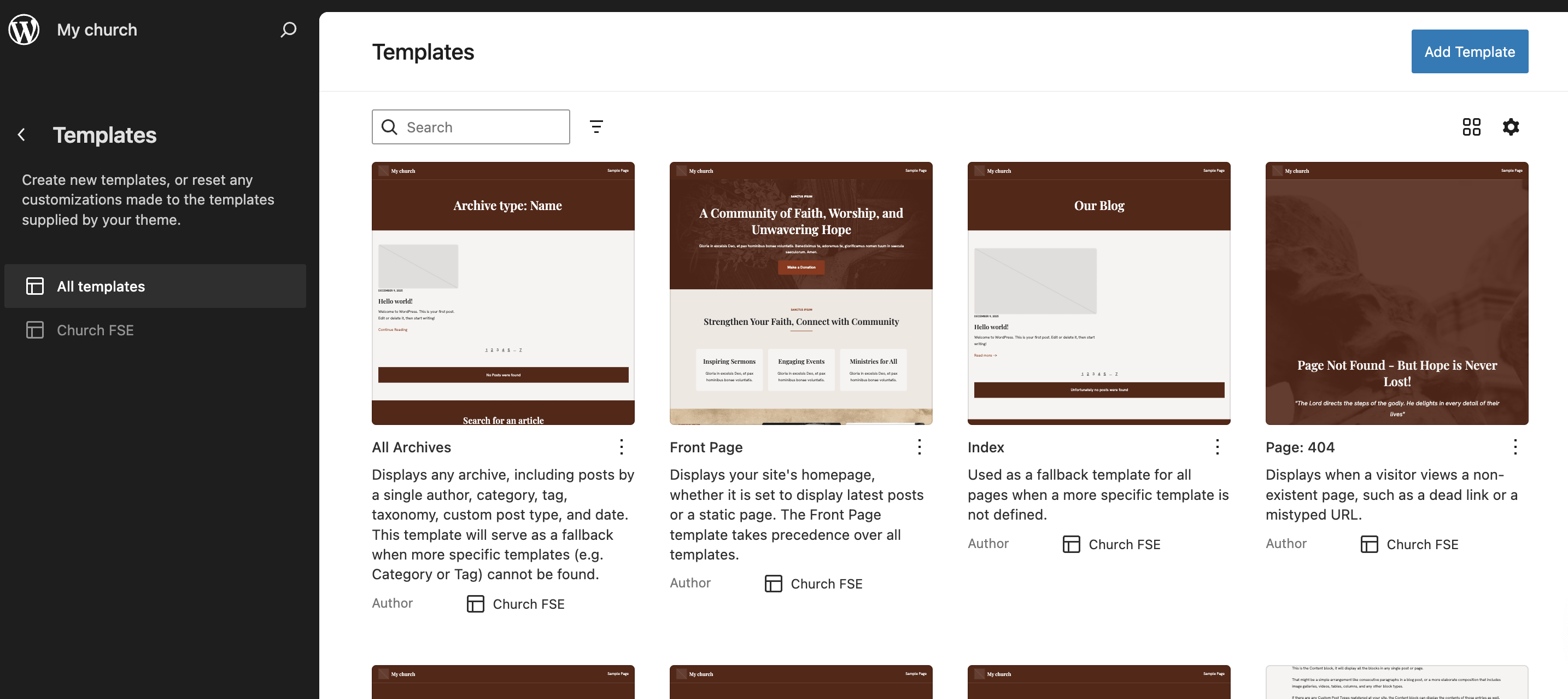
To see/edit or add new templates, navigate to Appearance > Editor > Templates.
📝 Note: Check this doc to learn how to design your own template pages and import them afterward.