
How backup originals are stored and how to restore them in Robin Image Optimizer
Enable the backup process for images
Before optimizing, all your images will be saved in a separate folder for future recovery.
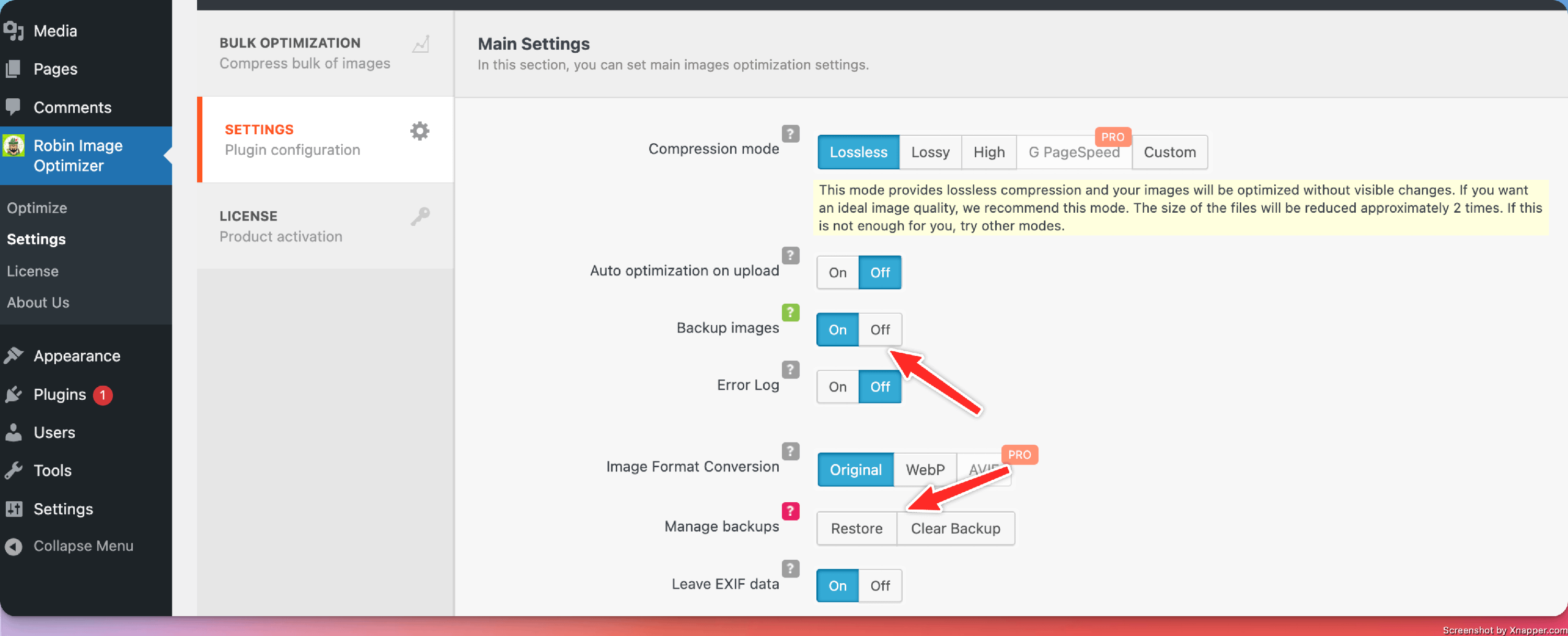
To enable this, navigate to your WordPress Dashboard > Robin Image Optimizer > Settings and enable "Backup Images".
Restore the original images from the backup
To restore the original images, navigate to your WordPress Dashboard > Robin Image Optimizer > Settings and for Manage backups select Restore.
Clear the backup
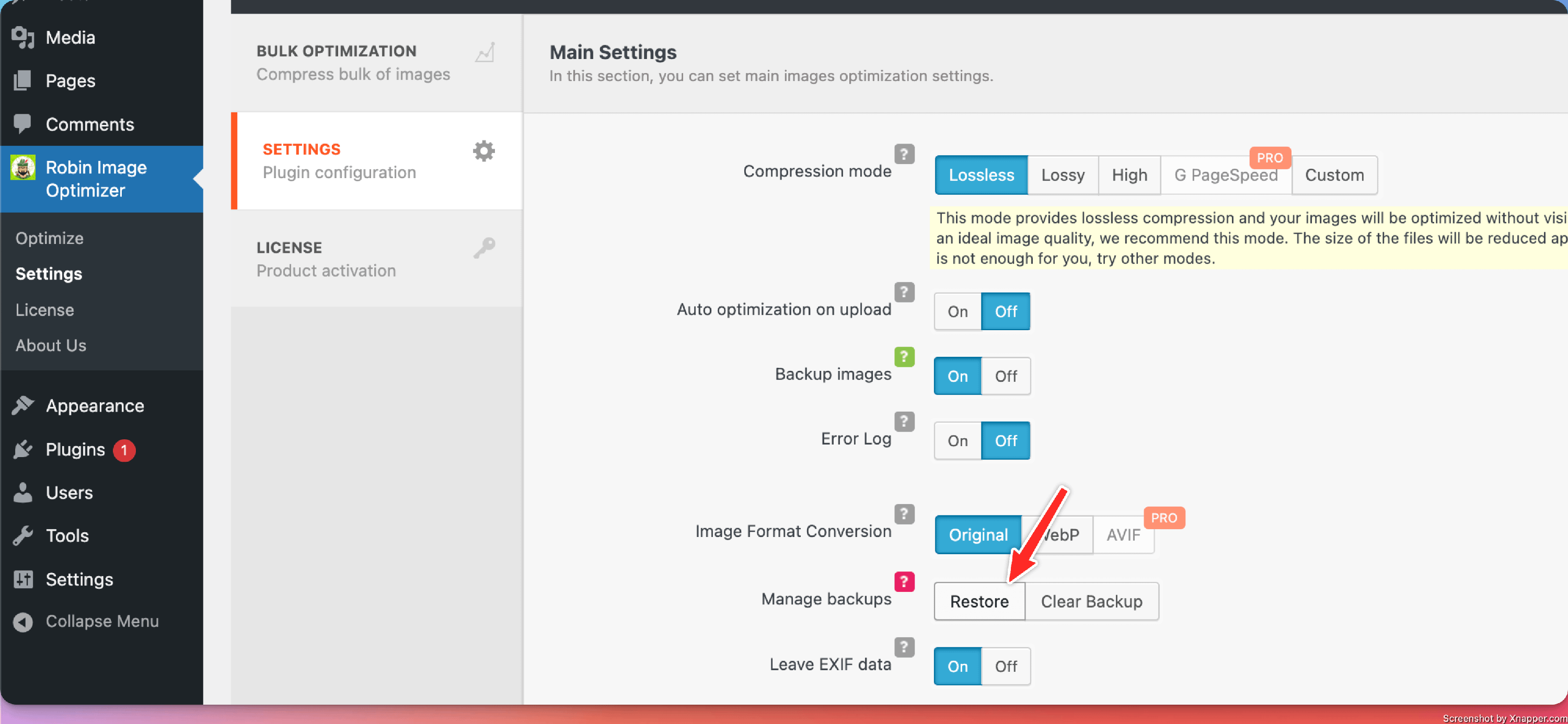
To clear the backup images, navigate to your WordPress Dashboard > Robin Image Optimizer > Settings and for Manage backups select Clear Backup.