How to Install and activate Robin Image Optimizer Pro license
Overview
This product work on a freemium mode:
- Robin Image Optimizer: The core WordPress Plugin, which provides basic functionality for image compression
Install Robin Image Optimizer
To install the Robin Image Optimizer Plugin:
📩 Download and Install
To download and install the Robin Image Optimizer plugin, make sure you follow the steps below:
- Navigate to the WordPress Dashboard > Plugins.
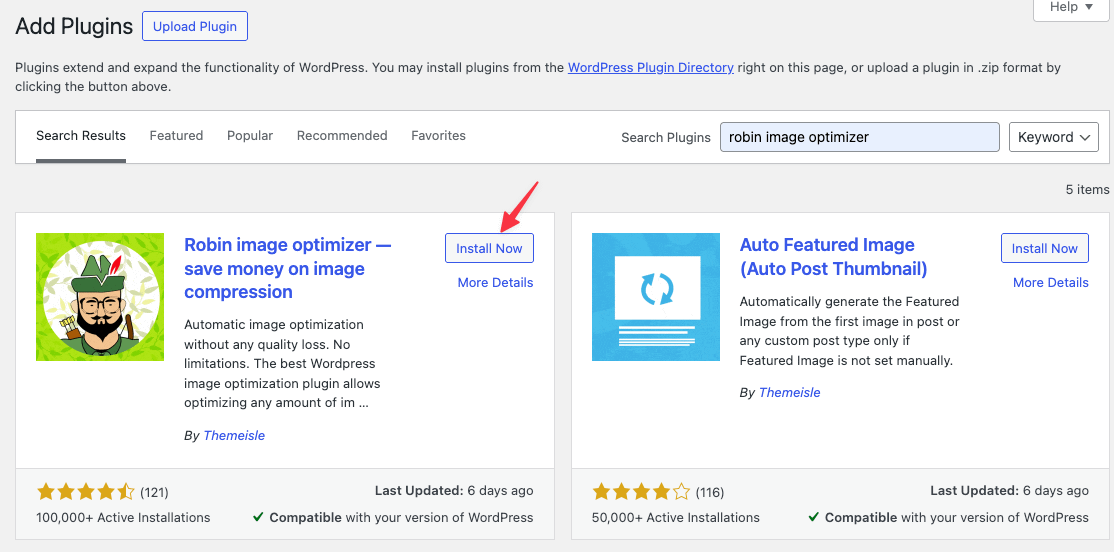
- Click the Add New button and type "Robin Image Optimizer" in the Search Bar.
- When the plugin appears, click on the Install button, and then, Activate the plugin, to start using it.
If you are a pro user then You must follow the rest of this Documentation to receive full functionality.
How to activate Pro License
To activate the Pro version of Robin Image Optimizer please follow these steps.
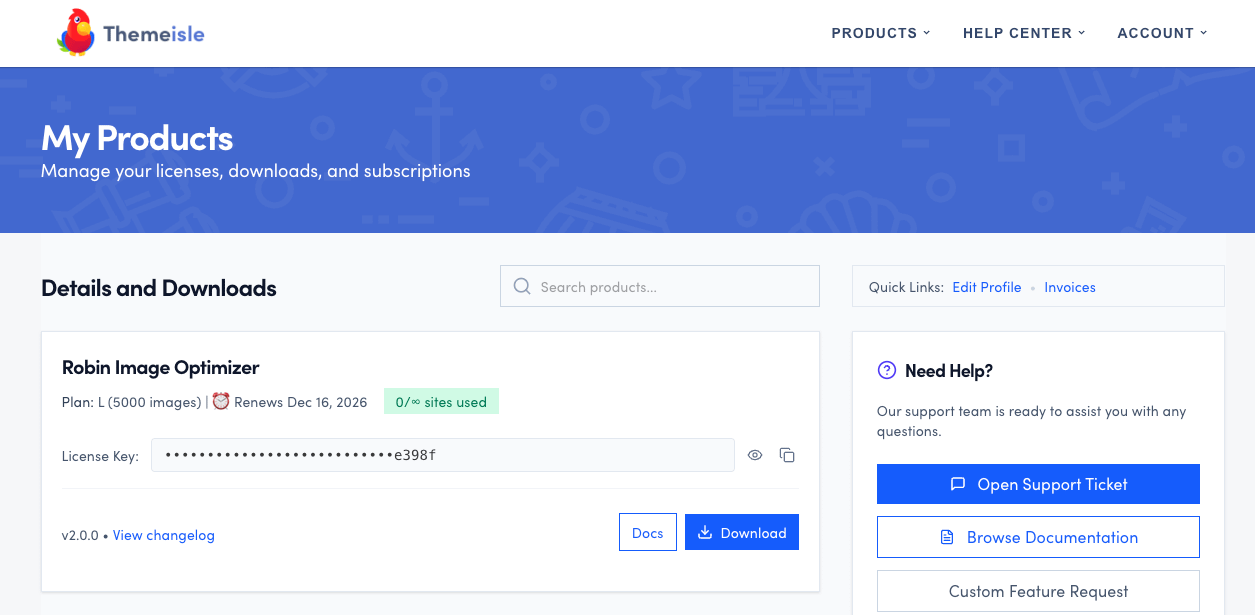
Visit our store - https://store.themeisle.com
Login with your credentials and navigate to the purchase history page.
You will be able to also download the product file as well as access the license key.
Are you a Safari user? Make sure Safari does not automatically unzip downloaded ZIP files at Preferences>General tab > uncheck the option Open “safe” files after downloading.
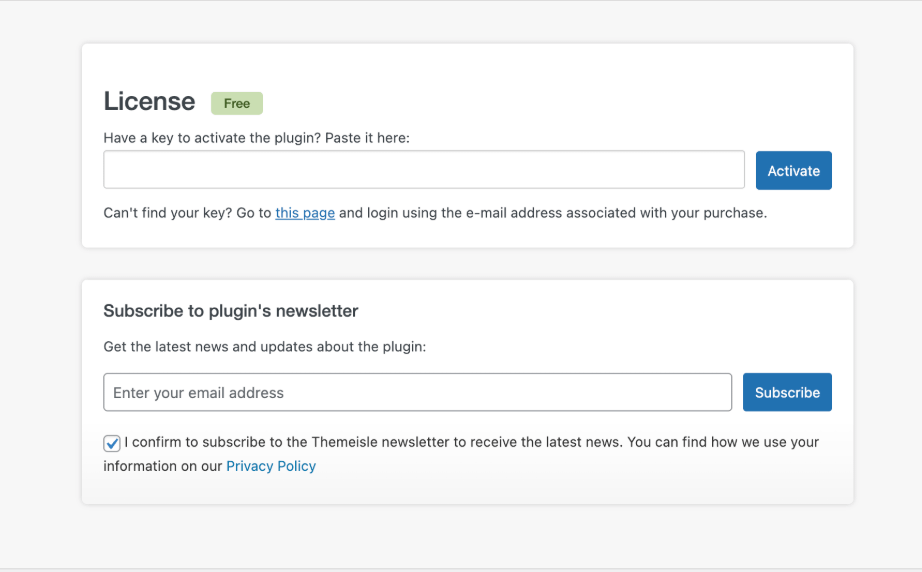
In order to unlock the pro features you need to activate your license key in the plugin's Licensing page.