
How to use Feedzy with a shortcode
Feedzy can be used with a shortcode. The advantage of this approach is that it can be used with any WordPress theme or page builder. We recommend adding it in a shortcode block/widget if the theme/page builder you are using has such an option.
In this article
How to use it
1. To use Feedzy in a shortcode, you need to insert the shortcode block.
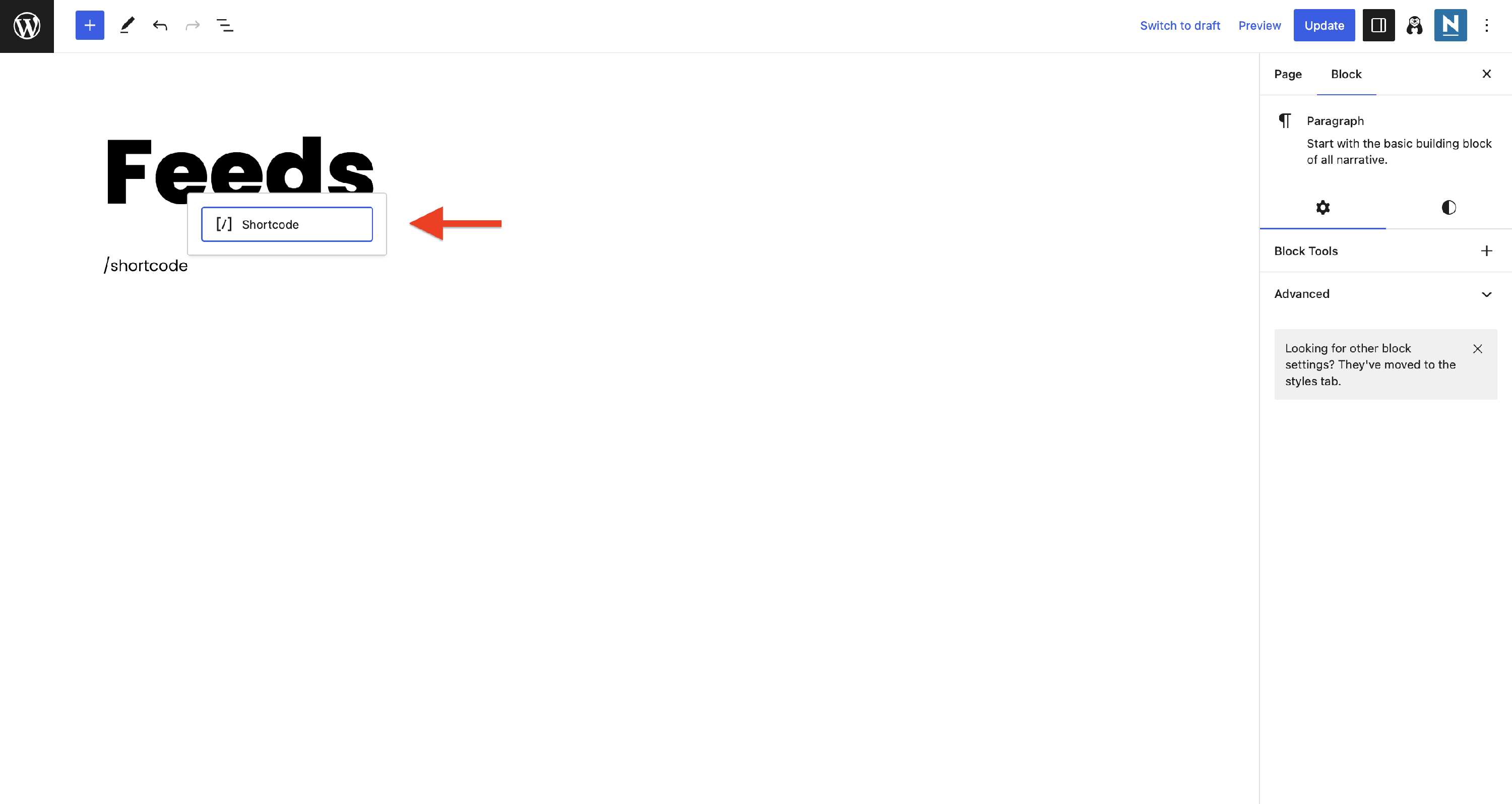
📝 Note: In this example, we have used the Gutenberg editor, but it's the same for other page builders.
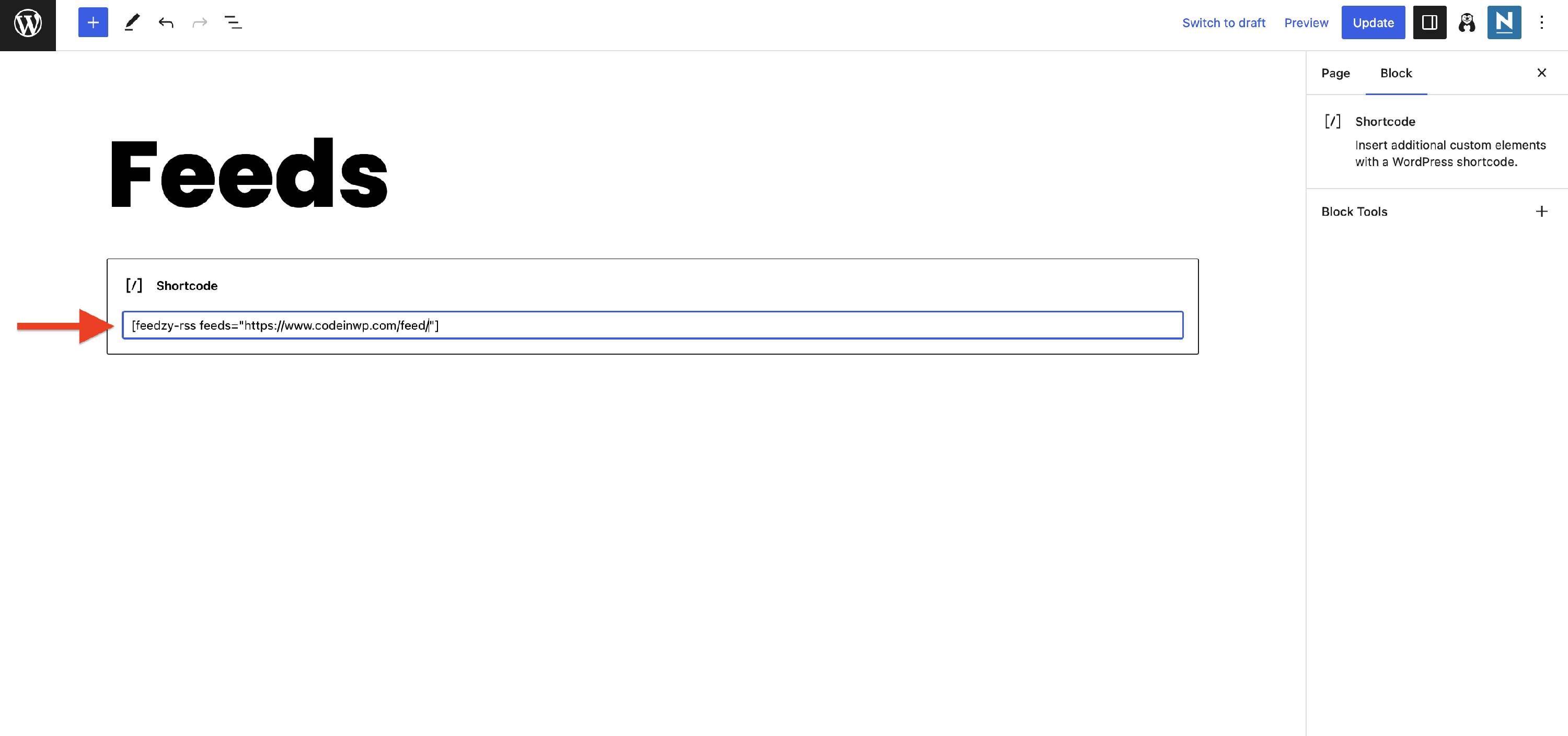
2. Get the feed URL that you want to display and paste it into the shortcode form.
What it looks like
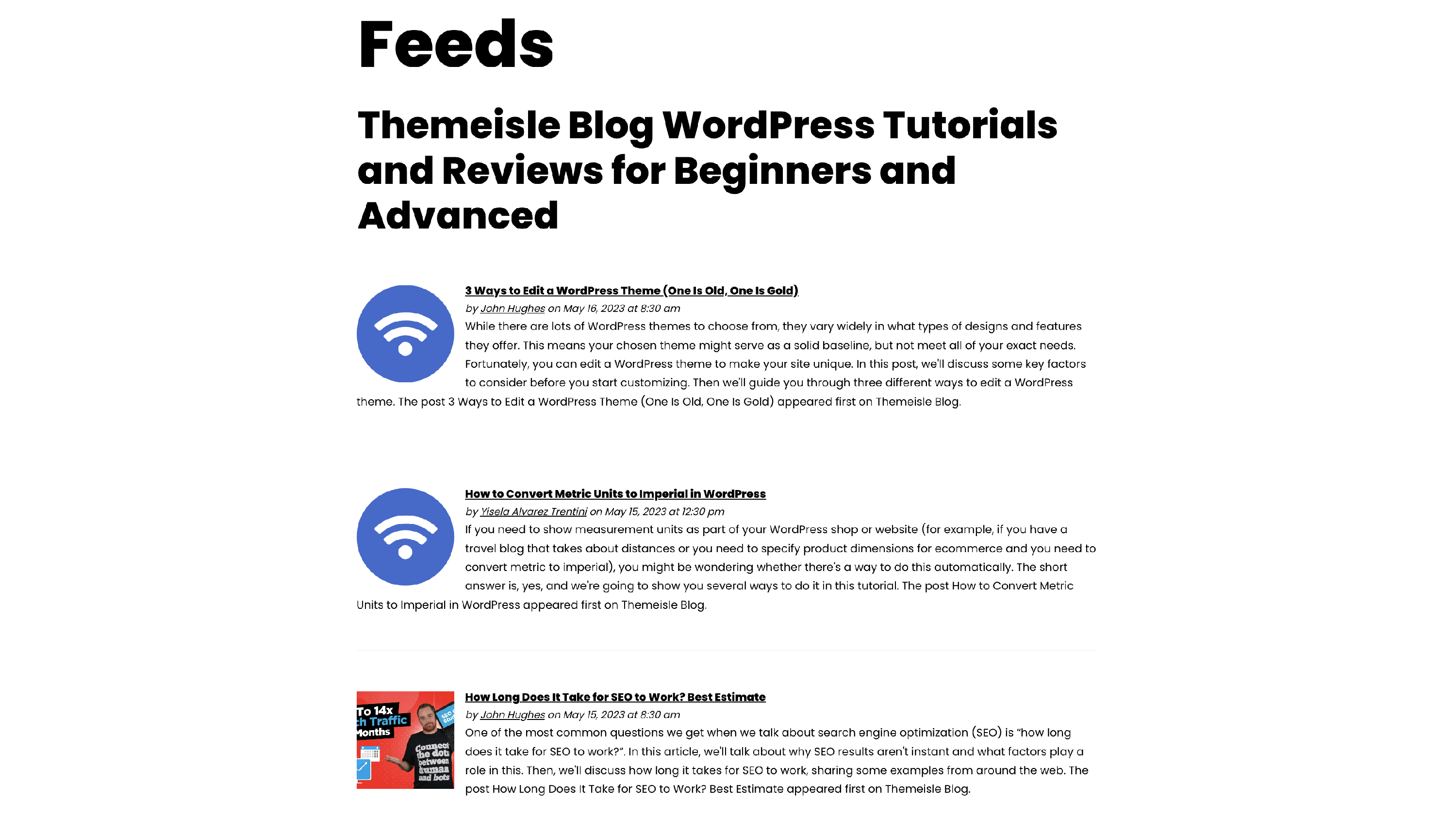
Example 1 - Basic shortcode
[feedzy-rss feeds="https://s3.amazonaws.com/downloads.themeisle.com/sample-feed-import.xml"]No other parameters are specified besides the source.
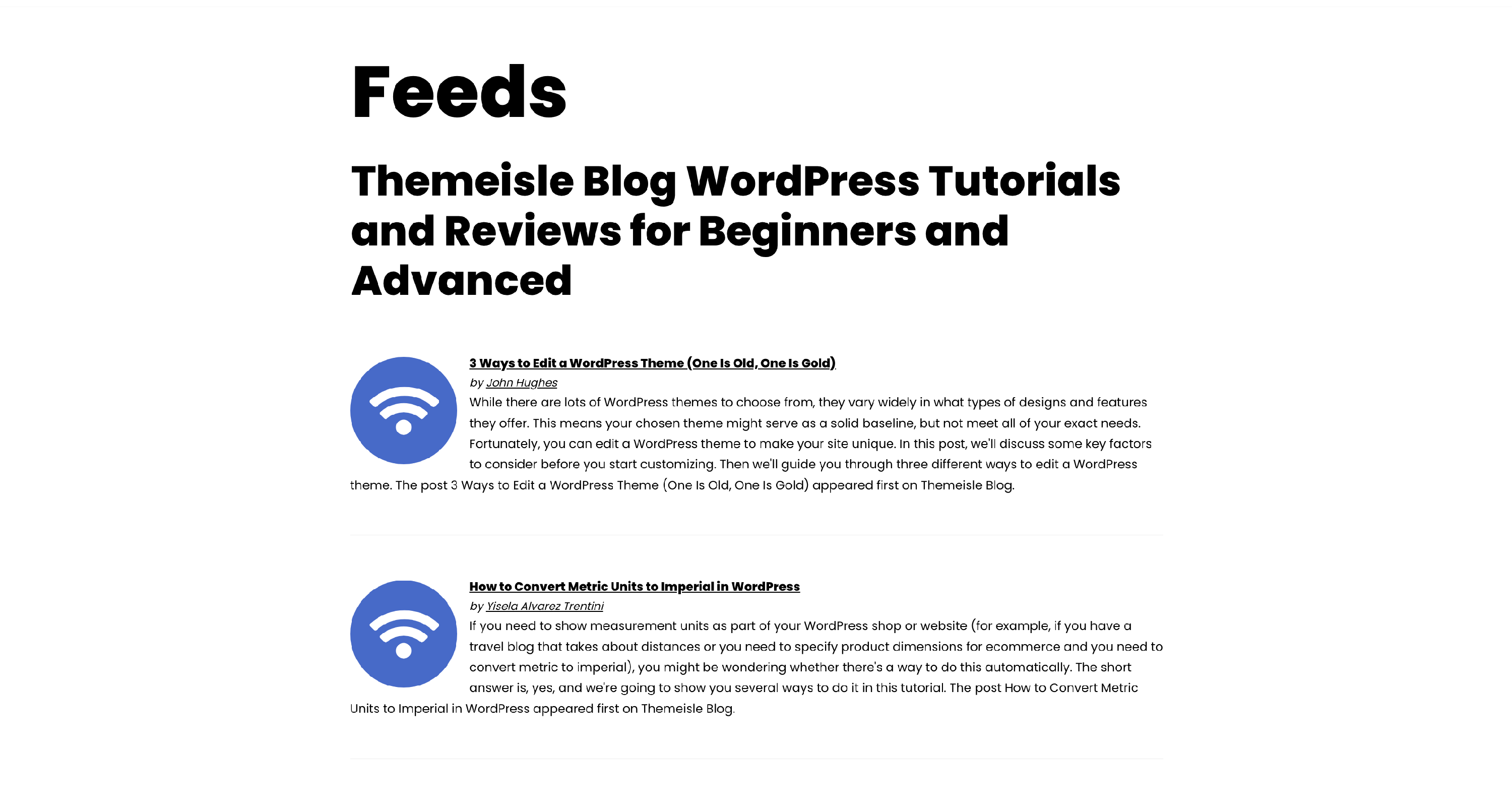
Example 2 - feeds number, title, and author
[feedzy-rss feeds="https://s3.amazonaws.com/downloads.themeisle.com/sample-feed-import.xml" max="2" feed_title="yes" meta="author"]Additional parameters:
- the number of feeds, maximum 2
- display the feed title
- display just the author in the metadata
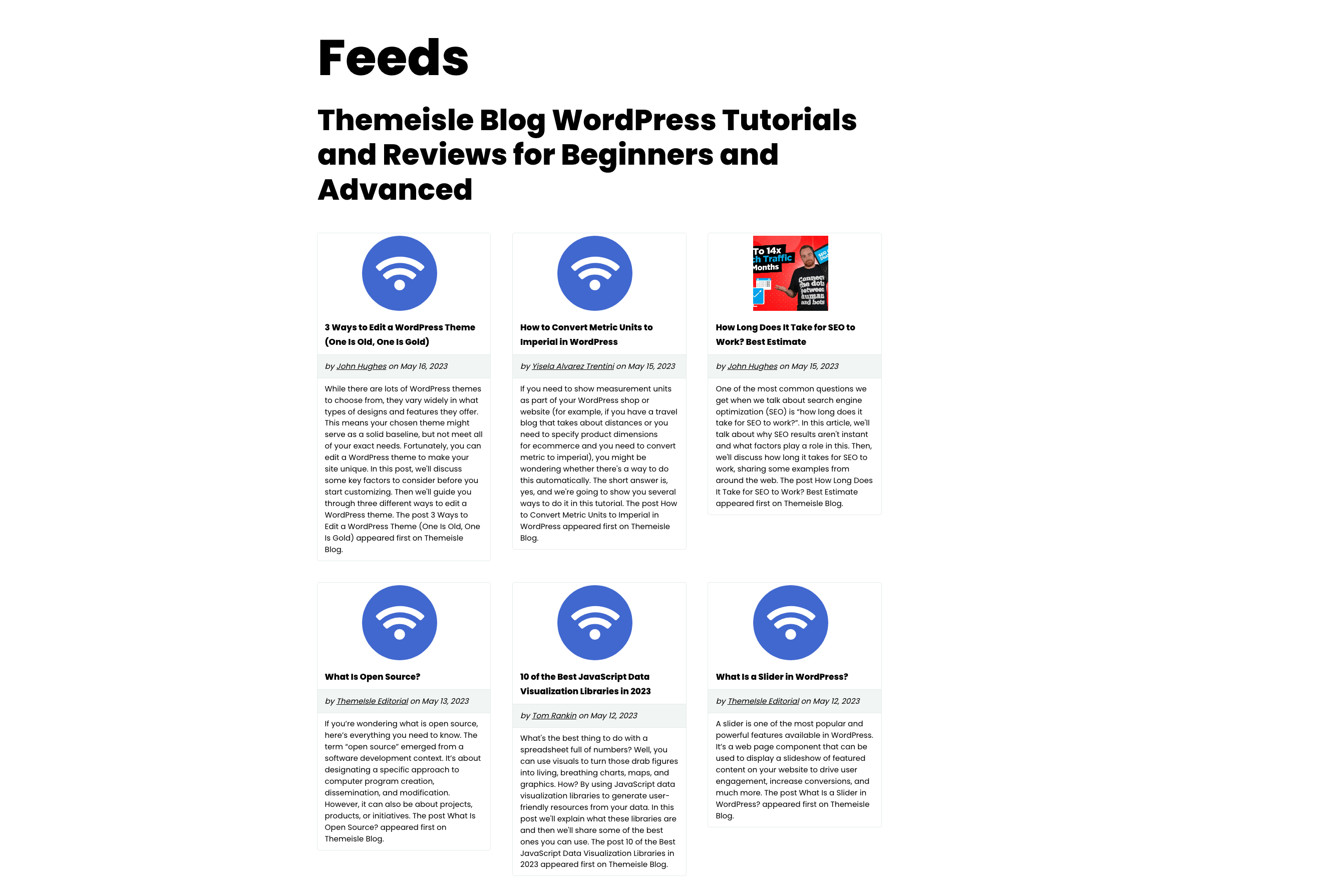
Example 3 - feeds number, title, author, date, layout, and template
[feedzy-rss feeds="https://s3.amazonaws.com/downloads.themeisle.com/sample-feed-import.xml" max="6" feed_title="yes" meta="author, date" columns="3" template="style2"]Additional parameters:
- the number of feeds, maximum 6
- display the feed title
- display the author & date
- display the feeds in a 3 columns layout [PRO version required]
- use the third template [PRO version required]
Example 4 - multiple meta
Showing the source of each feed item (in this case, Feedly and Themeisle) when using multiple feeds.
[feedzy-rss feeds="https://blog.feedly.com/feed/, https://themeisle.com/blog/feed/" max="30" multiple_meta="yes"]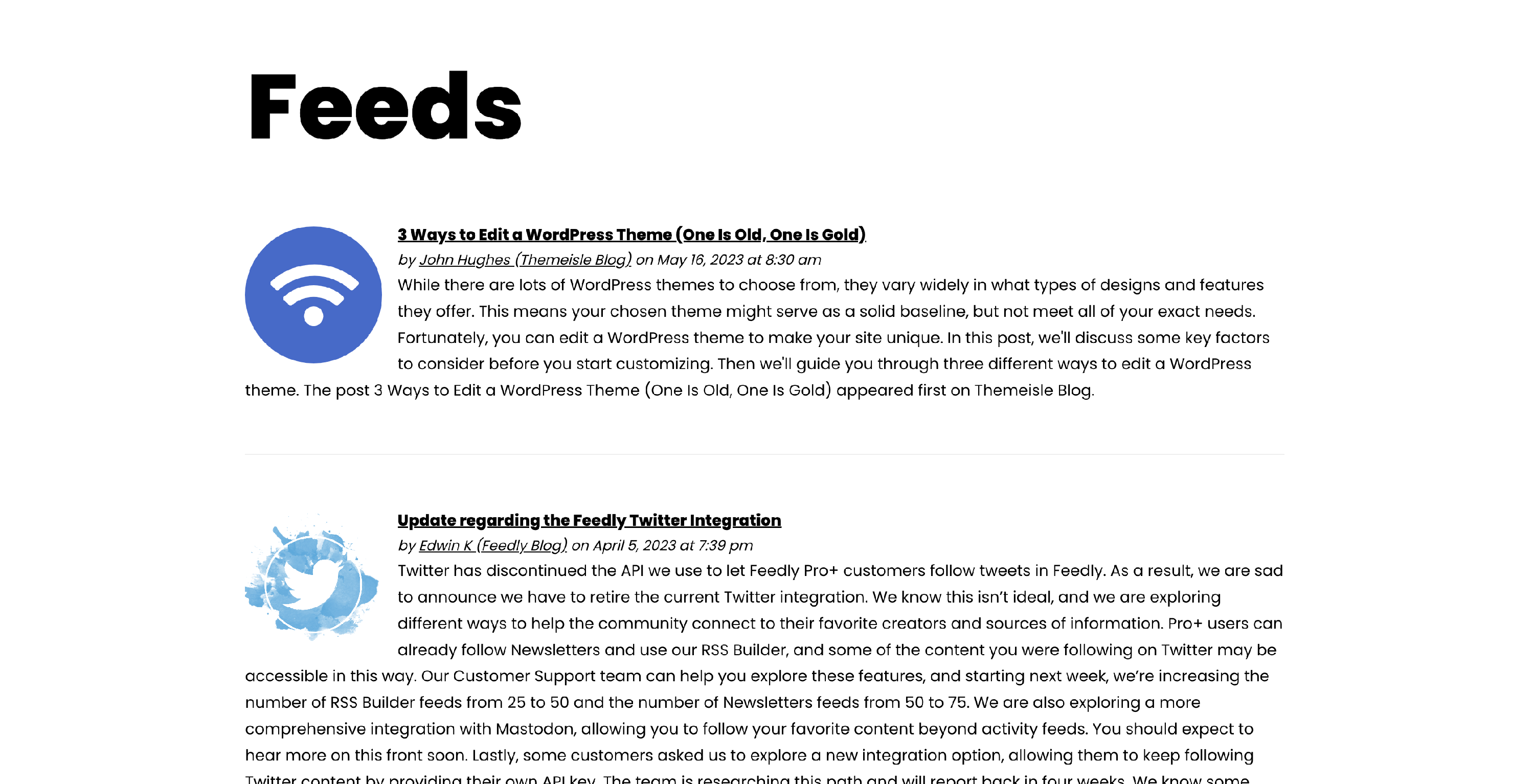
List of the available parameters
Feed Source
| Number of items to display | |
| max | any number between 1 and 30 |
| Should we display the RSS title? | |
| feed_title | yes | no |
| For how long we will cache the feed results | |
| refresh | 1_hours | 3_hours | 12_hours | 1_days | 3_days | 15_days |
| Sorting order | |
| sort | default date_desc (Date Descending) date_asc (Date Ascending) title_desc (Title Descending) title_asc (Title Ascending) |
| Display source of feed ( when using multiple feeds ) | |
| multiple_meta | yes | no |
| Message to show when feed is empty | |
| error_empty | e.g. THE FEED IS EMPTY! |
| Skin the first N items in the feed | |
| offset | e.g. do not display the first 5 items within the source |
Item Options
| Links may be opened in the same window or a new tab | |
| target | auto _blank _self _parent _top framename |
| Make this link a "nofollow" link? | |
| follow | yes | no |
| Trim the title of the item after X characters. A value of 0 will remove the title | |
| title | e.g. 150 |
| Should we display additional meta fields out of author, date and time? (comma-separated list). View documentation here. | |
| meta | e.g. author , date , time , tz=local, no |
| Should we display a description (abstract) of the retrieved item? | |
| summary | yes | no |
| Crop description (summary) of the element after X characters. | |
| summarylength | 160 |
| Only display item if the title or author or description contains specific keyword(s) (comma-separated list/case insensitive). Logical operators between the words are also allowed, comma(,) for OR, and plus(+) for AND | |
| keywords_title [ PRO version] | e.g. dragonball, dark+night -> "Dragonball" or "Dark Knight" |
| keywords_inc_on [ PRO version] | title | author | description |
| Exclude items if the title or author or description contains specific keyword(s) (comma-separated list/case insensitive). Logical operators between the words are also allowed, comma(,) for OR, and plus(+) for AND | |
| keywords_ban [ PRO version] | e.g. dragonball, dark+night -> "Dragonball" or "Dark Knight" |
| keywords_exc_on [ PRO version] | title | author | description |
📝 Note: keywords_title and keywords_ban use partial (substring) matching. A keyword matches any feed item where that string appears anywhere in the field, including inside other words. For example, keywords_title="AI" will also match titles containing "Fair," "Claims," or "Maintain" because those words contain the letters "ai."
Shortcode keyword filters do not support regex or word boundaries. If you need exact whole-word matching, use the Feedzy Loop block instead — its Matches Regular Expression operator accepts patterns like \bAI\b. See Feedzy Post Filter Options for more regex examples.
Item Image Options
| Should we display the first image of the content if it is available? | |
| thumb | yes | no | auto |
| Default thumbnail URL if no image is found | |
| default | e.g. https://live.staticflickr.com/65535/48307631976_5678930a75.jpg?fdl=1 |
| Thumbnails dimension. Do not include "px". Eg: 150 | |
| size | e.g. 150 |
| How should we treat HTTP images? | |
| http | force ( Force HTTPS -- please verify that the image exist on HTTPS) default ( ignore and show the default image instead ) |
Other options
| Lazy load feed items? | |
| lazy | yes | no |
| Should we display the price from the feed if it is available? | |
| price [ PRO version] | yes | no |
| Referral URL parameters as per this document here | |
| referral_url [ PRO version] | promo_code=feedzy_is_awesome |
| How many columns we should use to display the feed items | |
| columns [ PRO version] | e.g. 1 |
| Provide mapping for custom feed elements as per this document here. This will only work for single feeds, not comma-separated feeds. | |
| mapping [ PRO version] | See the document above |
Template to use when displaying the feed.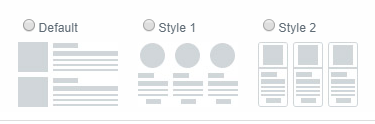 | |
| template [ PRO version] | default | style1 | style2 |
Video Resources
Here's a video showing how to display several RSS feeds on one WordPress page with Feedzy RSS Feeds: