
How to remove the cart icon from menu in Hestia PRO
The Cart icon can be enabled or disabled from Appearance > Customize > Header Options > Website - Header > Enable menu Mini Cart.
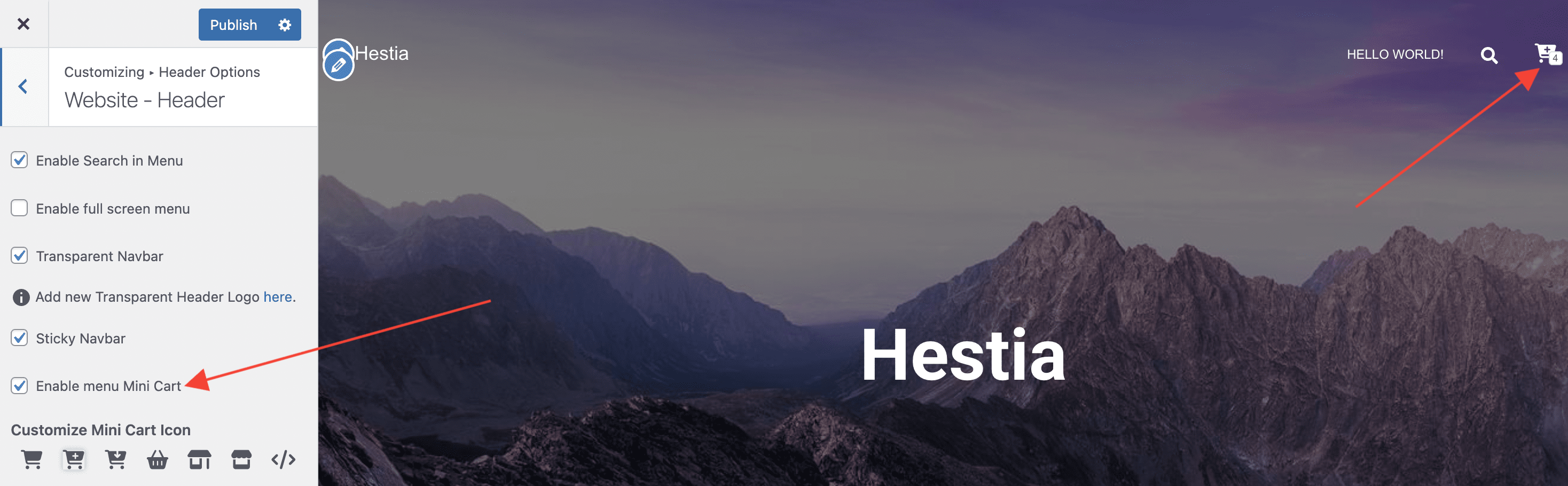
The Cart icon can be enabled or disabled from Appearance > Customize > Header Options > Website - Header > Enable menu Mini Cart.