
Settings Explained Complete Reference
Complete documentation of every setting in Auto Featured Image. Use this as your comprehensive reference guide.
Accessing Plugin Settings
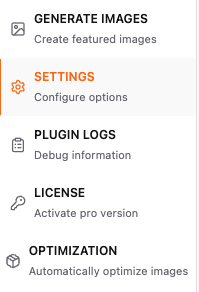
Navigate to Auto Featured Image> Settings in your WordPress dashboard.
1. Post Type Selection
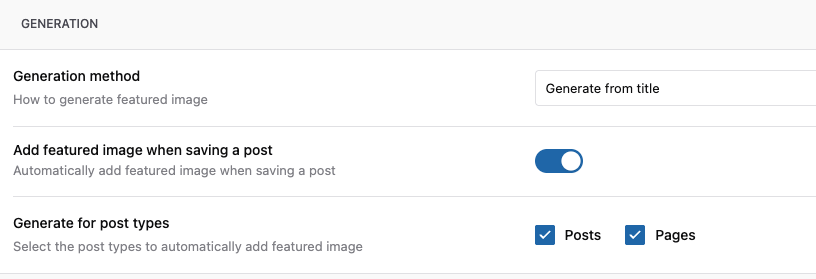
Generate for Post Types
Purpose: Choose which post types should have auto-generated featured images.
How to Configure:
- Check the boxes for post types you want to enable
- Custom post types appear automatically if registered
- Click Save Changes
2. Generation Methods
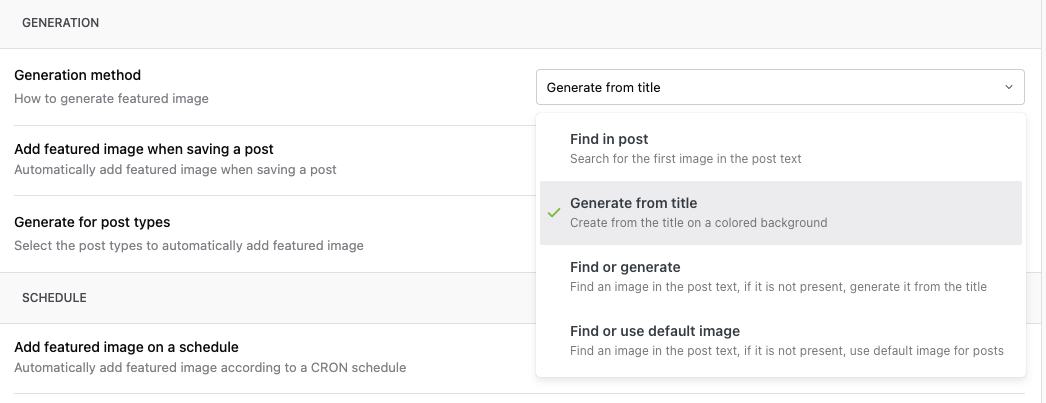
Primary Image Source
Purpose: Define how featured images should be created.
Option A: Find in Post
What it does: Uses the first image found in post content
Settings:
- Scan Depth
First Image Only(default)
When to use: - Content already has images - Image selection should be automatic - Want fastest performance
Option B: Generate from Post Title
What it does: Creates a custom graphic with post title text
Note: Please check this detailed Guide on How to Generate featured Image from Post Title.
When to use: - Opinion pieces - Tutorials without screenshots - Announcements - News articles
Option C: Find or Generate
What it does: It tries to find images in content, if it is not present then it generates from Title
It is a combination of Option B and Option C
Option D: Find or Use Default Image
What it does: It tries to find images in content, if it is not present then it uses the default images configured in settings
3. Default Image Configuration
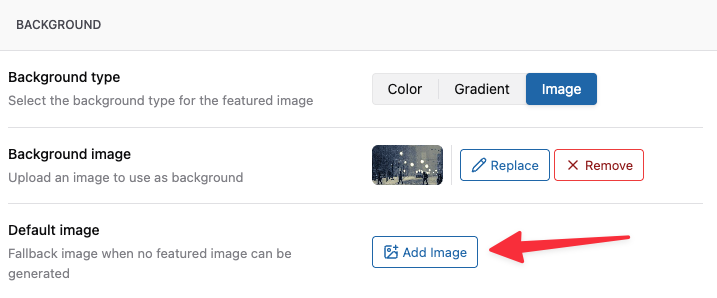
Purpose: Set fallback images when no other method succeeds.
Site-Wide Default
Upload Default Image: Add Image Button
4. Auto-Generation Toggles
Purpose: Control when automatic generation occurs.

Automatic Generation
- Auto-generate on post publish
- When: New post status changes to 'published'
- Condition: Only if no featured image exists
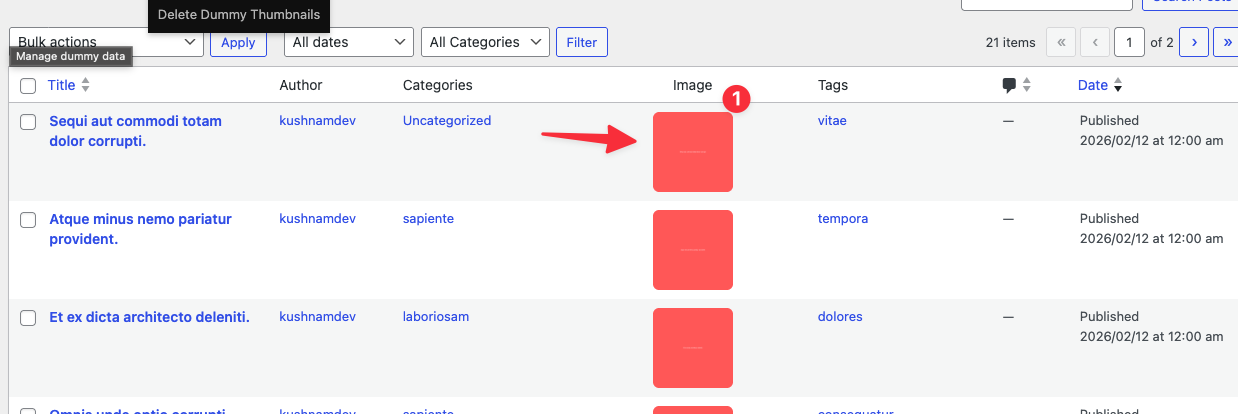
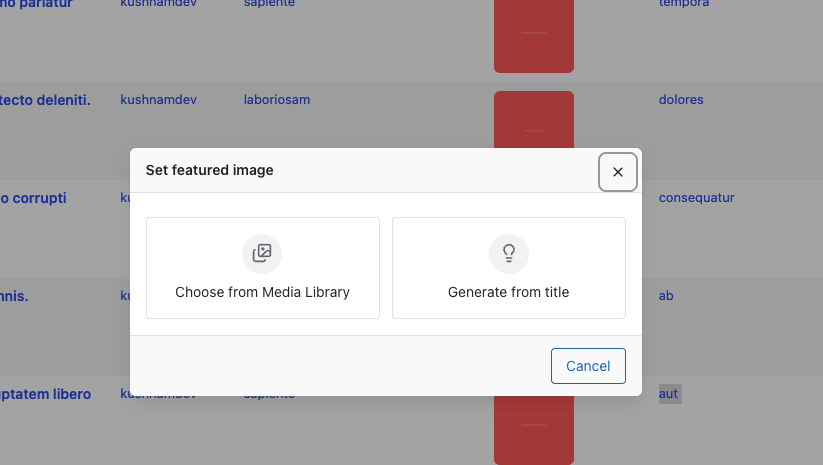
Manual Generation
- Show "Generate Featured Image" button in post editor page (Pro)
- Location: Featured Image column
- Allows manual trigger per post
5. Bulk Operations
Purpose: Process multiple posts at once.
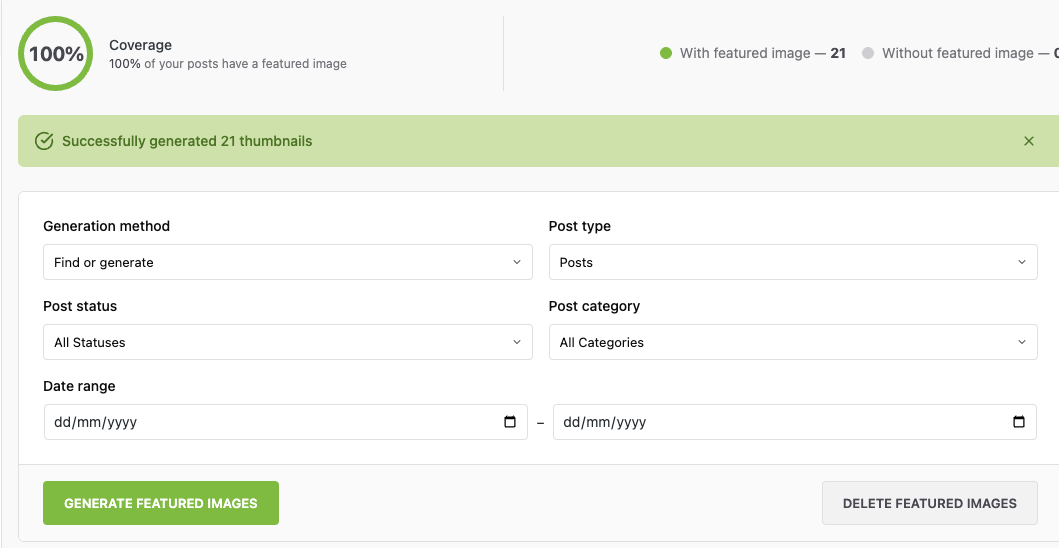
Bulk Generation Settings
Post Selection:
- Post Types: [Select: Posts | Pages | Products]
- Post Status: [Select: Published | Draft | Pending | All]
- Date Range:
- From:
[Date Picker] - To:
[Date Picker]
Filters: - Categories: [Multi-select dropdown] - Tags: [Multi-select dropdown] - Author: [Dropdown] - Custom Taxonomy: [If applicable]
6. External APIs (Pro Only)
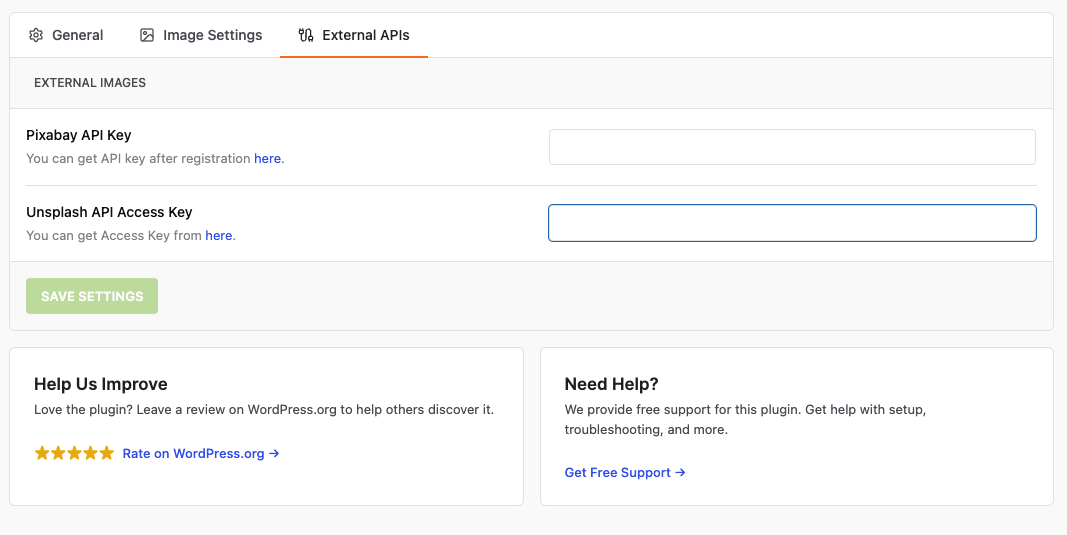
Purpose: You can connect to External API such as Pixabay and Unsplash to Import the images for your post directly from these platforms.
7. License (Pro Only)
Purpose: Manage your Pro license.
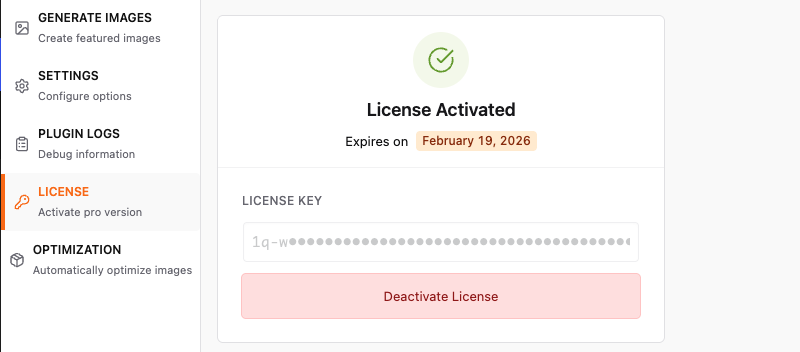
License Key: _____-_____-_____-_____
- Status: ● Active / ○ Inactive
- Expires:
2026-12-31
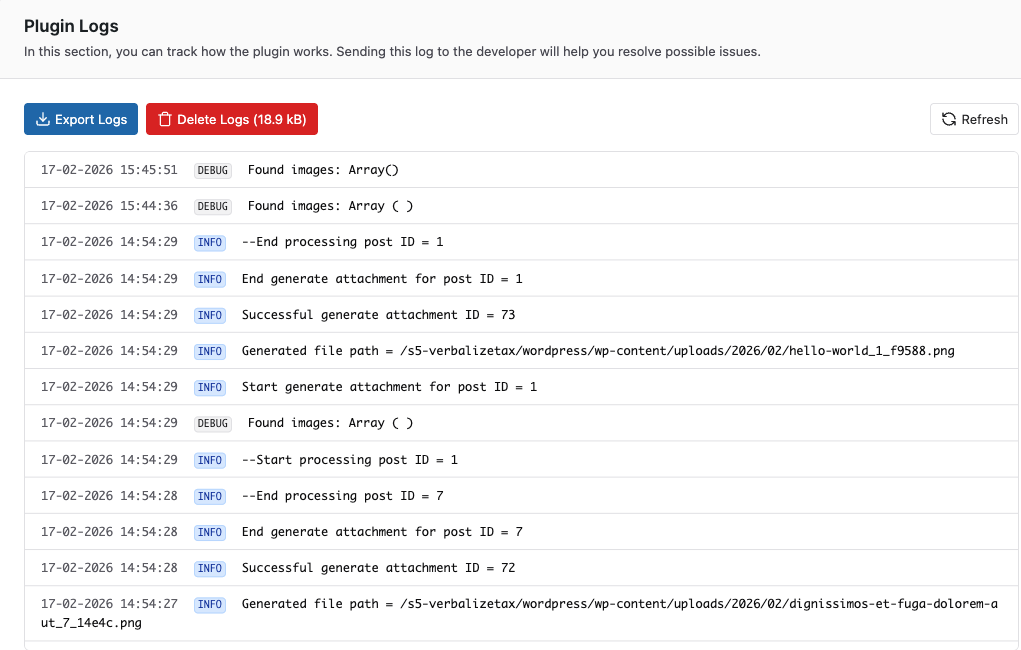
8. Error Logs
Purpose: View and manage the error log generated during the usuage of plugin
Default Settings Recommendations
For Blogs with Image-Heavy Content
✓ First Image from Content ✓ Auto-generate on publish ✗ Auto-generate on update (unless needed) ✓ Import external images Minimum dimensions: 400x300
For Text-Based Content
✓ Generate from Post Title ✓ Stock Image Search (Pro) ✓ Default fallback image Background: Branded color/image Font: Brand font, 48px
For E-commerce Sites
✓ First Image from Content (for products with images) ✓ Category-based defaults (Pro) ✓ Custom dimensions: 800x800 ✗ Auto-generate on update (preserve manual images)
For News/Magazine Sites
✓ First Image from Content ✓ Stock Image Search fallback (Pro) ✓ Auto-generate on publish Batch processing: 20 posts Enable caching for stock searches
Troubleshooting Settings
Settings Not Saving?
- Check file permissions on wp-content/uploads
- Disable caching plugins temporarily
- Clear browser cache
- Check for JavaScript errors in console
Custom Post Types Not Showing?
- Verify post type is registered correctly
- Check post type supports 'thumbnail'
- Re-save permalinks (Settings > Permalinks)
API Keys Not Working?
- Verify keys are correct (no extra spaces)
- Check API quotas/limits
- Test keys using external tool
- Review API provider status page
Related Articles
- Quick Start Guide
- Understanding How Auto Featured Image Works
- Generating Featured Images from Post Content
- Creating Featured Images from Post Titles
- Using Stock Image Search