How to Install Auto Featured Image Free and Pro
How to install the free version
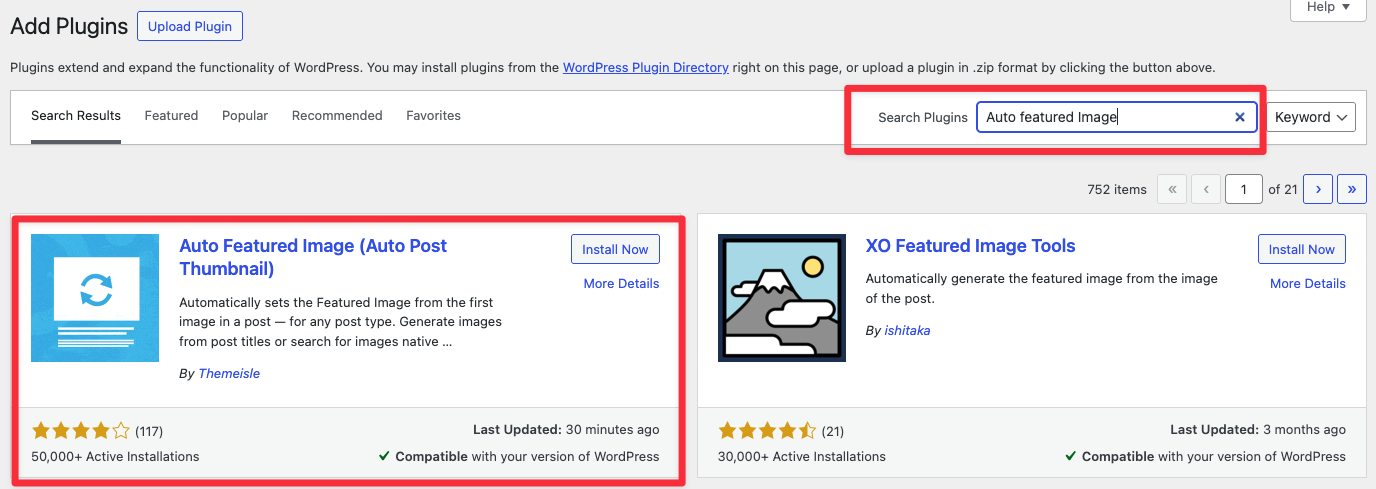
In your WordPress Dashboard, navigate to Appearance > Plugins > Add Plugin. Enter the plugin name Auto Featured Image in the search bar.
Click Install now next to the corresponding plugin name. Once the installation is completed, activate Auto Featured Image.
How to install the premium version
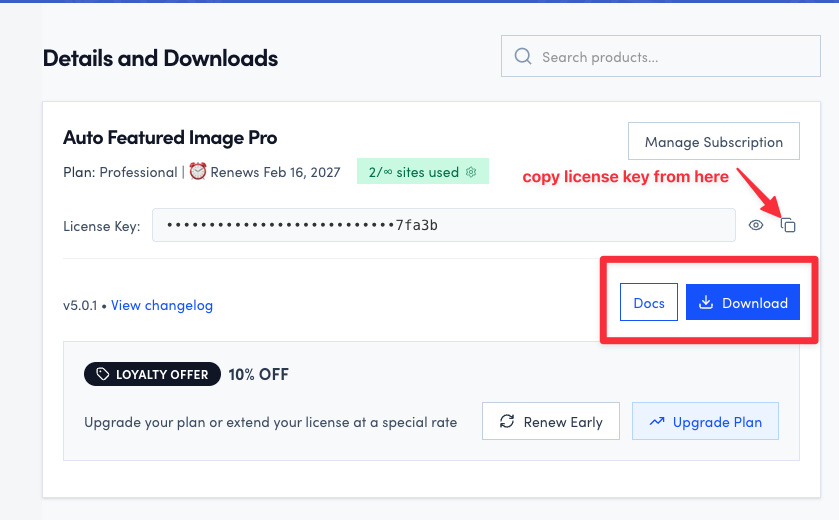
- Download Auto Featured Image Pro from your Purchase History. The file should be a .zip
- In your WordPress Dashboard, navigate to Plugins.
- Click on Add New Plugin, upload the .zip file, and click on the Install Now button.
- After the install is done, click on Activate.
Note: The free version will be automatically deactivated once you activate the pro version.
How to activate the license key
Navigate to your account on https://store.themeisle.com/, and copy the license key.
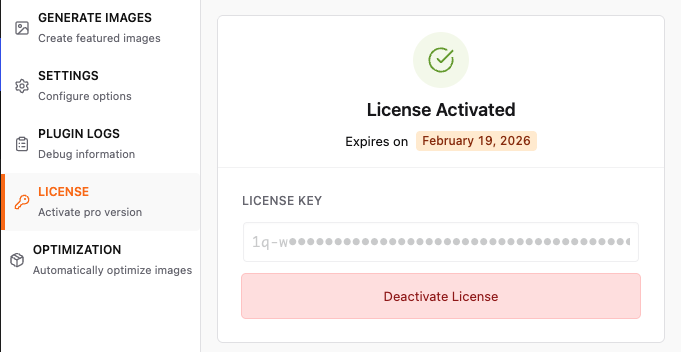
Copy your license key and add it here: Auto Featured Image > License. Then click Activate License.