How can I export a chart?
📝 Note: This feature is part of Visualizer: Charts and Graphs. Take a look at the complete documentation of the plugin here.
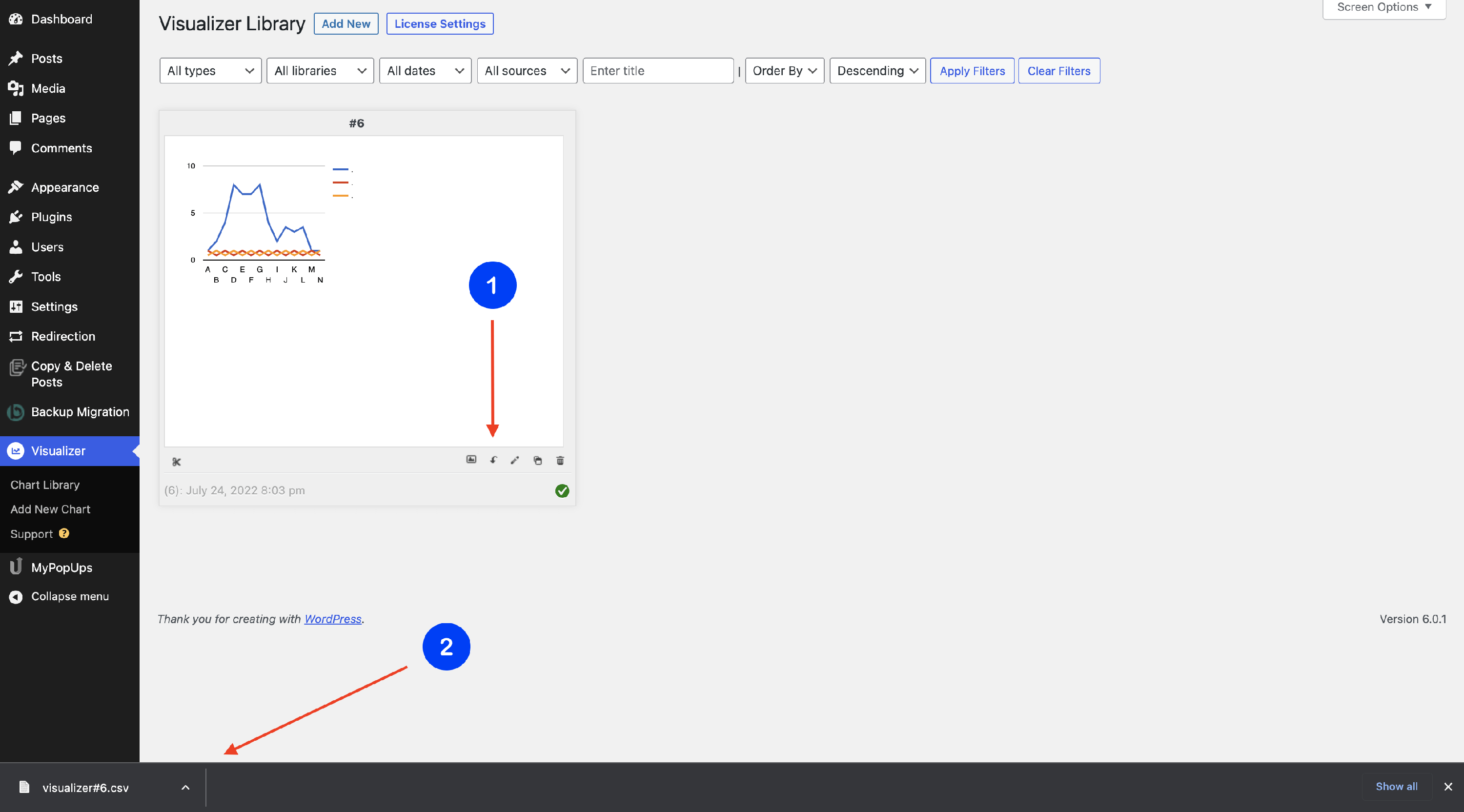
Exporting a Chart's data is a simple operation. Follow the steps below to accomplish the cloning process:
1. Navigate to Dashboard > Visualizer > Chart Library.
2. Click on the Export CSV (⬇️) icon.
3. The .csv file downloads automatically to your device.