
How can I clone a chart?
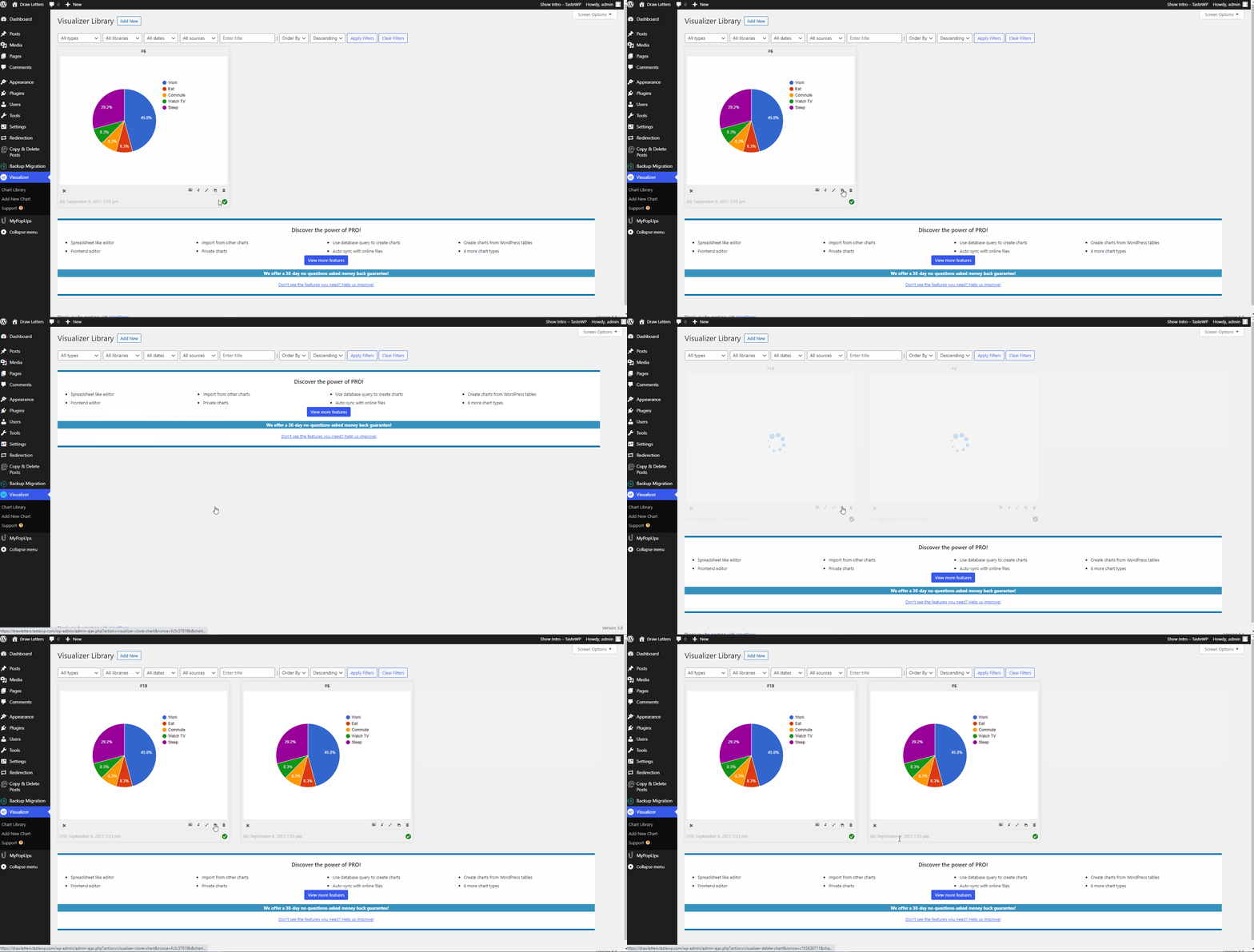
Follow the steps below to accomplish the cloning process:
1. Navigate to Dashboard > Visualizer > Chart Library.
2. Click on the Duplicate icon.
3. Enjoy the new chart.
Follow the steps below to accomplish the cloning process:
1. Navigate to Dashboard > Visualizer > Chart Library.
2. Click on the Duplicate icon.
3. Enjoy the new chart.